 FLASHLOOK.AI
Flashlook Guides - How-to
Step-by-step guides to every Flashlook feature - from your first shoot to presets, video, models and the API.

Studio vs. Location: Mastering Fashion Photography with AI
Choosing between a clean studio backdrop and a dynamic location is crucial for fashion photography. Learn how AI platforms like Flashlook help you decide for PDPs, lookbooks, and campaigns.
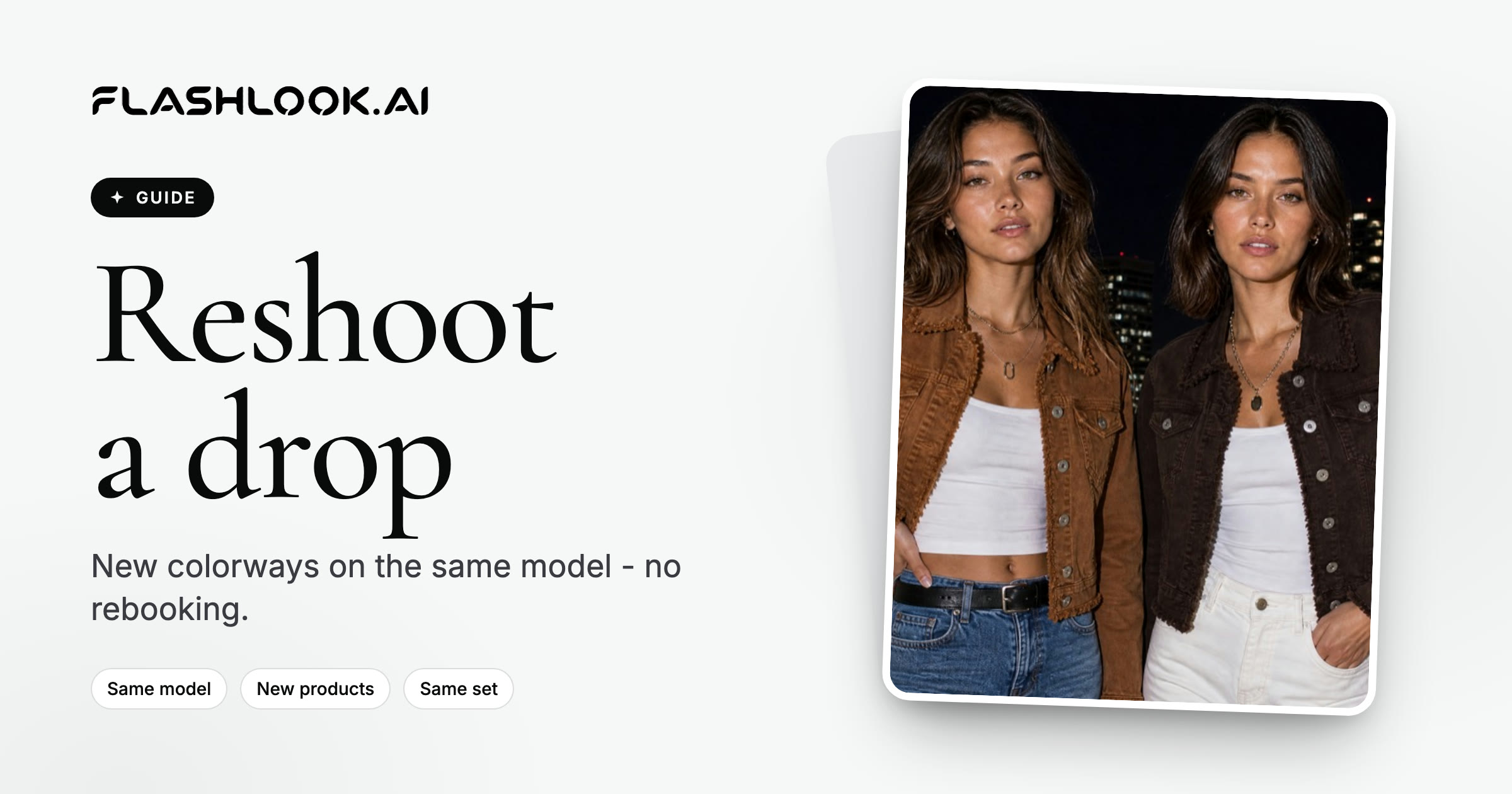
How to Reshoot a Product Drop Without Rebooking a Model
Learn how to efficiently update your product photography for new colorways or seasonal drops using virtual models and saved presets, eliminating the need to rebook a physical model.

How to Cast a Consistent AI Fashion Model Roster for Your Brand
Discover how to build a cohesive AI fashion model roster for your brand's seasonal lookbooks, blending public and custom virtual models for a consistent, professional aesthetic.

Mastering Urban Fashion Photography with AI: A Flashlook Guide
Discover how to create stunning urban fashion photography using Flashlook's AI platform, blending virtual models with real outdoor cityscapes like Street, Cafe Terrace, and Rooftop scenes.

Mastering Everyday Fashion Photography with AI: An Outdoor Guide
Discover how to create stunning everyday fashion photography using AI, leveraging Flashlook's Atelier for realistic outdoor scenes and virtual models.

Mastering Fashion Photo Aspect Ratios for Every Channel
Discover how choosing the right aspect ratio in Flashlook's Atelier ensures your fashion photos are perfectly optimized for product pages, social feeds, and vertical video, right from the start.

From Still to Motion: Crafting Engaging Video Ads from Product Photos
Transform your static product photos into dynamic, short video ads perfect for PDPs, social media, and digital lookbooks. Learn how Flashlook's AI-powered platform makes it easy.
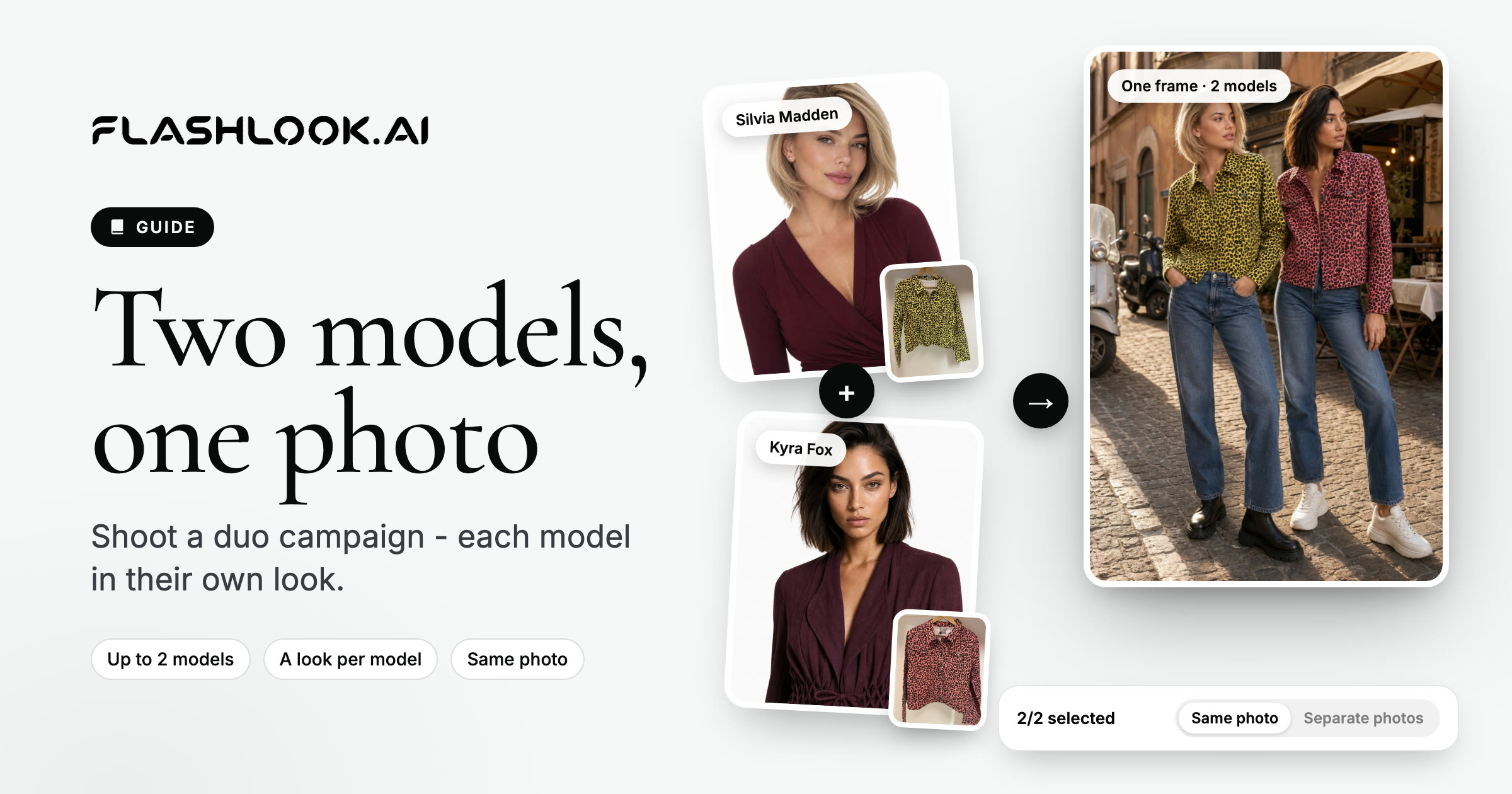
Mastering Duo Fashion Campaigns: Two AI Models, One Photo
Discover how to create captivating fashion campaigns featuring two AI-generated models in a single frame. This guide walks you through the process of selecting models, assigning distinct looks, and ensuring a cohesive, high-quality duo photoshoot using Flashlook's platform.

Mastering AI Outfit Product Photography: A Flashlook Guide
Discover how to create stunning multi-product fashion shoots with Flashlook, styling complete outfits on virtual models instead of individual items.
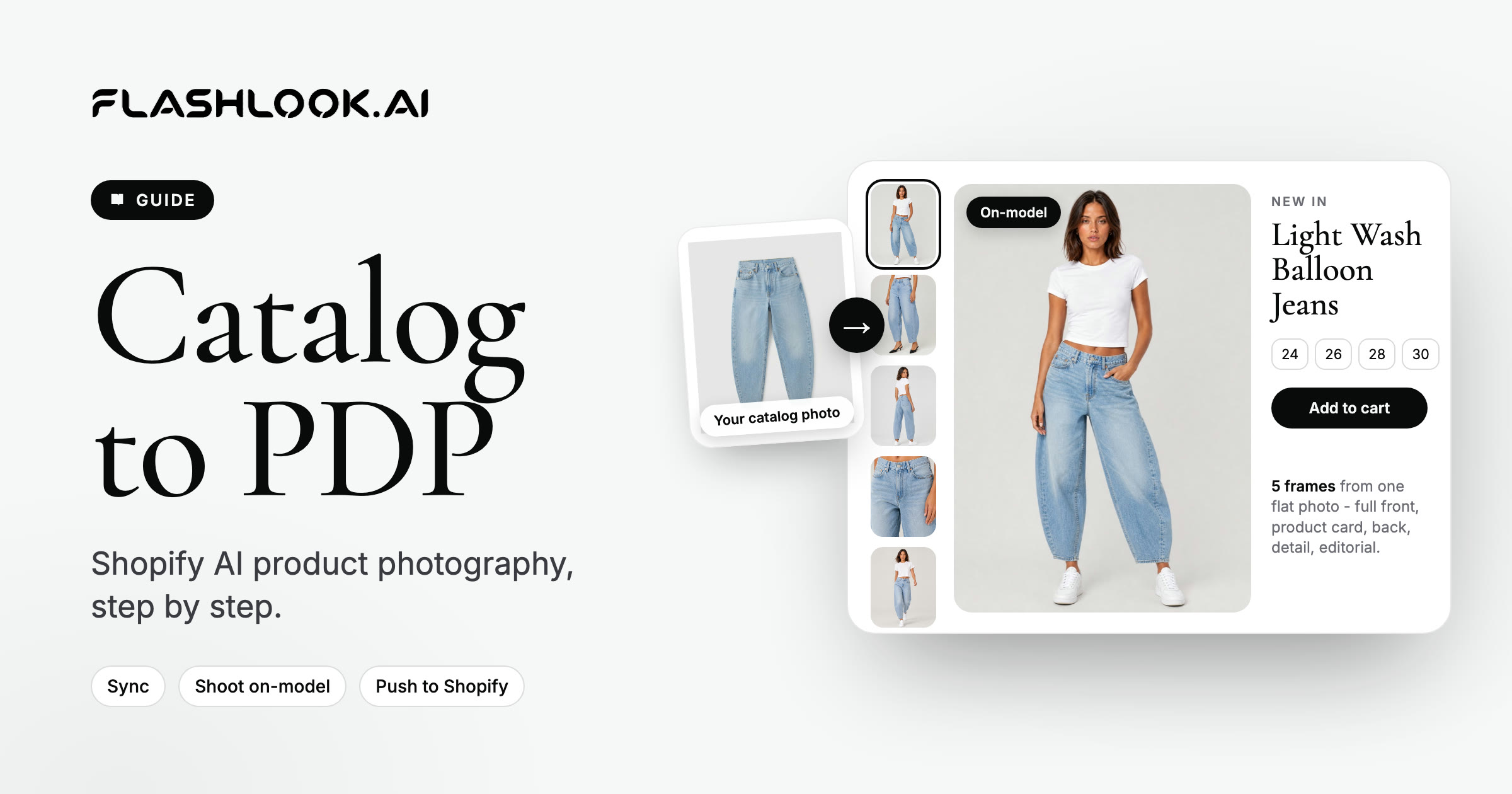
From Catalog to Conversion: Shopify AI Product Photography with Flashlook
Learn how to transform your Shopify product catalog with AI-generated on-model photography. This guide covers installing the Flashlook Shopify app, syncing products, creating stunning visuals, and pushing them directly to your product pages.
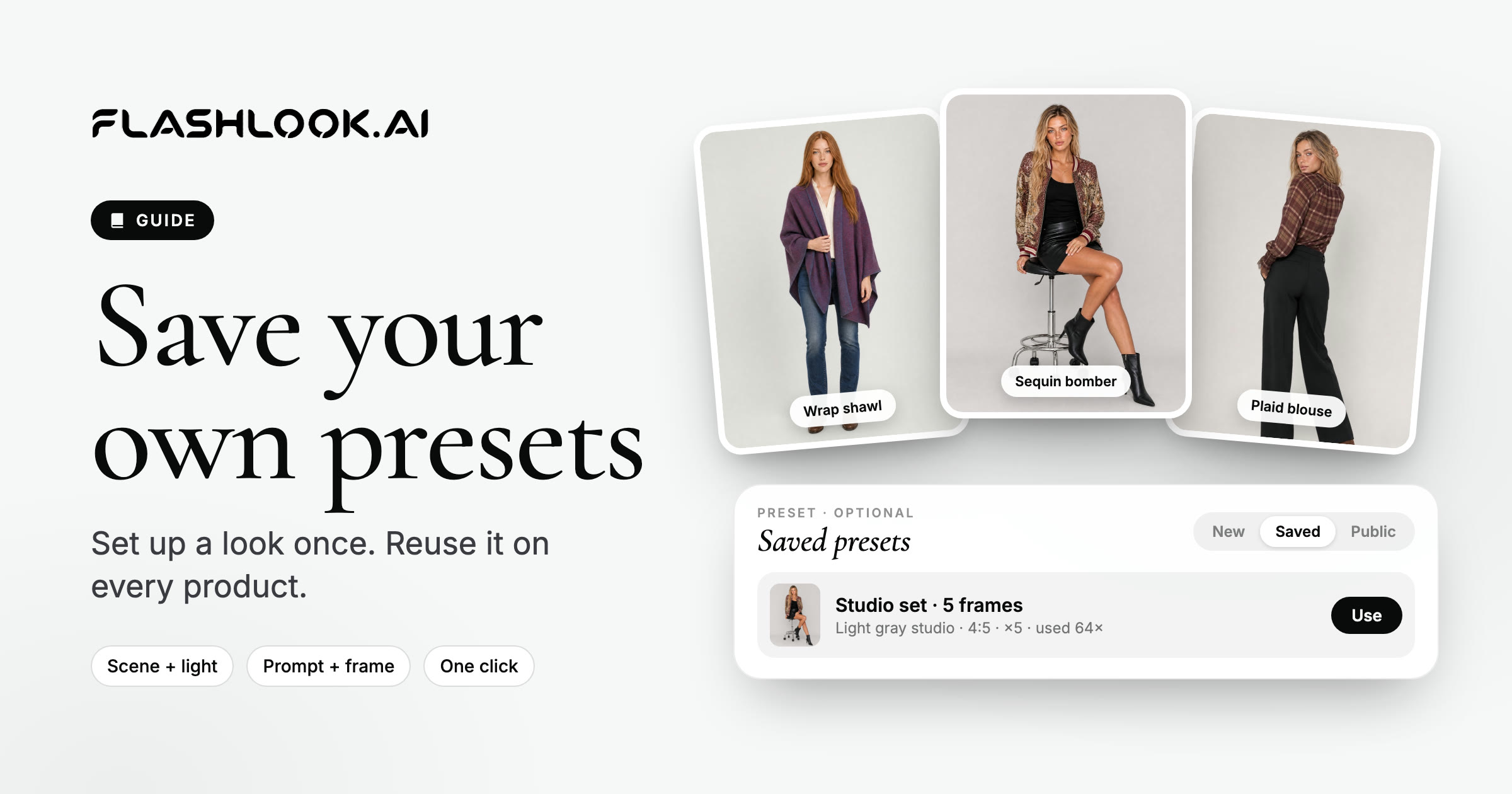
Mastering Flashlook: Save and Reuse Shoot Presets for Consistent Catalog Art Direction
Learn how Flashlook shoot presets can revolutionize your fashion photography workflow. Save your preferred scene, style, and prompt settings to apply a consistent art direction across all your product SKUs, ensuring a cohesive brand image with ease.
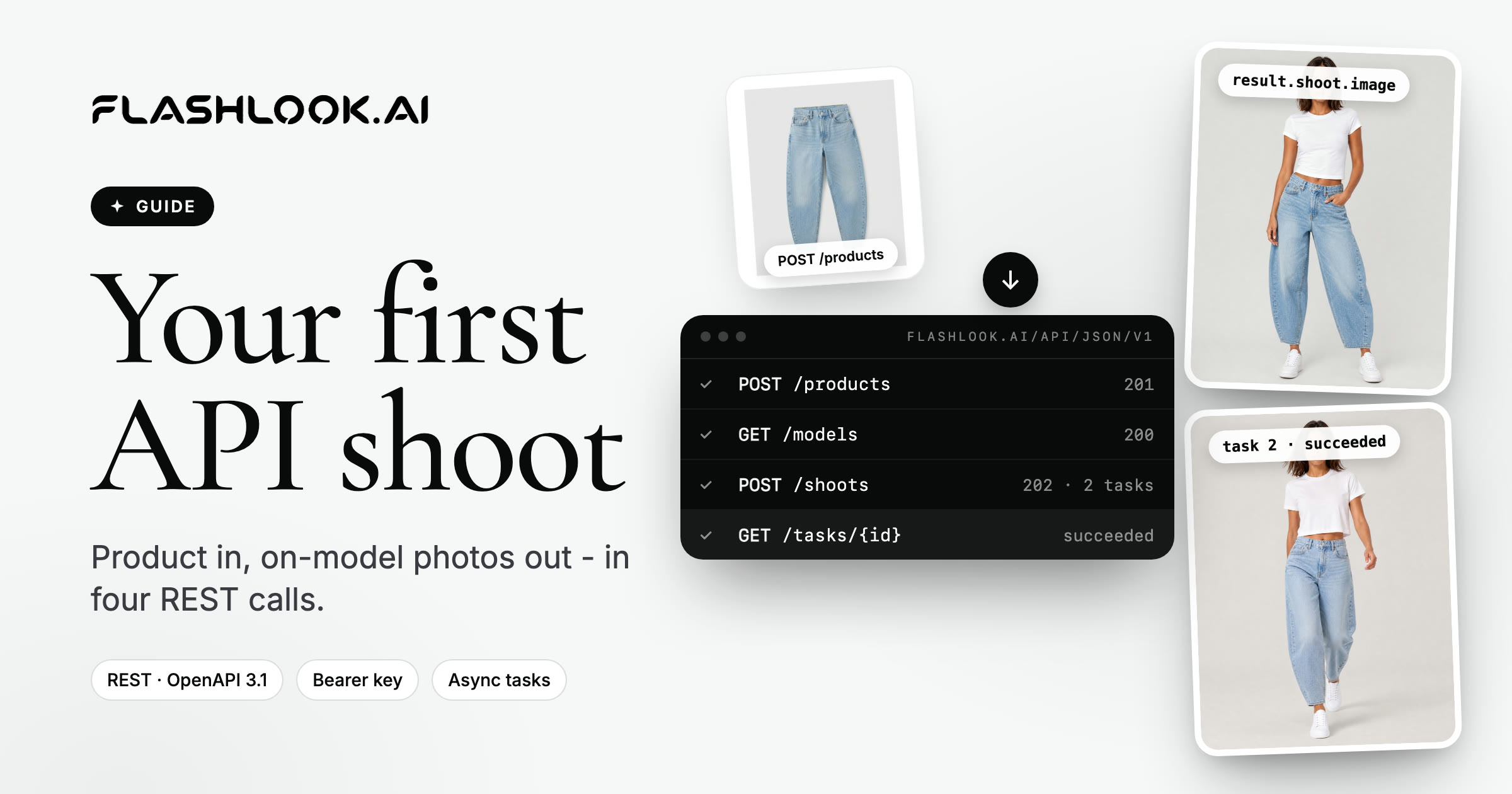
Mastering Your First Flashlook API Shoot: A Developer's Guide
Unlock the power of Flashlook's API to programmatically generate stunning on-model fashion photography. This guide walks you through creating products, selecting models, initiating shoots, and retrieving your final images.
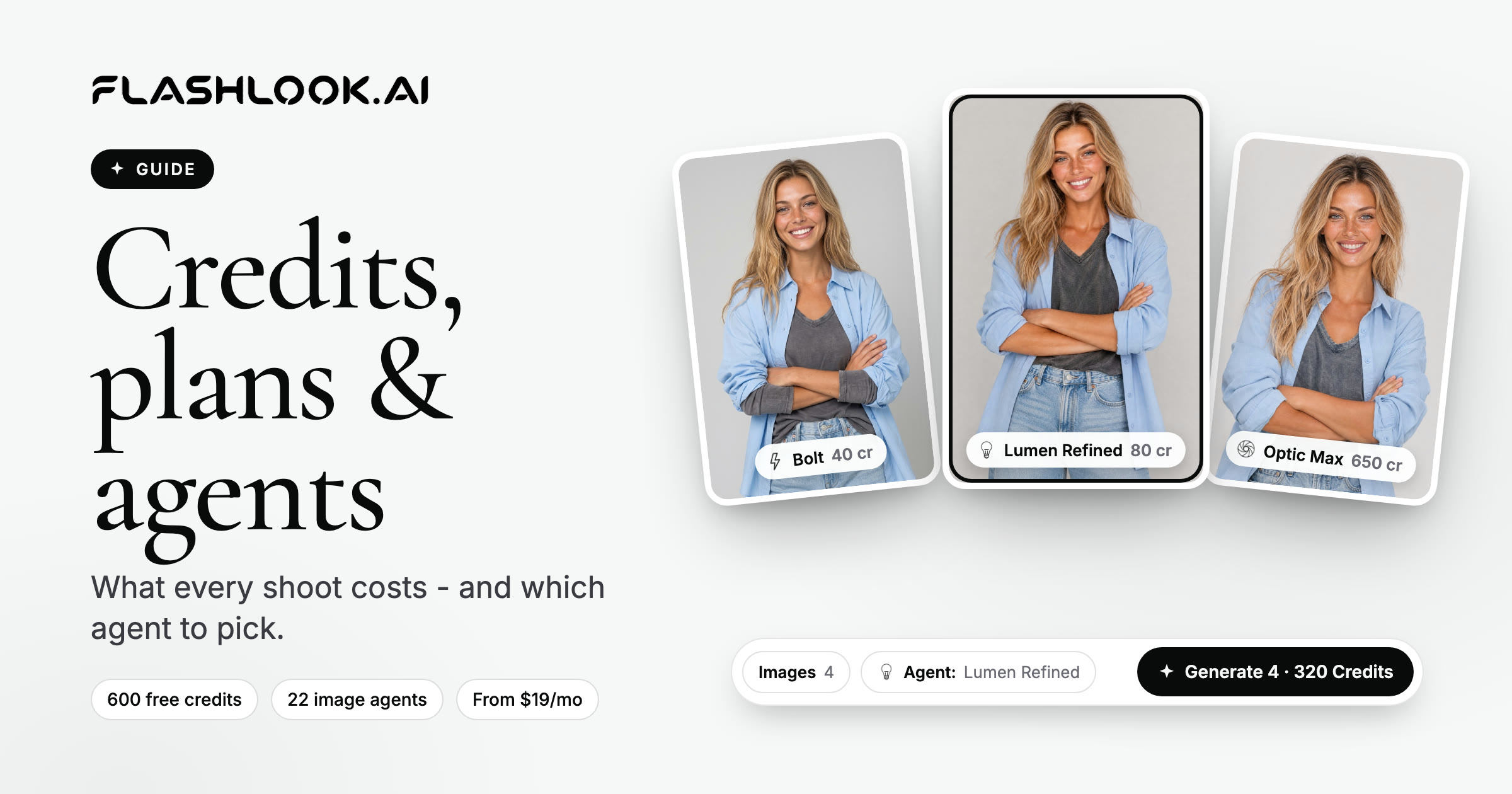
Understanding Flashlook Credits, Plans, and Render Agents: A Step-by-Step Guide
Demystify Flashlook's credit system, explore various subscription plans, and learn how to choose the right render agent for your AI fashion photography needs, from still images to dynamic videos.
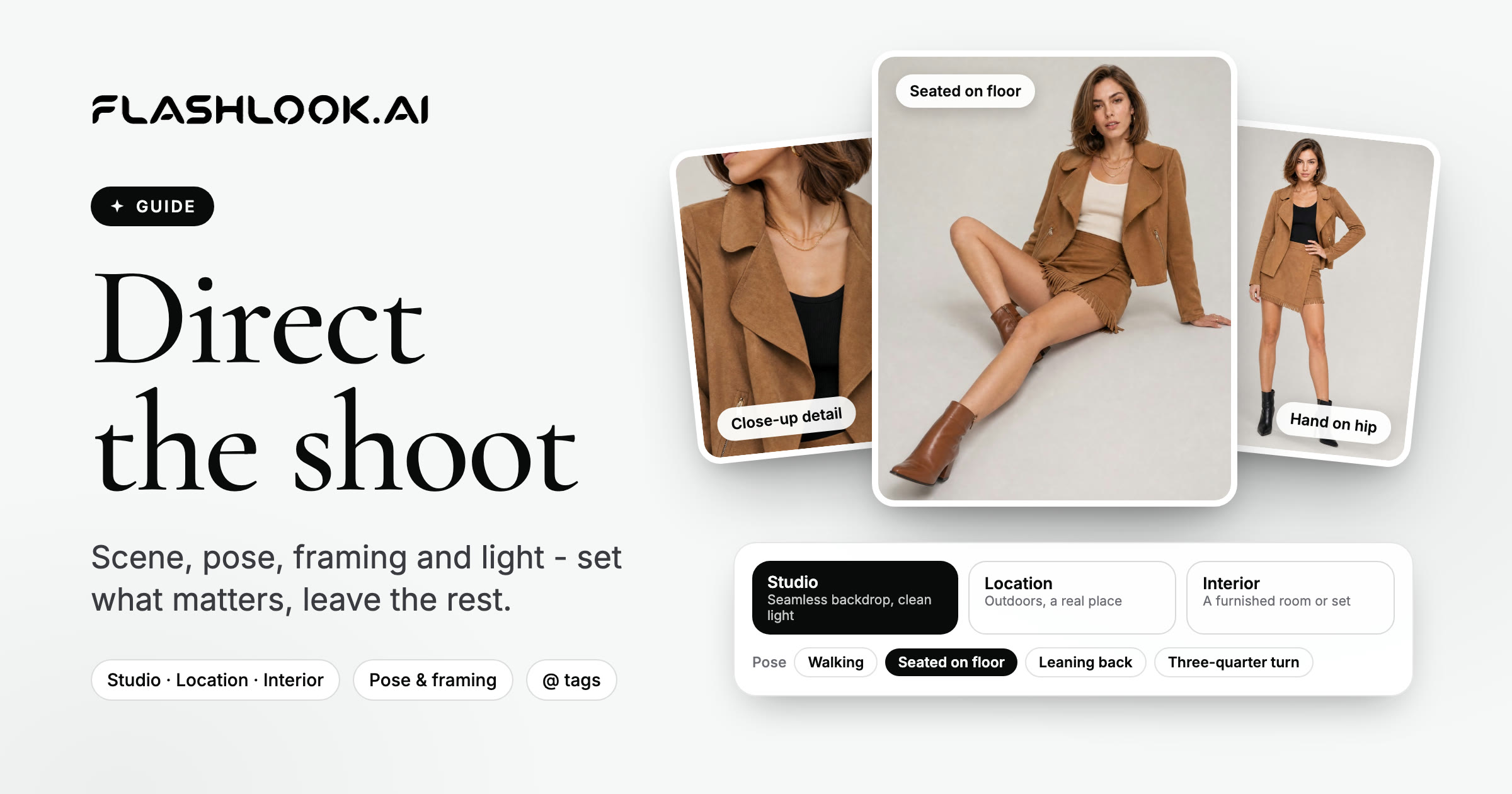
Mastering Your AI Fashion Shoot: A Director's Guide to Flashlook Atelier
Take full creative control of your AI fashion photography with Flashlook Atelier. Learn how to direct every element, from model pose and scene to framing and mood, ensuring your vision comes to life.
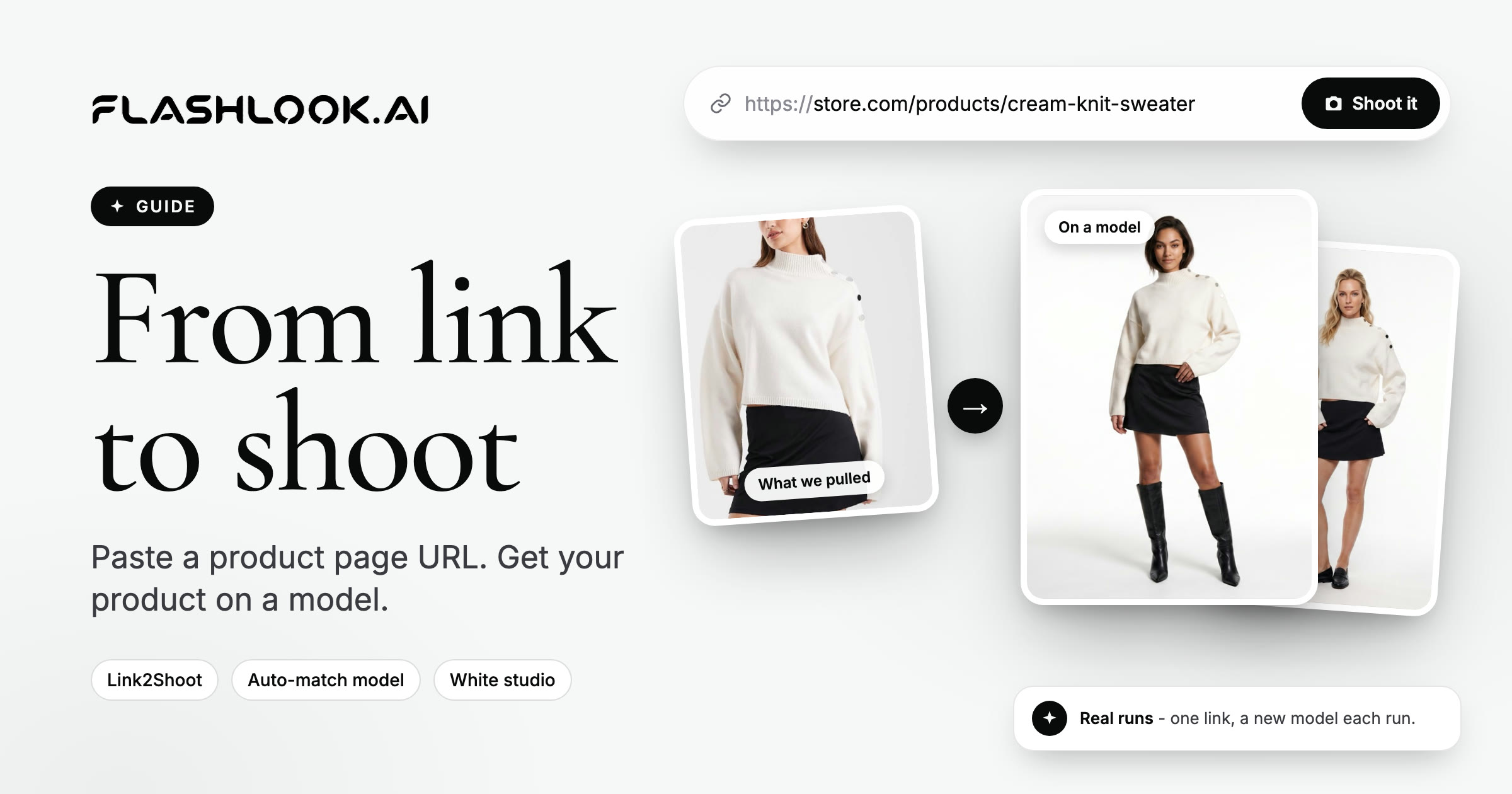
Mastering Link2Shoot: Your Guide to On-Model Photos from a Product URL
Transform any online product page into stunning on-model fashion photography with Flashlook's Link2Shoot. This guide walks you through the simple steps to generate professional catalog images directly from a URL.
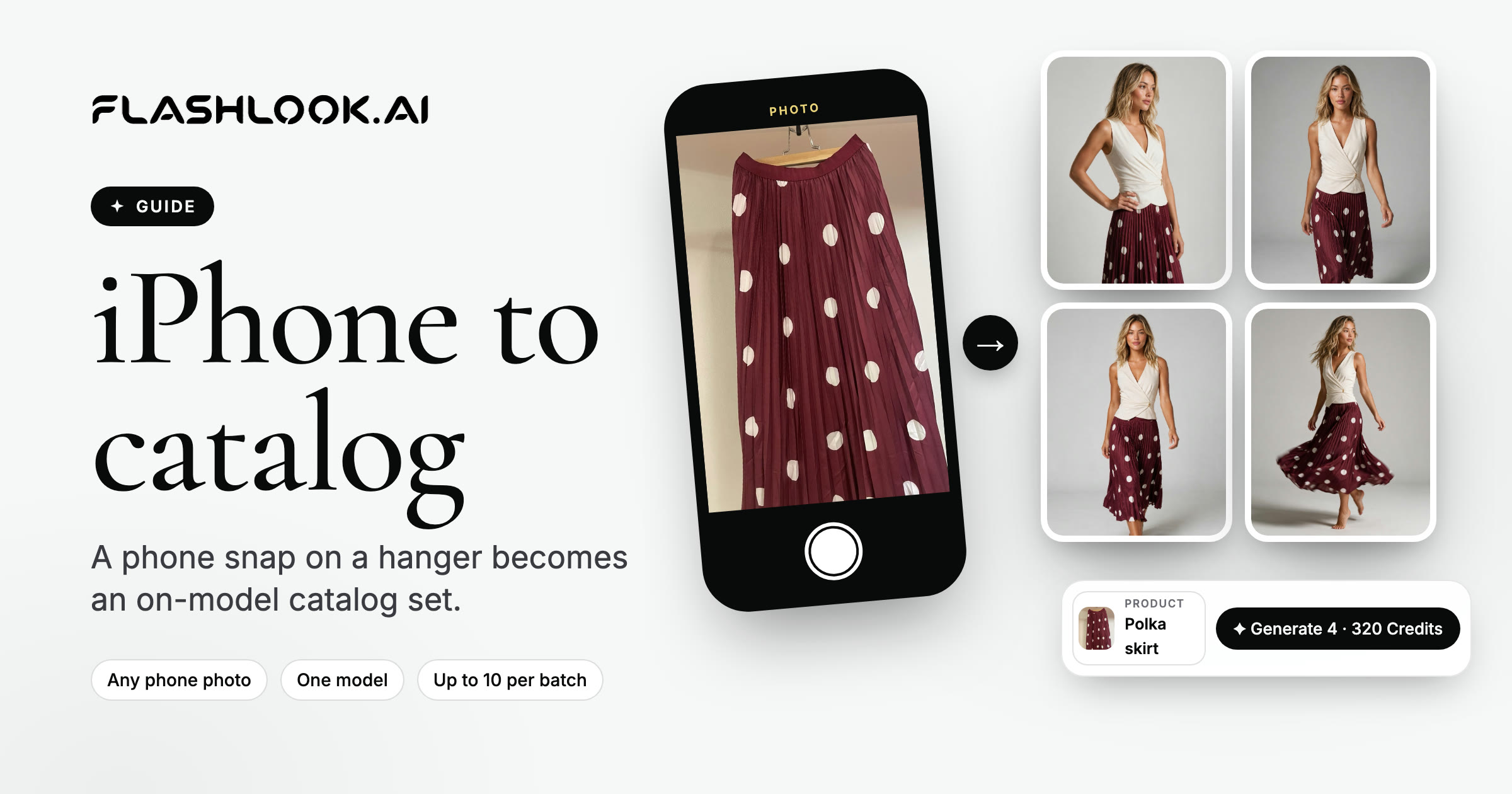
From iPhone to On-Model Catalog: A Step-by-Step Flashlook Guide
Discover how to transform simple iPhone product photos into professional, on-model catalog stills using Flashlook's AI platform. Learn best practices for phone photography and seamless integration into your e-commerce workflow.
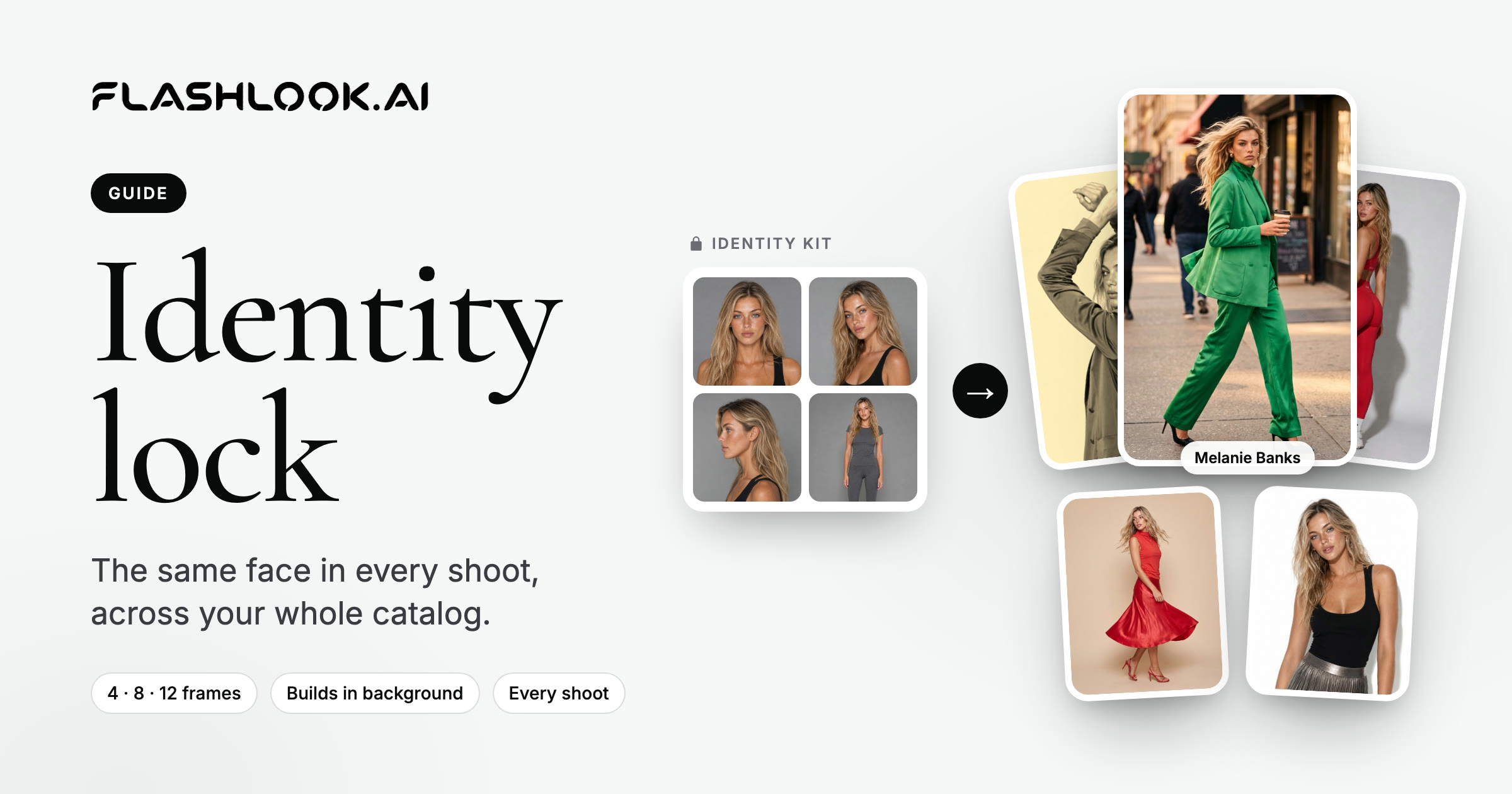
Mastering AI Model Identity Lock for Catalog Consistency
Achieve unparalleled catalog consistency in your fashion photography with Flashlook's AI Model Identity Lock feature. Learn how to maintain the same virtual model across all your product shoots, ensuring brand cohesion and a seamless customer experience.
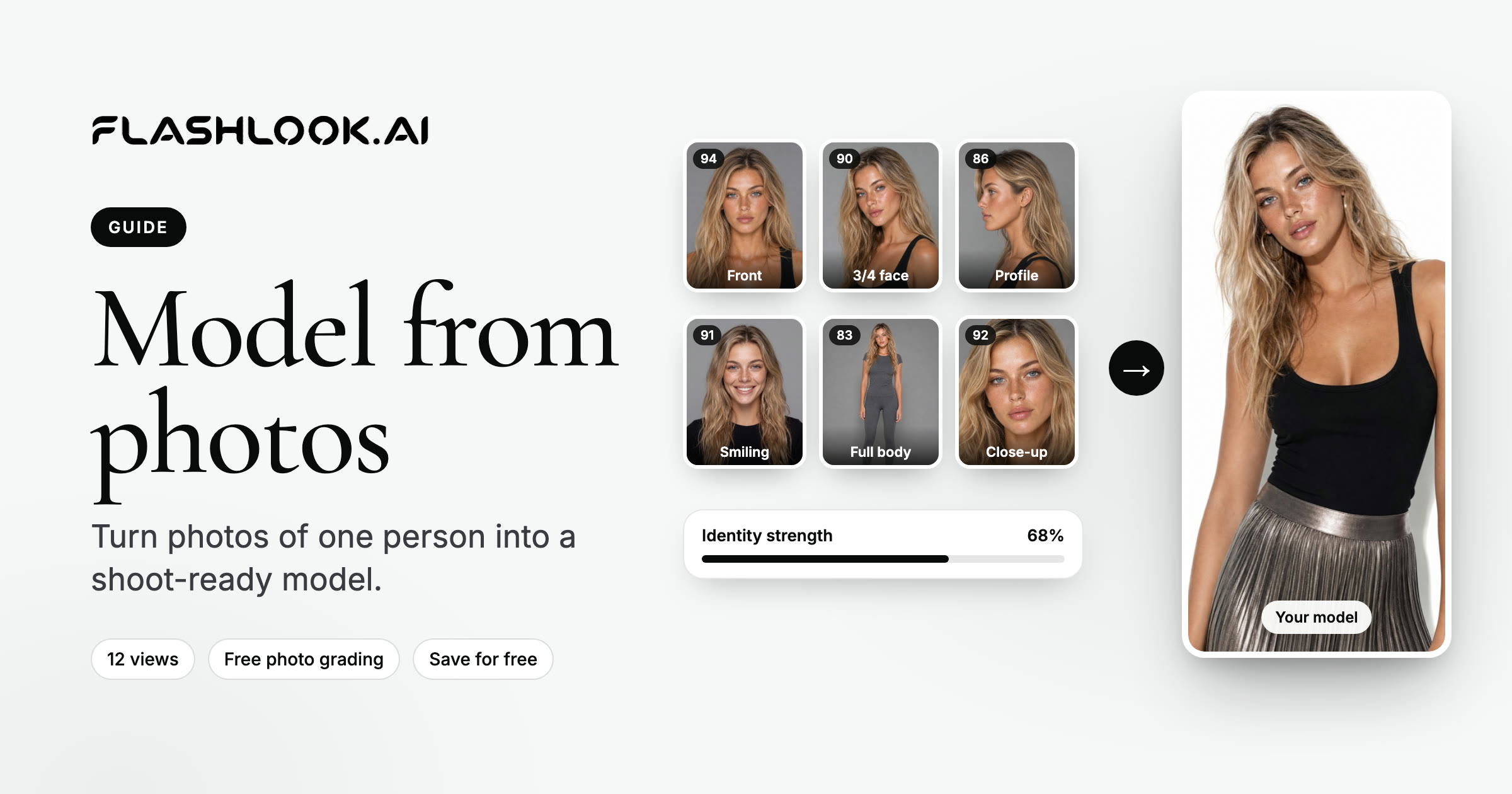
From Photos to Pixels: Crafting Your AI Model on Flashlook
Transform your own photos into a versatile AI fashion model with Flashlook. This guide details the process of uploading identity photos, ensuring quality, and creating a consistent virtual model for your fashion photography needs.