 FLASHLOOK.AI
Mastering Everyday Fashion Photography with AI: An Outdoor Guide
Discover how to create stunning everyday fashion photography using AI, leveraging Flashlook's Atelier for realistic outdoor scenes and virtual models.
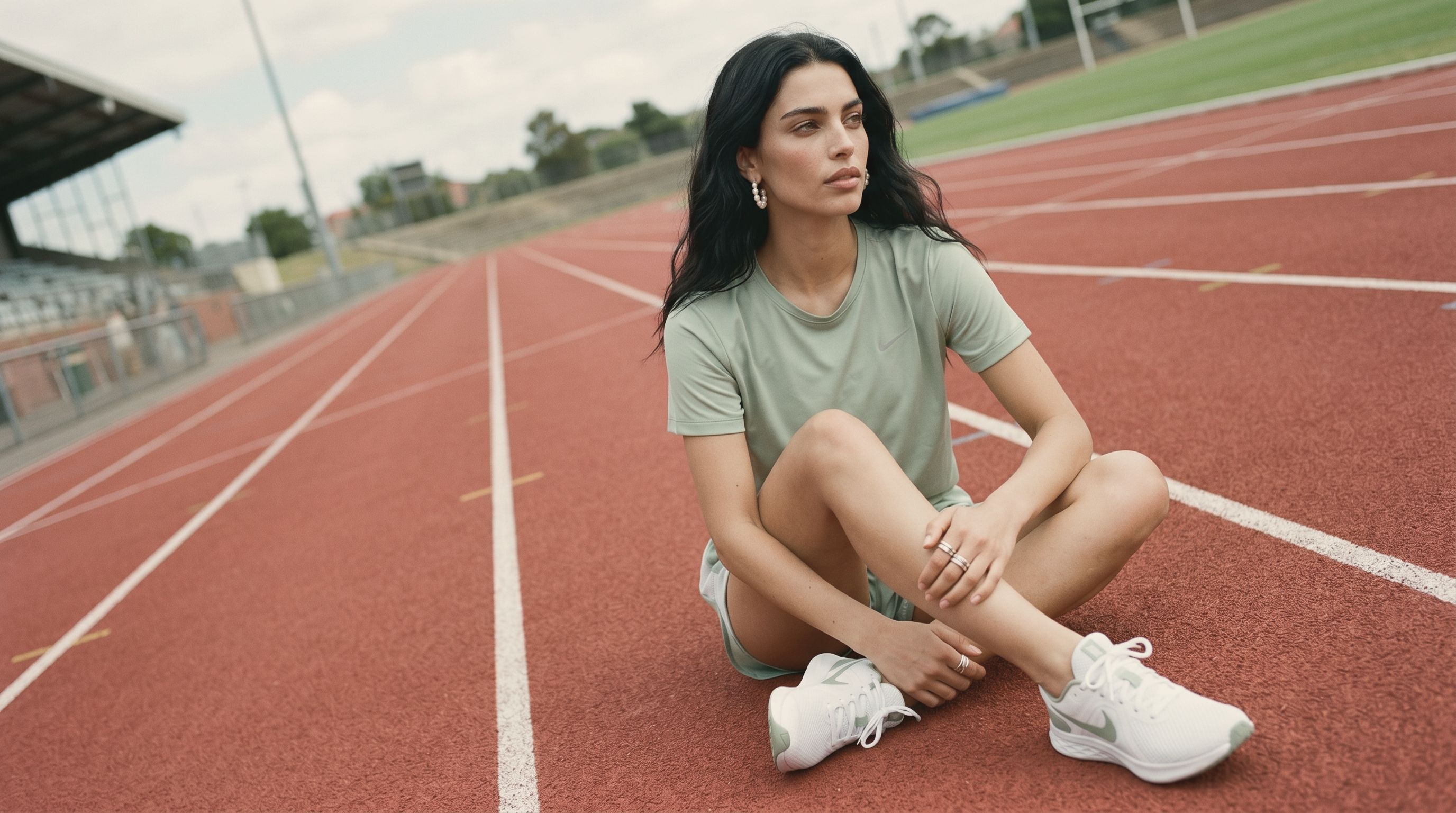
In the dynamic world of fashion, capturing the essence of everyday style is paramount. From casual chic to urban cool, everyday fashion photography AI offers an unparalleled opportunity to showcase apparel in relatable, yet aspirational settings. This guide will walk you through the process of directing an on-location AI fashion shoot using Flashlook's Atelier, focusing on its versatile 'Everyday' outdoor scene family.
The Power of AI in Everyday Fashion Photography
Traditional fashion shoots demand significant resources - location scouting, model casting, photography teams, and extensive post-production. Flashlook's AI platform revolutionizes this by generating high-quality on-model product shots with unprecedented speed and efficiency. For brands looking to create compelling visual content that resonates with their audience, embracing AI for everyday fashion photography is a game-changer.
Why 'Everyday' Scenes Matter
Everyday fashion thrives on relatability. Consumers envision themselves wearing your clothes while going about their daily lives. By placing your designs in familiar outdoor settings like an Exterior Stairway, a bustling Tram Stop, or a serene Tree Sidewalk, you create an immediate connection. These scenes transform a simple product shot into a lifestyle narrative, making your garments more desirable and accessible.
Setting Up Your On-Location AI Fashion Shoot in Flashlook Atelier
Flashlook's Atelier is designed for intuitive creative control. Here's a step-by-step guide to directing your outdoor product photography model in an 'Everyday' scene.
Step 1: Accessing the Atelier and Selecting Your Model
Begin by navigating to the Flashlook Atelier. Once inside, you have two primary options for selecting your virtual model:
- Choose from the Library: Flashlook offers a diverse range of virtual models, each with unique characteristics. Browse the library to find a model that best embodies your brand's aesthetic and the mood of your everyday collection.
- Utilize a Saved Model: If you've previously worked with a specific model and saved their profile, you can quickly load them to maintain consistency across your shoots. This is particularly useful for ongoing campaigns or lookbooks.
Step 2: Uploading Your Product Photo
The next crucial step is to upload your product photo. Ensure your product image is high-resolution and clearly displays the garment. Flashlook's AI will seamlessly integrate your product onto the chosen virtual model, adjusting for fabric drape, lighting, and natural fit.
Step 3: Setting the Scene: Outdoor 'Everyday'
This is where the magic of on-location AI fashion shoot truly comes alive. In the Atelier:
- Select 'Outdoor' as the main scene category.
- Choose 'Everyday' as the sub-category. This will unlock a variety of realistic outdoor settings perfect for everyday fashion.
Now, you can select from specific 'Everyday' sub-locations to perfectly frame your product:
- Exterior Stairway: Ideal for showcasing structured outerwear, flowing dresses, or smart casual ensembles with architectural interest.
- Tram Stop: Perfect for urban wear, commuter fashion, and capturing a sense of movement and city life.
- Residential Stoop: Offers a cozy, approachable vibe for casual wear, loungewear, or everyday accessories.
- Side Street Parked: Creates a cool, edgy backdrop for streetwear, denim, or accessories that pop against an urban landscape.
- Tree Sidewalk: Brings a touch of natural light and greenery, suitable for bohemian styles, activewear, or relaxed daywear.
- Crosswalk: Dynamic and energetic, great for showcasing active lifestyles, statement pieces, or outfits designed for bustling city environments.
Experiment with different sub-locations to see which best complements your product and tells your desired story.
Step 4: Leveraging Identity Lock for Consistency
One of Flashlook's most powerful features for an on-location AI fashion shoot is 'Identity Lock.' If you plan to shoot multiple products or variations of an outfit in the same 'Everyday' scene, locking the model's identity ensures that their face and overall appearance remain consistent across all generations. This saves significant time in post-production and maintains a cohesive visual narrative for your collection.
Step 5: Generating and Refining Your Images
Once your model, product, and scene are set, hit 'Generate.' Flashlook's AI will process your inputs and produce a high-quality fashion photograph. Review the generated image. If you need to make adjustments to the model's pose, lighting, or the product's placement, you can refine your selections and regenerate. The iterative process allows for precise creative control.
Step 6: Saving Presets for Future Efficiency
For recurring themes or specific brand aesthetics, consider saving your setup as a preset. This is particularly useful if you frequently use the same model, lighting, and an 'Everyday' sub-location. By saving your configuration in Flashlook Presets, you can instantly recall your preferred settings for future shoots, streamlining your workflow and ensuring brand consistency.
Best Practices for Everyday Fashion Photography with AI
- High-Quality Product Images: The AI works best with clear, well-lit product photos. Ensure your product is shot against a clean background for optimal integration.
- Model-Product Harmony: Choose a virtual model whose build and style naturally complement your garment. Explore our models to find the perfect fit.
- Scene Storytelling: Think about the narrative you want to convey. Does an Exterior Stairway evoke sophistication, or does a Tram Stop suggest urban adventure? Let the scene amplify your product's story.
- Experimentation is Key: Don't be afraid to try different 'Everyday' sub-locations and model poses. The beauty of AI is the ability to generate multiple options quickly and cost-effectively.
- Understand Credit Usage: Flashlook operates on a credit system for image generation. Free sign-up includes starter credits, and you can review pricing details on the platform to plan your shoots effectively.
Conclusion
Everyday fashion photography AI offers an unparalleled toolkit for brands to create captivating visual content. By mastering Flashlook's Atelier and its 'Everyday' outdoor scenes, you can produce stunning, on-location AI fashion shoots that resonate with your audience, elevate your brand, and streamline your creative process. Embrace the future of fashion photography and transform your product showcases into compelling lifestyle narratives.
FAQ
What is everyday fashion photography AI?
Everyday fashion photography AI uses artificial intelligence platforms like Flashlook to generate realistic on-model product images in everyday settings, eliminating the need for traditional photoshoots.
How do I choose an outdoor scene in Flashlook Atelier?
In Flashlook Atelier, select 'Outdoor' as the main scene category, then choose 'Everyday' as the sub-category. You can then pick specific sub-locations like 'Exterior Stairway' or 'Tram Stop' to fit your product's vibe.
Can I use the same virtual model for multiple everyday fashion shots?
Yes, Flashlook's 'Identity Lock' feature allows you to maintain the same virtual model's face and appearance across multiple generations, ensuring consistency for your on-location AI fashion shoot.
What kind of everyday outdoor locations are available?
Flashlook offers a range of realistic 'Everyday' outdoor sub-locations including Exterior Stairway, Tram Stop, Residential Stoop, Side Street Parked, Tree Sidewalk, and Crosswalk.
How can I save my preferred settings for future everyday shoots?
You can save your model, lighting, and scene configurations as a preset in Flashlook Atelier. This allows you to quickly recall your favorite setups for consistent and efficient future shoots.
Do I need photography skills to use Flashlook for everyday fashion photography?
No, Flashlook's intuitive Atelier platform is designed for ease of use, allowing anyone to direct and generate high-quality everyday fashion photography with an outdoor product photography model, without needing professional photography skills.
Consistent AI fashion models for catalog and UGC. Open Studio · Browse AI Fashion models