 FLASHLOOK.AI
How to Reshoot a Product Drop Without Rebooking a Model
Learn how to efficiently update your product photography for new colorways or seasonal drops using virtual models and saved presets, eliminating the need to rebook a physical model.
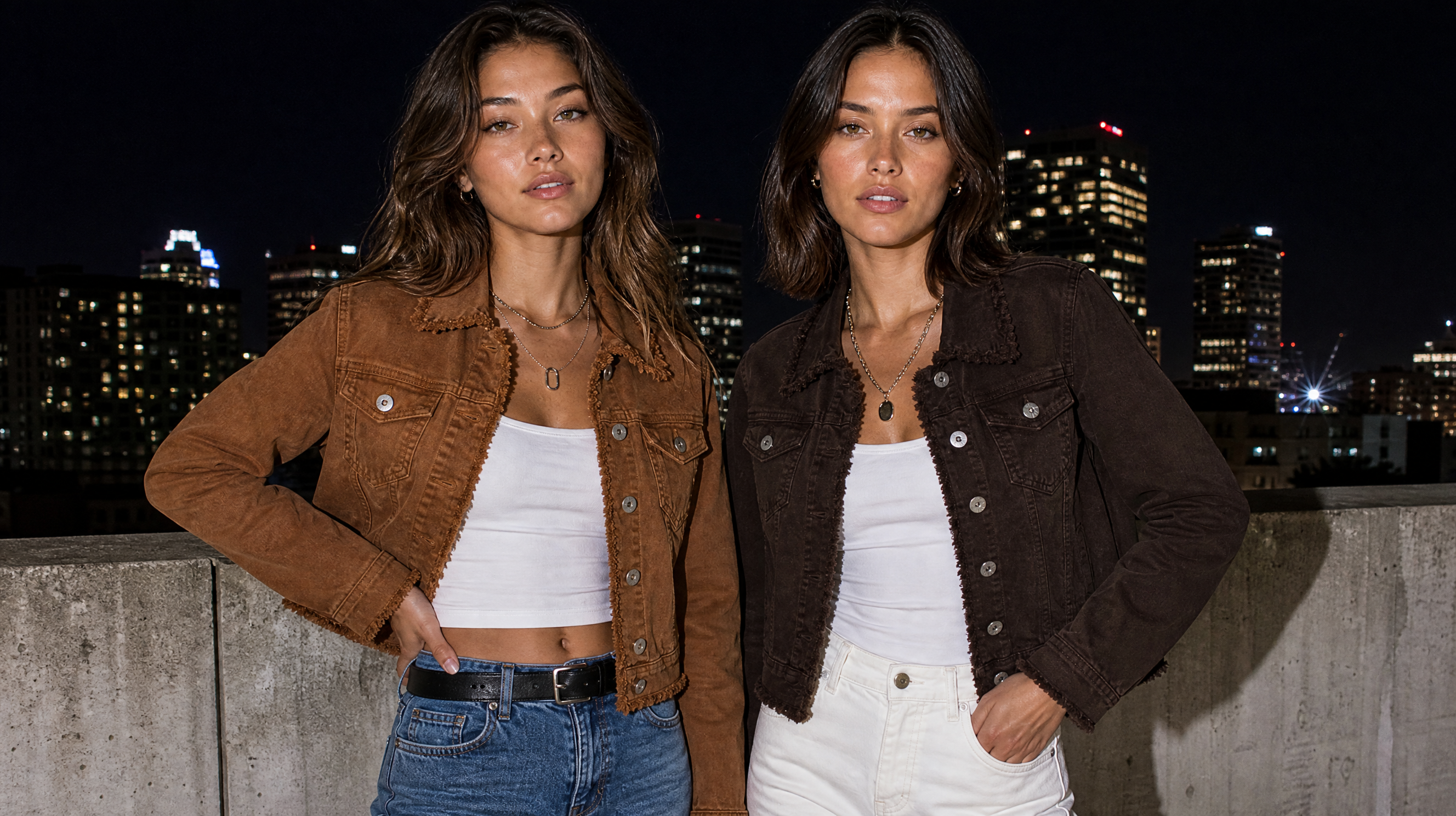
In the fast-paced world of fashion, keeping your product photography fresh and aligned with new collections or seasonal drops is crucial. Traditionally, this meant costly and time-consuming reshoots, often requiring rebooking models, studios, and entire creative teams. However, with the advent of AI fashion photography platforms like Flashlook, brands can now reshoot catalog without a model using virtual models and saved presets, dramatically streamlining the process.
This guide will walk you through the steps to effectively update your product photos for new colorways, fabric variations, or seasonal changes, all while maintaining a consistent visual identity and significantly cutting down on production costs and time.
The Challenge of Traditional Reshoots
Imagine launching a successful product line. You've invested heavily in a photoshoot, capturing stunning images for your initial collection. A few months later, you introduce new colorways or a slight design update. What do you do? The conventional approach involves:
- Rebooking models: Finding the same model, or a suitable replacement, can be difficult and expensive.
- Studio time: Securing studio space, lighting, and equipment again adds to the overhead.
- Team coordination: Reassembling photographers, stylists, hair and makeup artists, and art directors is a logistical challenge.
- Consistency issues: Even with the same team, achieving perfect consistency in lighting, posing, and mood across different shoots can be tricky.
These challenges often lead to delays, budget overruns, and sometimes, a reluctance to update product imagery as frequently as desired. This is where AI-powered solutions offer a game-changing alternative.
Why AI is a Game-Changer for Product Updates
AI fashion photography platforms allow brands to create high-quality, on-model imagery without the need for physical photoshoots. For updating existing product drops, the benefits are even more pronounced:
- Cost-effectiveness: Eliminate model fees, studio rentals, and many associated production costs.
- Speed: Generate new images in a fraction of the time it takes for a traditional shoot.
- Consistency: Maintain a consistent look and feel across all your product variations by reusing the same virtual model and scene settings.
- Flexibility: Experiment with different styles, poses, and backgrounds without incurring additional costs.
Flashlook's platform is specifically designed to address these needs, allowing you to seamlessly update product photos AI for new iterations of your products.
Step-by-Step Guide: Reshooting a Drop with Flashlook
This workflow assumes you've already created an initial set of images using a virtual model on Flashlook and wish to update them with new product variations.
Step 1: Prepare Your New Product Images
Before you begin, ensure you have high-quality, clean product images of your new colorway or variation. These should be well-lit, on a neutral background, and ideally shot flat or on a mannequin. The better the source image, the better the AI output will be.
Step 2: Access the Atelier
Log in to your Flashlook account and navigate to the Atelier. This is where all your creative work happens, from selecting models to setting scenes and generating images.
Step 3: Select Your Saved Virtual Model
One of the core strengths of Flashlook is the ability to lock a model's identity. If you've previously used a virtual model for your initial product drop, that model's identity is saved. Go to the model selection area within the Atelier and choose the specific virtual model you used before. Because their identity is locked, any new garments you add will be rendered on the same face and body, ensuring brand consistency.
Tip: You can manage and review your saved models in the My Models section.
Step 4: Apply Your Saved Preset
Consistency in art direction is key for a cohesive brand image. Flashlook's presets allow you to save entire scene and style configurations - including lighting, background, pose, and overall aesthetic. If you created a preset for your initial shoot, now is the time to apply it.
Navigate to the 'Presets' section within the Atelier (or visit Flashlook Presets directly). Select the preset that matches the original shoot's art direction. Applying this preset will instantly configure the scene to replicate the look and feel of your previous images, ensuring your new product variations seamlessly integrate with your existing catalog.
Step 5: Upload Your New Product Images
With your model selected and preset applied, it's time to introduce your new product. Upload the clean product images you prepared in Step 1 into the designated garment upload area within the Atelier. The AI will then process these images and virtually 'dress' your selected model.
Step 6: Generate Your New Images
Once your new product images are uploaded and the scene is set with your chosen model and preset, hit the 'Generate' button. The Flashlook AI will then render new, high-quality on-model images of your product variation, perfectly matching the style and model from your previous shoot. This is how you achieve a new colorway on same model without any physical rebooking.
Step 7: Review and Download
Review the generated images. You can make minor adjustments if needed, though with a well-chosen preset, the results should be very close to your desired outcome. Once satisfied, download your new product photography, ready for your website, social media, or digital lookbooks.
Understanding Credits and Cost
It's important to note that generating new images, even with a saved model and preset, consumes credits. Each new still or video clip generated incurs a credit charge. This process replaces the need for an entirely new studio rebooking, offering significant savings compared to traditional methods, but it is not a free edit of previously generated files.
The Future of Seasonal Reshoot Virtual Model
Flashlook empowers fashion brands to maintain dynamic, up-to-date product catalogs with unprecedented efficiency. By leveraging virtual models and saved presets, you can respond quickly to market trends, introduce new variations, and keep your brand's visual story consistent and compelling, all without the logistical headaches and high costs of traditional photoshoots. Embrace the power of AI to transform your fashion photography workflow and stay ahead in a competitive industry.
FAQ
What does 'reshoot catalog without a model' mean?
It means updating your product photography for new items, like different colorways or seasonal variations, using AI-generated virtual models instead of hiring a physical model for another photoshoot. This saves time and money while maintaining a consistent visual style.
Can I use the exact same virtual model for new product photos?
Yes, with Flashlook, once a virtual model's identity is saved and locked, you can reuse that specific model for subsequent shoots. This ensures that new garments are rendered on the same face and body, providing brand consistency across your catalog.
How do I ensure consistency in styling and scene for my updated product photos?
Flashlook's 'Presets' feature allows you to save your preferred scene settings, including lighting, background, and overall aesthetic. By applying a saved preset from your original shoot, you can ensure your new product variations match the art direction of your existing catalog.
Do I need new product images for the reshoot?
Yes, you will need clean, high-quality product images of your new colorway or variation. These images are uploaded to the Flashlook platform, and the AI then dresses your chosen virtual model with them.
Does updating product photos using AI cost credits?
Yes, generating new images, even when reusing a saved model and preset, incurs credit charges per still or video clip. This cost, however, is significantly lower than rebooking a traditional photoshoot.
What are the main benefits of using AI for seasonal reshoots?
The main benefits include significant cost savings by eliminating model and studio fees, drastically reduced production time, enhanced consistency across your product line, and greater flexibility to experiment with different styles and poses without additional expense.
Consistent AI fashion models for catalog and UGC. Open Studio · Browse AI Fashion models