 FLASHLOOK.AI
Mastering Your AI Fashion Shoot: A Director's Guide to Flashlook Atelier
Take full creative control of your AI fashion photography with Flashlook Atelier. Learn how to direct every element, from model pose and scene to framing and mood, ensuring your vision comes to life.
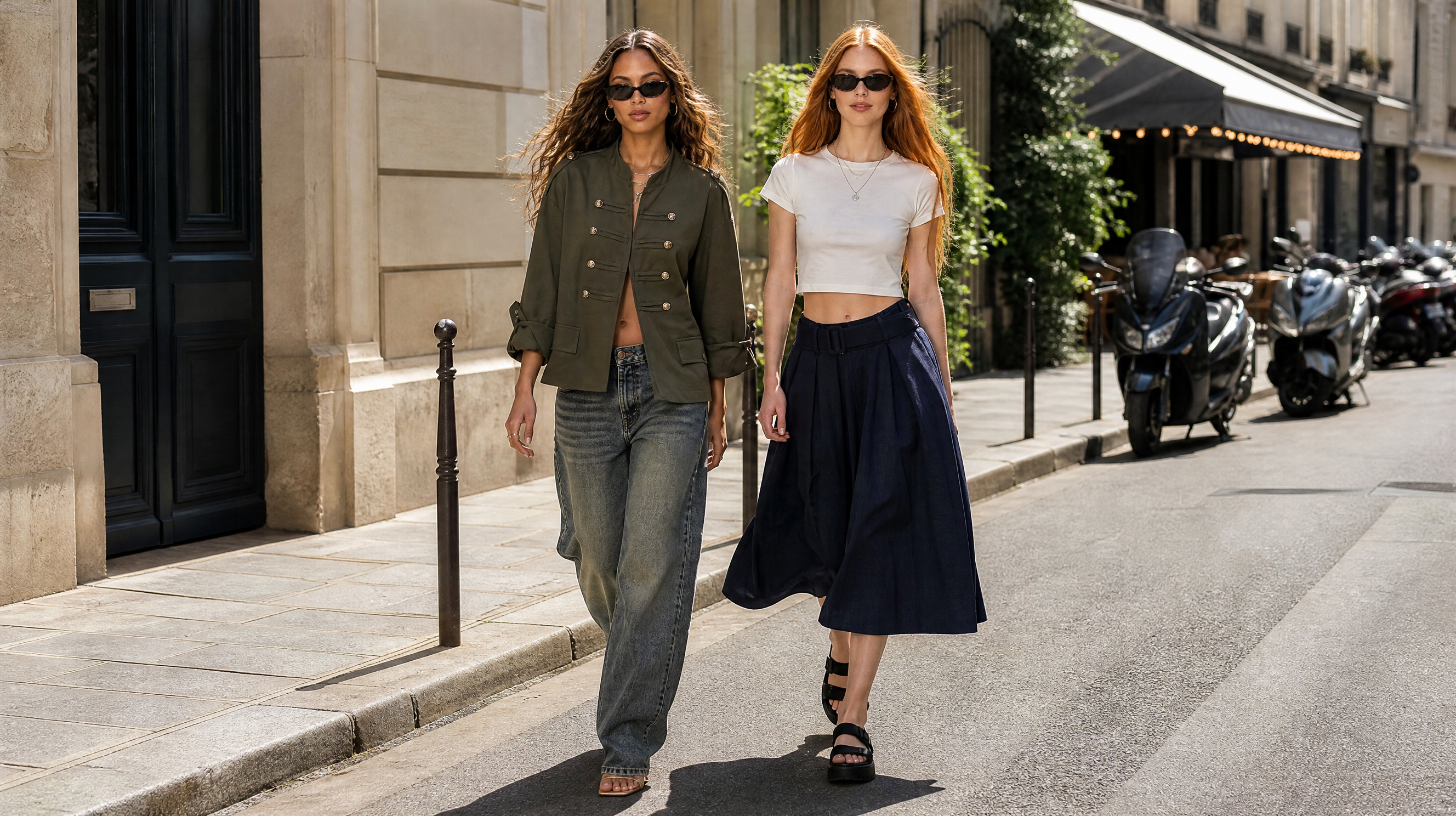
In the dynamic world of fashion photography, creative vision is everything. Flashlook's Atelier empowers you to be the ultimate AI fashion shoot director, transforming your ideas into stunning visual campaigns. This guide will walk you through the intuitive steps of directing your shoot within Flashlook Atelier, from selecting the perfect pose and scene to fine-tuning framing and mood, ensuring every detail aligns with your brand's aesthetic.
Step 1: Setting the Stage - Choosing Your Scene and Location
The foundation of any great photograph is its environment. Flashlook Atelier offers a diverse range of scenes and locations to set the perfect backdrop for your fashion collection. Whether you envision a minimalist studio, a bustling urban street, or a serene natural landscape, the options are at your fingertips.
- Explore Presets: Begin by browsing the extensive collection of Atelier presets. These pre-designed settings offer a quick starting point, combining various elements into cohesive scenes. You can select a full scene preset or mix and match individual components.
- Studio vs. Location: Decide whether your garments are best showcased in a controlled studio environment, highlighting fabric and form, or in a dynamic outdoor location that tells a story and adds context to the collection.
- Props and Details: Atelier also allows you to integrate specific props or even jewelry, adding layers of interest and sophistication to your images. Consider how these elements enhance the narrative of your shoot.
Step 2: The Art of Pose - Directing Your Virtual Models
The model's pose is crucial for conveying emotion, showcasing garments, and engaging the viewer. As an AI fashion shoot director, you have unparalleled control over how your virtual models present themselves.
- Pose Selection: Navigate through the pose library within Atelier. You'll find a wide array of options, from classic editorial stances to dynamic, action-oriented positions. Think about the garment - a flowing dress might require a pose with movement, while structured tailoring benefits from a strong, static posture.
- Expressive Gestures: Beyond full body poses, consider subtle hand gestures or head tilts that can add personality and nuance to your model's expression. These small details can significantly impact the mood of the final image.
- Garment Focus: Ensure the chosen pose effectively highlights the key features of the apparel. Avoid poses that obscure important details or create unflattering folds.
Step 3: Framing Your Vision - Composition and Aspect Ratio
Composition is about guiding the viewer's eye and creating visual harmony. Flashlook Atelier provides robust tools to perfect your framing and ensure your images are optimized for their intended use.
- Framing Options: Experiment with different framing choices - full body, three-quarter, waist-up, or close-up. Each option serves a different purpose, from showcasing an entire look to emphasizing intricate details.
- Aspect Ratio for Purpose:
- Social Media: For platforms like Instagram or TikTok, square (1:1) or vertical (9:16, 4:5) aspect ratios are often preferred for maximum impact and visibility in feeds.
- Catalog/E-commerce: Standard photographic ratios like 3:2 or 4:3 are excellent for product listings, offering a balanced view that's easy to integrate into websites and print materials.
- Editorial/Lookbooks: Wider aspect ratios (e.g., 16:9) can create a cinematic feel, perfect for immersive lookbooks or artistic campaigns.
- Rule of Thirds and Leading Lines: While AI handles much of the heavy lifting, understanding basic photographic principles like the rule of thirds can help you make informed choices when adjusting framing parameters.
Step 4: Crafting the Atmosphere - Lighting and Mood
Lighting and mood are the emotional heart of your photograph. They dictate how the viewer perceives the collection and the brand's identity.
- Lighting Styles: Flashlook Atelier offers various lighting presets, from bright, even studio lighting that's perfect for e-commerce to dramatic, high-contrast lighting for editorial impact. Consider natural light simulations for outdoor scenes, or artificial light setups for studio shots.
- Color Palette and Filters: Think about how color contributes to the mood. A warm, golden hour glow evokes a different feeling than cool, stark blue tones. While not direct 'filters' in the Instagram sense, the lighting and scene elements collectively create a color palette.
- Overall Mood: Are you aiming for sophisticated, playful, edgy, or serene? Every choice - from the model's expression to the background elements and lighting - should contribute to this overarching mood. This is where your art direction AI model skills truly shine.
Step 5: Leveraging Smart Pick and Generating Your Stills
Sometimes, a little inspiration goes a long way. Flashlook Atelier's 'Smart Pick' or 'Surprise Me' features are designed to spark creativity when you're feeling stuck or want to explore unexpected possibilities.
- Smart Pick/Surprise Me: These features intelligently suggest elements of art direction AI model based on your initial selections or simply offer novel combinations. It's an excellent way to break out of creative ruts and discover fresh perspectives.
- Review and Refine: Before generating your final images, take a moment to review all your selections. Does the pose complement the scene? Is the lighting appropriate for the mood? Are the framing and aspect ratio correct for your intended output?
- Generate with Agent Tiers: Once satisfied, select your desired agent tier for generation. Higher tiers often offer more intricate detail and realism, perfect for high-stakes campaigns or hero shots. Flashlook's AI then takes your precise instructions and renders high-quality, unique fashion photography, bringing your vision to life without the logistical complexities of a traditional shoot.
By following these steps, you can confidently navigate Flashlook Atelier and harness its powerful tools to become a masterful AI fashion shoot director. The platform allows you to iterate quickly, experiment fearlessly, and produce stunning visuals that elevate your brand's presence, all while maintaining complete creative control.
FAQ
What is Flashlook Atelier?
Flashlook Atelier is an intuitive platform within Flashlook that allows users to direct AI fashion photo shoots. It provides controls for model pose, scene, background, props, lighting, framing, aspect ratio, and overall mood to generate unique fashion imagery.
How can I choose a specific pose for my AI model?
Within Flashlook Atelier, you can browse a comprehensive library of model poses. Simply select the pose that best showcases your garment and aligns with the desired mood of your shoot. You can often adjust minor details or expressions too.
Can I select different backgrounds or locations for my shoot?
Yes, Flashlook Atelier offers a wide array of scene and location options, from various studio setups to diverse outdoor environments. You can select from presets or customize elements to create the perfect backdrop for your fashion collection.
What are 'Smart Pick' or 'Surprise Me' features?
These features are designed to assist with creative direction. 'Smart Pick' or 'Surprise Me' can suggest combinations of poses, scenes, or other elements, helping you discover new creative avenues or break through creative blocks.
How do I ensure my images are suitable for social media versus a catalog?
Flashlook Atelier allows you to select specific aspect ratios. For social media, consider square (1:1) or vertical (9:16) ratios. For catalogs or e-commerce, standard photographic ratios like 3:2 or 4:3 are generally preferred for their versatility.
What role does lighting play in Flashlook Atelier?
Lighting is crucial for setting the mood and highlighting garment details. Atelier provides various lighting presets and controls, allowing you to simulate different natural light conditions or studio setups to achieve your desired aesthetic and emotional impact.
Consistent AI fashion models for catalog and UGC. Open Studio · Browse AI Fashion models