 FLASHLOOK.AI
Mastering Fashion Photo Aspect Ratios for Every Channel
Discover how choosing the right aspect ratio in Flashlook's Atelier ensures your fashion photos are perfectly optimized for product pages, social feeds, and vertical video, right from the start.
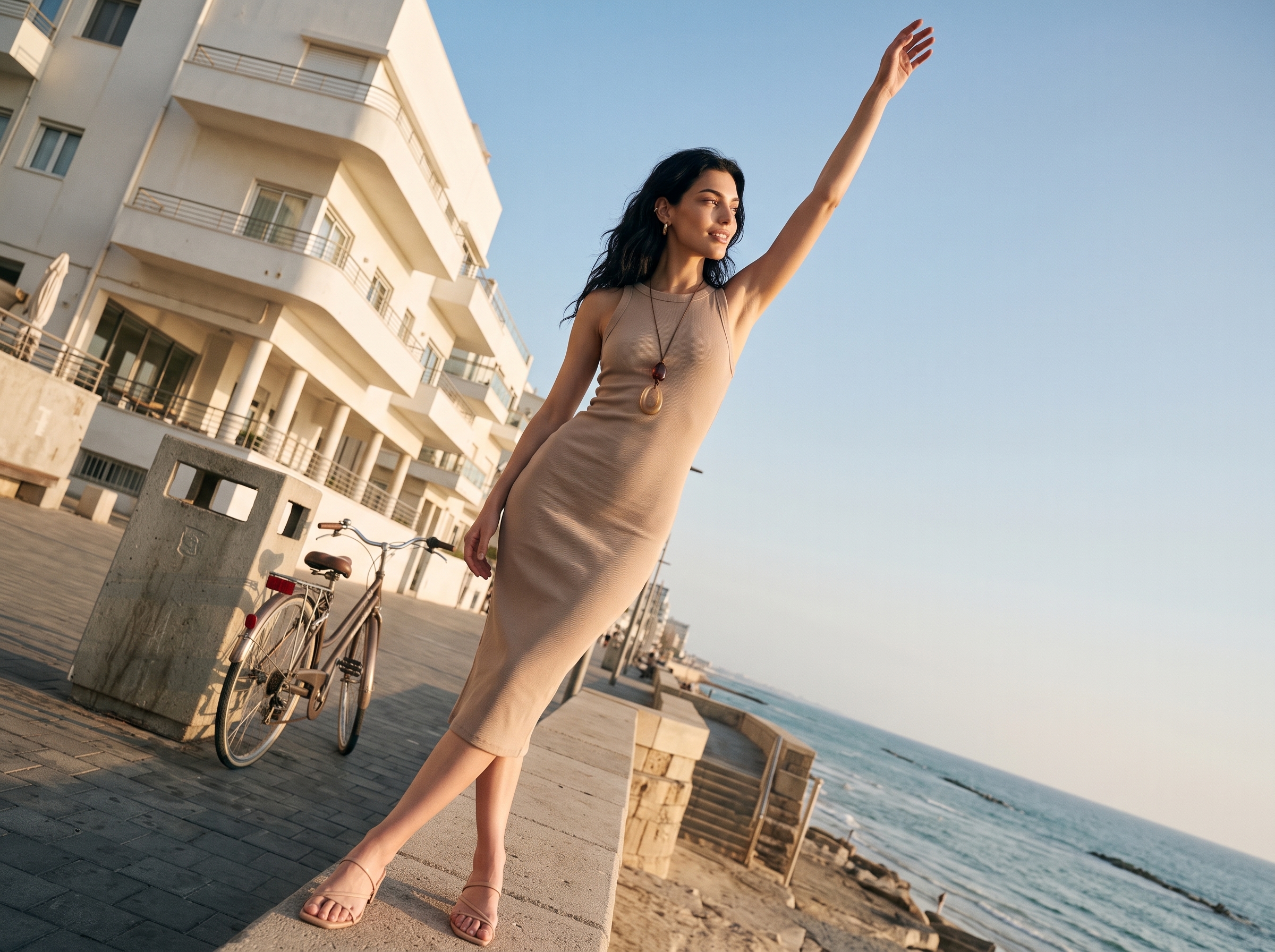
In the fast-paced world of online fashion, a single image often needs to serve multiple purposes. From detailed product display pages (PDPs) to engaging social media feeds and dynamic vertical video, each platform demands a specific visual format. The key to success isn't just about capturing a beautiful image; it's about ensuring that image is perfectly framed for its intended destination. This guide will walk you through how Flashlook's Atelier empowers you to select the ideal fashion photo aspect ratio for every channel, avoiding awkward crops and maximizing visual impact.
Why Aspect Ratios Matter in Fashion Photography
An aspect ratio defines the proportional relationship between an image's width and height. In fashion photography, getting this right is crucial for several reasons:
- Optimal Display: Different platforms are designed to display images at specific ratios. Using the correct ratio prevents automatic cropping by the platform, which can cut off essential parts of your product or model.
- Professionalism: Consistently well-formatted images convey a sense of professionalism and attention to detail, enhancing your brand's perception.
- Engagement: Images that fit seamlessly into a user's feed or screen are more likely to capture attention and encourage engagement.
- Efficiency: Generating images at the correct ratio from the outset saves valuable time and resources that would otherwise be spent on post-production cropping and resizing.
Common Aspect Ratios in Fashion E-commerce and Social Media
Let's break down the most common aspect ratios you'll encounter and why they're important for your fashion content:
1. Product Display Pages (PDPs) and Catalogs: The Catalog-Friendly Ratios
For e-commerce websites and digital catalogs, clarity and detail are paramount. While exact dimensions can vary by platform (e.g., Shopify, Magento), common aspect ratios include:
- 1:1 (Square): A versatile classic, often used for product grids and some social media platforms. It offers a balanced view, great for showcasing accessories or detail shots.
- 3:4 or 4:5 (Portrait): These taller portrait orientations are widely favored for fashion apparel. A 4:5 catalog image allows for a full-body shot of a model without excessive empty space, making it ideal for showcasing outfits and silhouettes. Many e-commerce platforms and social feeds (like Instagram) prefer or default to this ratio for vertical images.
When generating images for PDPs, consider which ratio best highlights your product. A 4:5 often provides the most natural fit for standing models, ensuring their full outfit is visible without awkward cuts.
2. Social Media Feeds: Balancing Engagement and Aesthetics
Social media platforms have their own preferred ratios to optimize user experience. While some flexibility exists, sticking to recommended formats ensures your content looks its best:
- 1:1 (Square): Still a strong contender for Instagram posts and Facebook feeds, offering broad compatibility.
- 4:5 (Portrait): As mentioned, this is Instagram's preferred portrait ratio, allowing your image to take up more screen real estate and stand out in the feed.
- 1.91:1 (Landscape): For wider images, this ratio is common for Facebook link previews and some Twitter posts, though less frequent for fashion-focused posts featuring models.
The key here is to understand where your audience spends most of their time and tailor your content accordingly. For fashion, the 4:5 often reigns supreme for static feed posts.
3. Vertical Video and Stories: The Immersive Experience
Platforms like Instagram Reels, TikTok, and YouTube Shorts have popularized vertical video, demanding a completely different aspect ratio for an immersive, full-screen experience:
- 9:16 (Vertical): This is the standard for stories and short-form vertical video. A 9:16 reel crop AI ensures your fashion clips are perfectly framed for these dynamic formats, filling the entire mobile screen and capturing maximum attention. Attempting to use a horizontal or square video here will result in black bars or awkward cropping, diminishing impact.
How Flashlook's Atelier Simplifies Aspect Ratio Selection
Flashlook's Atelier is designed to streamline your workflow by integrating aspect ratio selection directly into the generation process. Instead of generating a single image and then struggling to crop it for various uses, you can create perfectly framed content from the start.
Here's a step-by-step guide:
- Start a New Shoot in Atelier: Begin by selecting your desired model, pose, and background within the Flashlook Atelier.
- Choose Your Aspect Ratio: Before you generate your image or clip, you'll be prompted to select the aspect ratio. Flashlook offers a range of options tailored for common fashion industry needs, including:
- 1:1 (Square)
- 4:5 (Portrait)
- 9:16 (Vertical)
- And other relevant options as available.
- Generate Your Content: Once you've selected the ratio, proceed to generate your fashion photograph or video clip. The AI will create the content specifically within those dimensions.
- Re-shoot for Other Ratios (If Needed): The beauty of Atelier is its flexibility. If you need the same model, pose, and styling for a different platform, you don't have to start from scratch. You can take the exact same setup and simply select a new aspect ratio to generate a new version. For instance, you could generate a stunning 4:5 image for your product page, then, using the same locked model and preset, generate a dynamic 9:16 clip for your Instagram Reels. Each generation at a different ratio will consume credits, reflecting the unique AI processing involved.
This approach ensures that every piece of content is purpose-built, maintaining visual integrity and saving you significant post-production effort. You're not resizing an existing file; you're creating new, optimized content each time.
Best Practices for Multi-Channel Content
- Plan Ahead: Before you even start generating, know where each piece of content will live. This foresight will guide your aspect ratio choices.
- Consistency is Key: While ratios differ, maintain a consistent brand aesthetic across all your channels. Flashlook helps by allowing you to reuse models and styling.
- Test and Learn: Monitor the performance of your content on different platforms. What works best for your audience on Instagram might be different from your website's PDPs.
- Leverage AI for Efficiency: Using AI platforms like Flashlook to generate content at the correct aspect ratio from the outset is a game-changer for efficiency and scalability. It eliminates the need for manual cropping and ensures optimal display every time.
Conclusion
Understanding and correctly applying fashion photo aspect ratios is no longer a niche skill but a fundamental requirement for success in online fashion. Flashlook's Atelier empowers brands to create perfectly framed, platform-optimized content with ease. By choosing the right ratio at the generation stage, you ensure your fashion photography always looks its best, whether it's gracing a product page, captivating a social feed, or dominating a vertical video. Explore the possibilities and streamline your content creation process by checking out our pricing options today.
FAQ
What is an aspect ratio in fashion photography?
An aspect ratio describes the proportional relationship between an image's width and height. For example, a 1:1 ratio means the image is square, while 9:16 means it's much taller than it is wide, like a typical smartphone screen in portrait mode.
Why is choosing the correct aspect ratio important for fashion brands?
Using the correct aspect ratio ensures your fashion images display optimally on different platforms (e.g., e-commerce sites, social media feeds, vertical video). It prevents awkward automatic cropping, maintains visual integrity, and enhances professionalism, leading to better engagement.
What aspect ratio should I use for e-commerce product pages (PDPs)?
For e-commerce product pages and digital catalogs, common ratios include 1:1 (square) or 4:5 (portrait). A 4:5 ratio is often preferred for fashion apparel as it allows for full-body model shots without excessive empty space, showcasing outfits effectively.
Which aspect ratio is best for Instagram Reels and TikTok?
For vertical video platforms like Instagram Reels and TikTok, the 9:16 aspect ratio is standard. This ratio fills the entire mobile screen, providing an immersive viewing experience and maximizing impact for your fashion clips.
Can I generate the same fashion image in multiple aspect ratios using Flashlook?
Yes, Flashlook's Atelier allows you to generate the same model and preset in different aspect ratios. You can create a 4:5 image for your product page and then, using the same setup, generate a 9:16 clip for social media stories. Each generation at a new ratio will consume credits.
Does Flashlook automatically resize my images for different platforms?
No, Flashlook does not automatically resize an existing file. Instead, it generates new, optimized content at the specific aspect ratio you choose in the Atelier. This ensures the highest quality and perfect framing for each intended use, rather than stretching or cropping a single source image.
Consistent AI fashion models for catalog and UGC. Open Studio · Browse AI Fashion models