 FLASHLOOK.AI
Mastering Duo Fashion Campaigns: Two AI Models, One Photo
Discover how to create captivating fashion campaigns featuring two AI-generated models in a single frame. This guide walks you through the process of selecting models, assigning distinct looks, and ensuring a cohesive, high-quality duo photoshoot using Flashlook's platform.
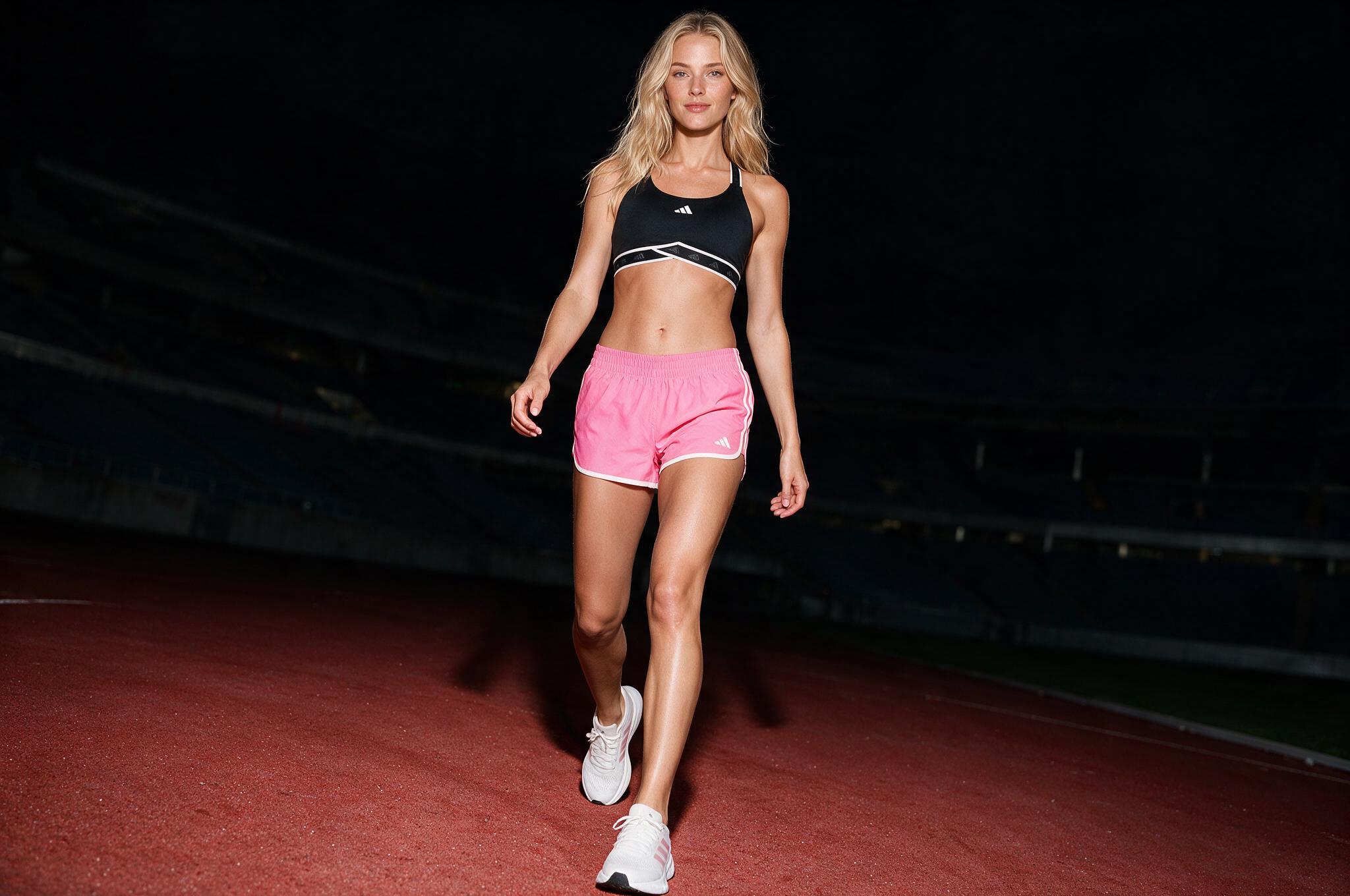
In the dynamic world of fashion photography, creating compelling visuals that tell a story is paramount. While single-model shots are a staple, the ability to feature two models in one frame opens up new creative avenues for showcasing product pairings, lifestyle scenarios, or complementary looks. With AI-powered platforms like Flashlook, achieving a professional-grade duo fashion campaign is not only possible but also streamlined. This guide will walk you through the essential steps to successfully shoot two AI models in one photo, ensuring your campaign stands out.
Why Opt for a Duo Fashion Campaign with AI Models?
Featuring two virtual models in a single image offers several advantages for fashion brands. It allows for:
- Enhanced Storytelling: Create narratives around relationships, shared experiences, or contrasting styles.
- Versatile Product Presentation: Showcase how different pieces from a collection can be worn together or by different individuals.
- Cost-Effectiveness: Eliminate the logistical complexities and expenses associated with real-world duo photoshoots, including model fees, location scouting, and extensive styling.
- Creative Control: Experiment with endless combinations of models, poses, and environments without limitations.
Platforms like Flashlook are designed to make this process intuitive, allowing you to generate stunning visuals that resonate with your target audience.
Step-by-Step Guide: Shooting Two AI Models in One Photo
Flashlook's Atelier and API are engineered to support up to two library models in a single shoot, providing the perfect canvas for your duo fashion campaign AI. Here's how to get started:
Step 1: Accessing the Flashlook Atelier
Begin by logging into your Flashlook account and navigating to the Atelier. This is your creative hub where all photoshoot magic happens. If you're using the API, ensure your setup is configured to send requests for two distinct model IDs.
Step 2: Selecting Your Virtual Models
The first crucial step is choosing the right virtual models for your campaign. Flashlook offers a diverse library of AI models, each with unique characteristics. For a duo shoot, consider models whose aesthetics complement each other or create an interesting contrast, depending on your campaign's theme.
- Browse Model Library: Head over to Our models section or directly within the Atelier's model selection interface.
- Select Two Models: Identify two models from the library that you wish to feature. Remember, the platform supports a maximum of two models per frame for a single shoot. Any request for three or more models in one shot will be rejected.
- Assign Model IDs: Internally, the platform will associate each selected model with a unique ID. This is critical for assigning specific products and poses later.
Tip: Think about the dynamic you want to create. Are they friends, a couple, or simply two individuals showcasing different styles? This will guide your model selection.
Step 3: Assigning Products and Looks to Each Model
This is where your vision for each model's outfit comes to life. Flashlook allows you to assign specific products and styling elements to each individual AI model within the frame.
- Upload Your Products: Ensure all the clothing, accessories, and footwear you want to feature are uploaded to your product library.
- Individual Styling: Within the Atelier, you'll find options to select and assign products to 'Model 1' and 'Model 2' (or however they are designated). This ensures each model wears their intended look.
- Define Styling Details: Beyond just the main garments, consider hair, makeup, and accessory options available within the platform to complete each model's look. This level of detail is key for a polished couple lookbook shoot.
Step 4: Posing and Scene Composition
Once your models are selected and dressed, it's time to define their interaction and the overall scene. The goal is to create a natural and engaging composition.
- Choose a Scene/Background: Select a background or environment that enhances your campaign's narrative. Flashlook offers a range of virtual backdrops, from urban streets to serene landscapes.
- Define Poses: Utilize the posing tools to position each model. For a pair virtual models shot, think about how their poses relate to each other. Are they looking at each other, walking side-by-side, or interacting with an element in the background?
- Iterate on Composition: Experiment with different arrangements. The beauty of AI photography is the ability to iterate quickly without additional costs. Adjust angles, distances, and interactions until you achieve the desired visual balance.
Step 5: Locking Previews and Ensuring Model Consistency
Before generating your final images, it's crucial to lock down the appearance of your models to maintain consistency across your campaign.
- Preview Generation: Generate a low-resolution preview of your scene. This allows you to review the models' appearance, poses, and product assignments.
- Lock Each Model's Preview: Once you are satisfied with how each model looks individually and in relation to the other, use the 'lock preview' feature for both models. This tells the AI to maintain their chosen appearance, including facial features and body shape, for the final render.
- Identity Lock for Stability: For campaigns requiring multiple shots of the same duo, activate the 'identity lock' feature on each model. This ensures their faces remain stable and recognizable across the entire set of images, providing a consistent brand experience for your duo fashion campaign AI.
Step 6: Generating Your Duo Campaign Photos
With all settings configured and previews locked, you're ready to generate your high-quality images.
- Initiate Generation: Click the 'Generate' or 'Shoot' button. The AI will then process your request, creating stunning images of your two virtual models.
- Review and Refine: Once the images are generated, review them carefully. You can always go back and make adjustments to poses, lighting, or styling if needed.
- Download and Use: Download your final images and integrate them into your marketing materials, lookbooks, and social media campaigns.
Maximizing Your Duo Campaign Potential
To get the most out of your two AI models one photo strategy, consider these tips:
- Storytelling First: Always start with a clear story or message you want to convey. This will guide your model selection, styling, and posing.
- Complementary vs. Contrast: Decide if you want your models to complement each other's looks or create a striking contrast. Both approaches can be highly effective.
- Lighting and Mood: Experiment with different lighting conditions and moods to evoke specific emotions and enhance the visual appeal of your images.
- Background Harmony: Ensure your chosen background works in harmony with your models and products, rather than distracting from them.
- Leverage My Models: If you've customized or saved specific model identities, you can easily recall them for future duo shoots, maintaining brand consistency.
Conclusion
Creating a captivating duo fashion campaign AI with two virtual models in a single photo is an innovative way to elevate your brand's visual content. By following these steps on the Flashlook platform, you can unlock unparalleled creative freedom, efficiency, and consistency in your fashion photography. Embrace the power of AI to bring your most ambitious campaign ideas to life, showcasing your products in dynamic and engaging ways that truly resonate with your audience.
FAQ
Can I use more than two AI models in one photo on Flashlook?
No, Flashlook's Atelier and API currently support a maximum of two library models in a single photo or campaign frame. Requests for three or more models in one shot will be rejected.
How do I assign different outfits to each AI model in a duo shoot?
Within the Flashlook Atelier, after selecting your two models, you will find distinct options to assign products and styling elements to each individual model (e.g., 'Model 1' and 'Model 2'). This ensures each model wears their intended look.
What is 'identity lock' and why is it important for duo campaigns?
'Identity lock' is a feature that ensures the facial features and overall appearance of your selected AI models remain consistent across multiple images within the same campaign. It's crucial for maintaining brand consistency and model recognition in a duo fashion campaign.
Can I use custom poses for each of my two AI models?
Yes, Flashlook's platform allows you to define and adjust individual poses for each of your two AI models within the same scene. This enables you to create dynamic interactions and compositions for your duo photoshoot.
How do I ensure the generated images of two AI models look natural together?
To ensure natural-looking images, focus on harmonious model selection, thoughtful posing that suggests interaction or a shared narrative, consistent lighting, and an appropriate background. Utilizing the 'lock preview' feature for both models before final generation also helps maintain visual cohesion.
Consistent AI fashion models for catalog and UGC. Open Studio · Browse AI Fashion models