

AI model photos for jewelry
Jewelry is small, reflective and bought on scale - how wide a ring sits on a finger, where a pendant falls. Flashlook shows your pieces worn by a consistent AI model, in close crops and full looks, so shoppers can judge size and style at a glance.
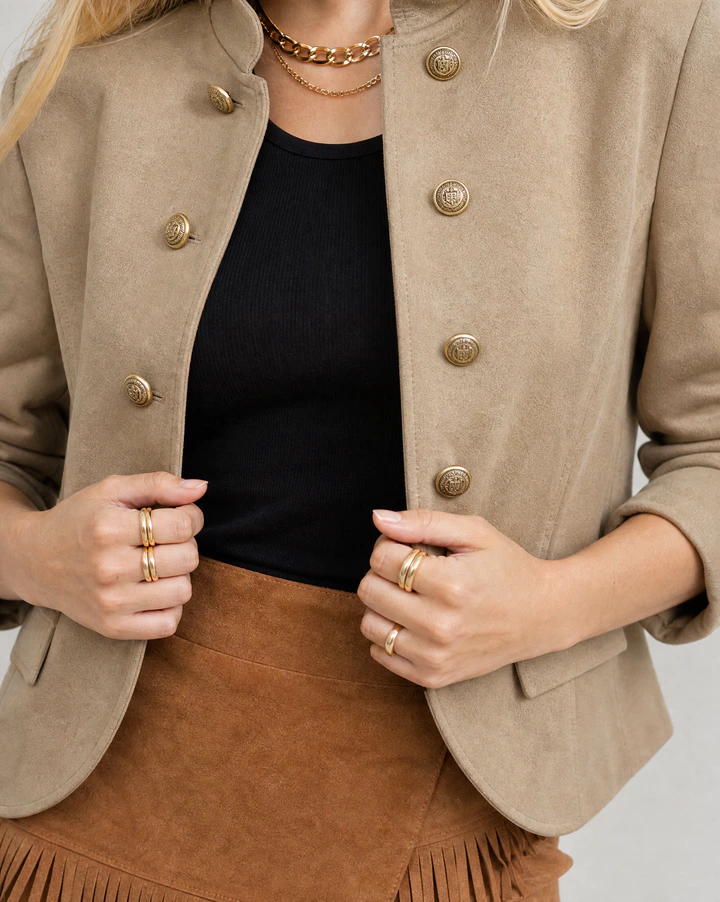
Shot with Flashlook on a locked AI model.
Real jewelry shoots
On-model images made with Flashlook - no studio, no model booking.
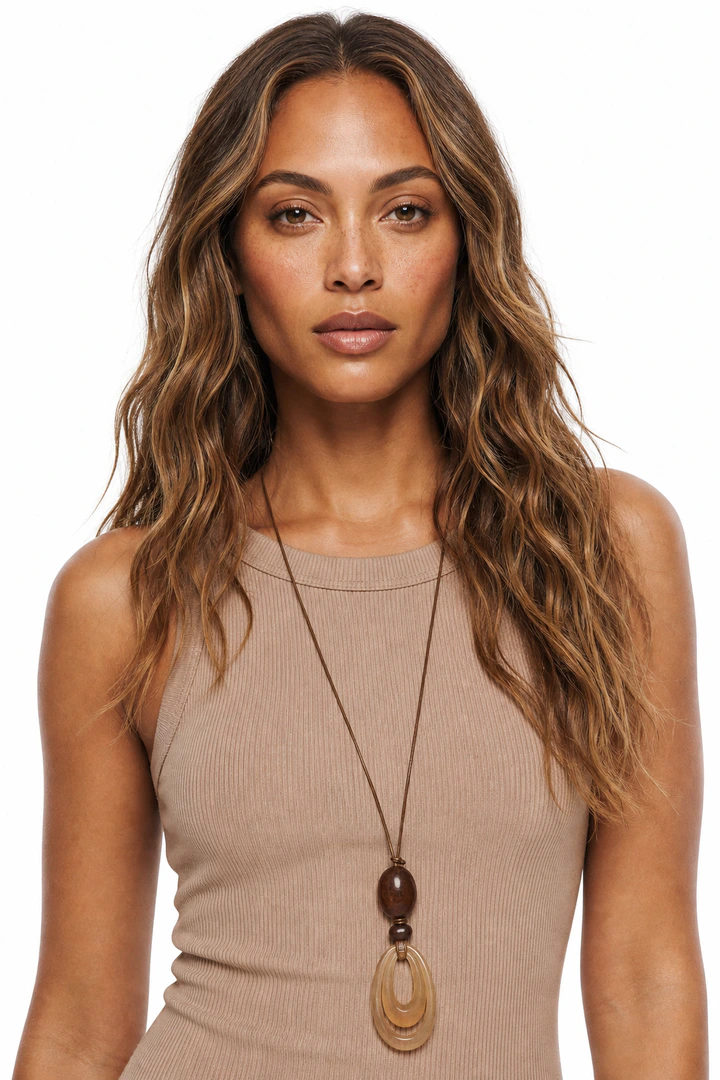
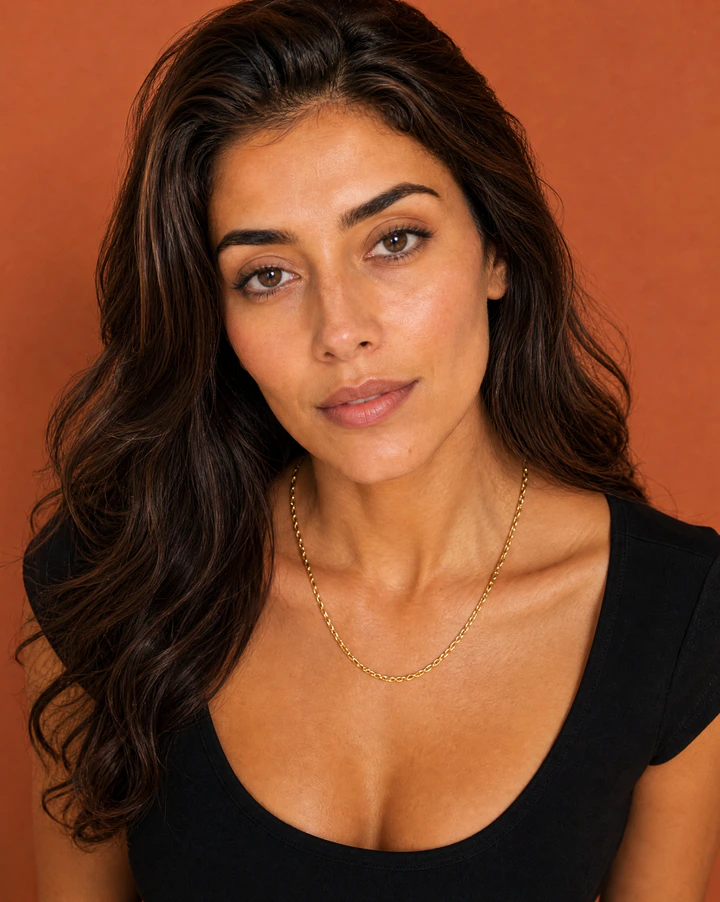

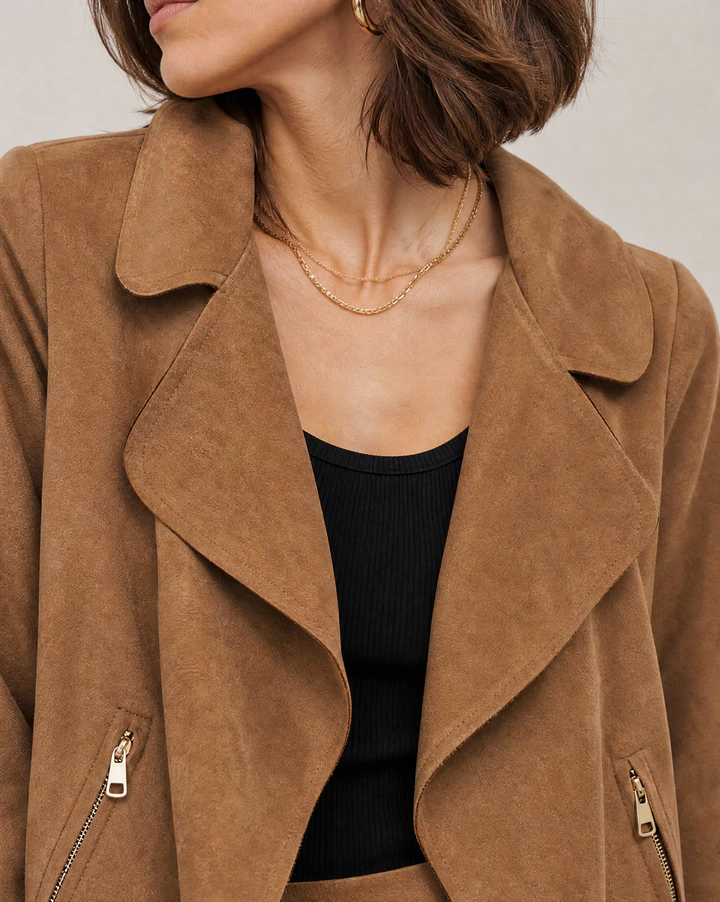
What jewelry photos need to get right
Scale
A 2 cm pendant and a 4 cm pendant look identical on a white background. Worn on a model, the size is obvious.
Detail at small sizes
Stones, chains and engravings need sharp, close crops. Start from a sharp product photo; detail in the source is detail in the result.
Styling that doesn't compete
Simple necklines, clean hands and neutral clothing keep the eye on the piece. Pick plain wardrobe styling for jewelry shoots.
A jewelry product page, shot in one session
Pick a model once and keep it for the whole range. Every image below comes from the same product photo.
Open Studio- Packshot on white or a neutral surface
- Close crop worn: hand, neck, ear or wrist
- Waist-up look for scale and styling
- Detail crop on stones, clasps or engraving
- Lifestyle scene for campaigns
Jewelry, answered
Will small details come out right?
Will small details come out right?
Use a sharp, well-lit product photo. Very fine detail - engravings, tiny stones - is the hardest case for any image model, so review close crops before publishing.
Can I shoot a ring and a necklace together?
Can I shoot a ring and a necklace together?
Yes. Add each piece as a product and they are worn together in one look.
Should jewelry still have a packshot?
Should jewelry still have a packshot?
Yes. Keep a clean product shot as the main image and use on-model images to show scale and styling.
Ghost Mannequin vs. On-Model: Elevating Apparel Photography with AI
Choosing between ghost mannequin and on-model photography has long been a critical decision for fashion brands. Now, AI offers a powerful hybrid solution that merges the best of both worlds.
Read →From iPhone to On-Model Catalog: A Step-by-Step Flashlook Guide
Discover how to transform simple iPhone product photos into professional, on-model catalog stills using Flashlook's AI platform. Learn best practices for phone photography and seamless integration into your e-commerce workflow.
Read →Virtual Try-On vs. AI On-Model Photography: Understanding the Core Differences for Fashion Brands
Dive into the critical distinction between virtual try-on features and AI on-model photography. Learn which technology drives conversion for your fashion catalog and where to invest first for maximum ROI.
Read →
Your jewelry, on-model, today.
Upload the product photos you already have. 600 free credits, no card.