

Plus-size AI models for your clothing
Customers buy with more confidence when they see clothes on a body like theirs. Plus-size AI models let you shoot every extended-size SKU on-model, without booking a separate curve shoot.
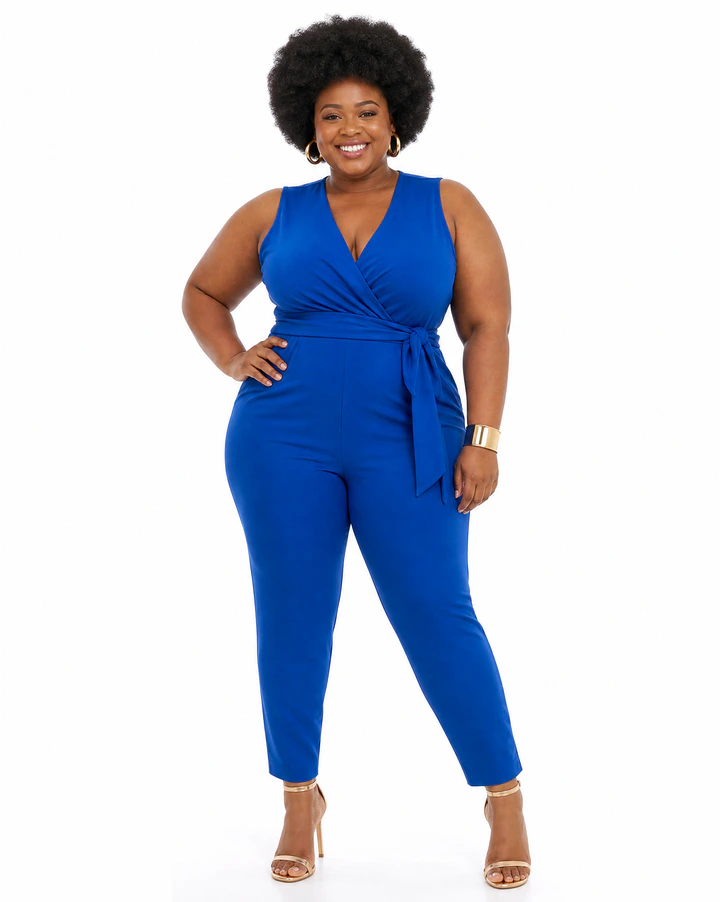
Shot with Flashlook on a locked AI model.
Plus-size AI models in the library
Open a model to see their lookbook, or shoot with them in the studio.
Amara OkaforPlus size · Average · 26-30 Tomás HerreraPlus size · Average · 26-30
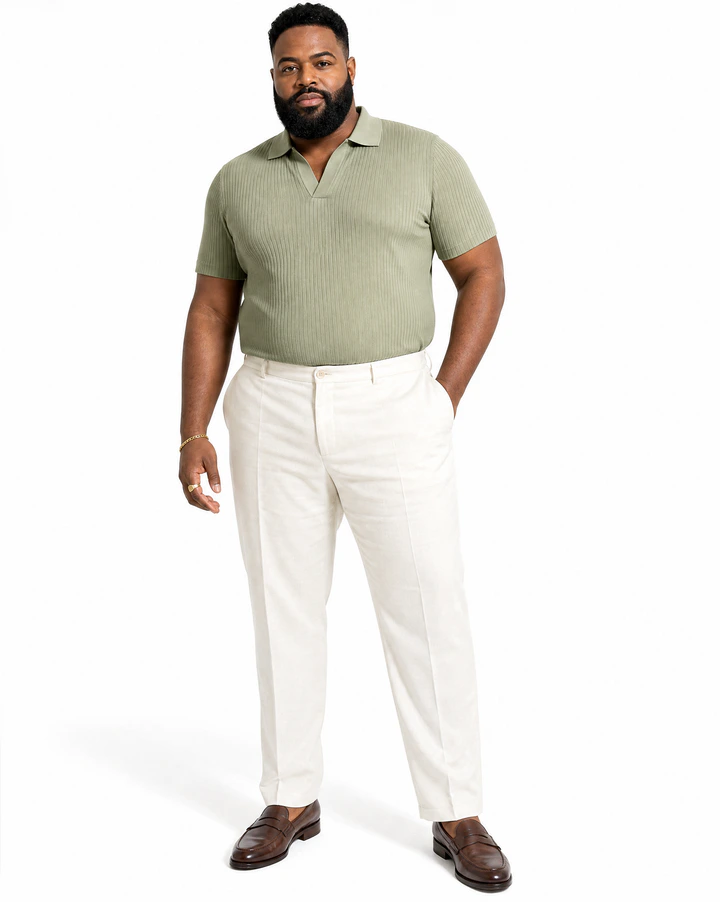 Marcus BellPlus size · Tall · 31-35
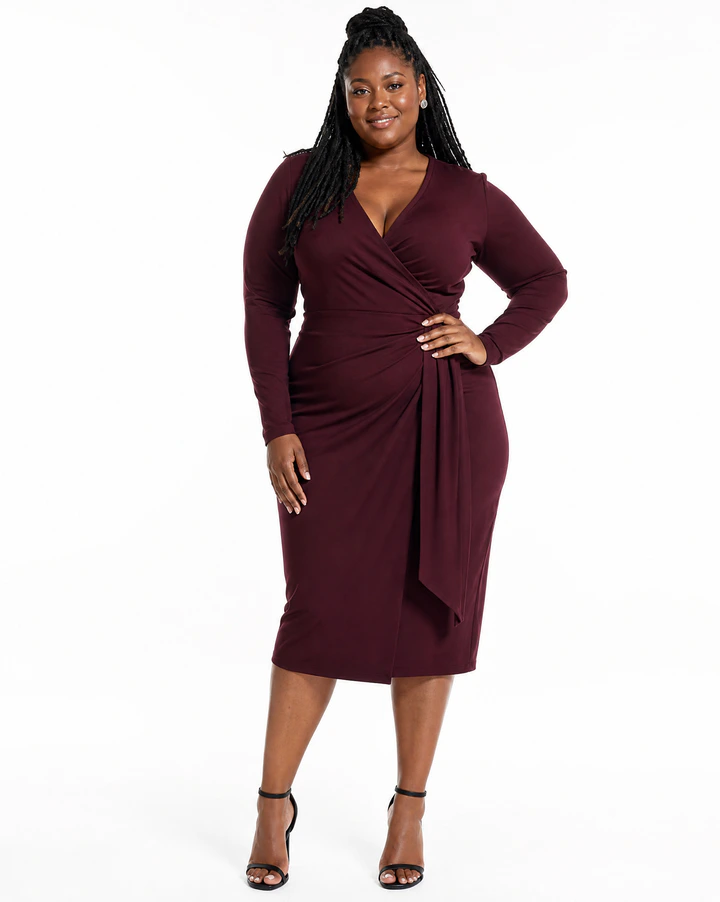 Simone BaptistePlus size · Average · 31-35
 Hanna LindqvistPlus size · Average · 22-25
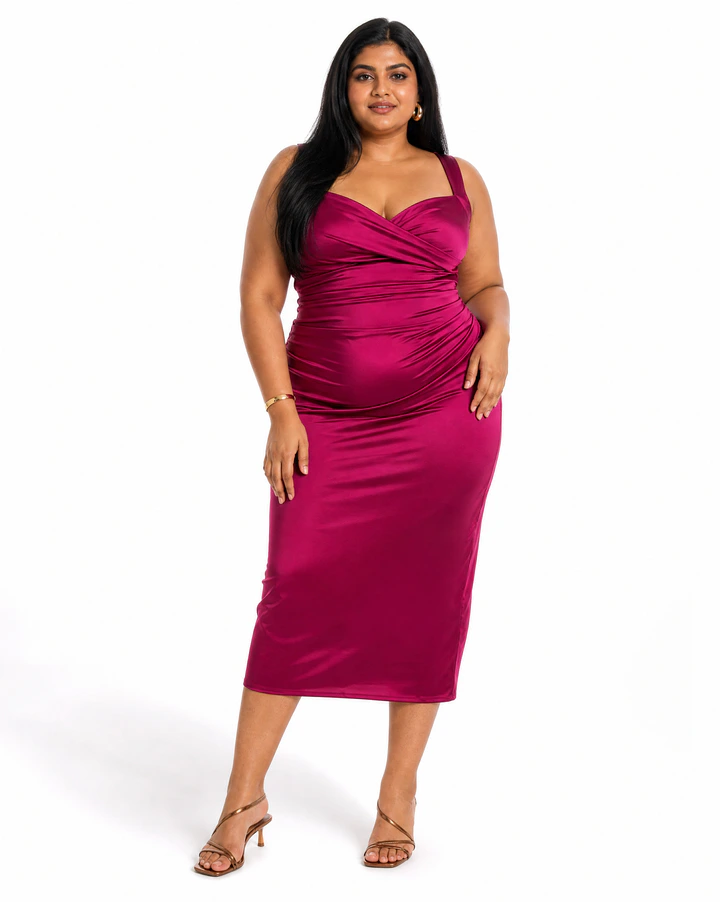 Meera IyerPlus size · Average · 26-30
 Valentina RuizPlus size · Above average · 31-35
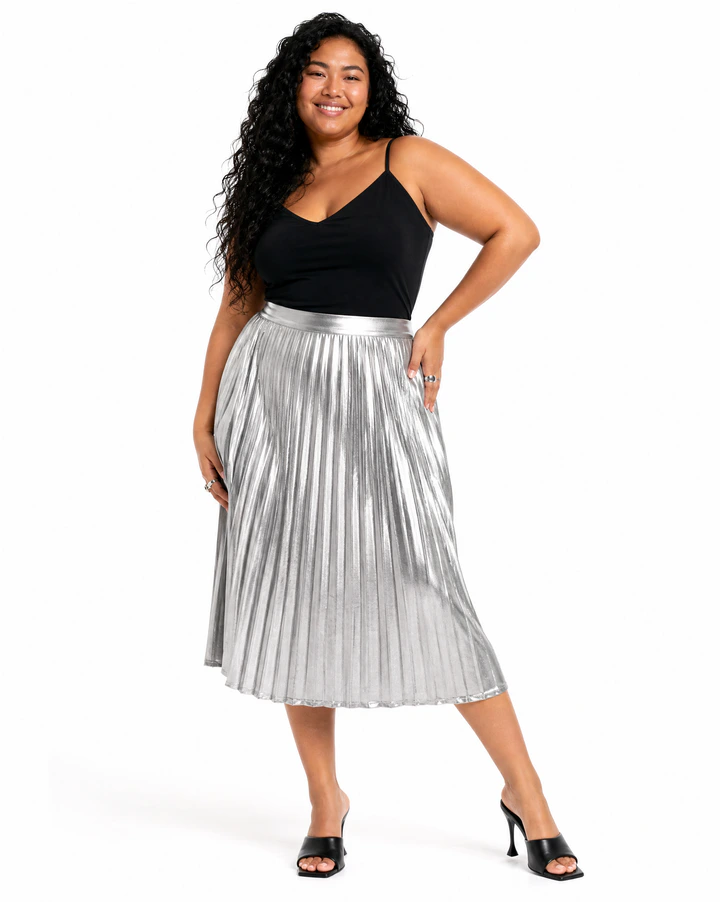 Keala KahalePlus size · Above average · 22-25
Need a specific size? In the model builder, set body type to Plus size or Curvy, pick height, age and skin tone, and lock the identity - your curve model then wears every extended-size SKU.
Build your modelShooting extended sizes well
Fit has to read true
Drape, stretch and where a seam sits change with size. Shoot the extended-size sample where you have one, not a stretched straight-size image.
Same model across the range
A locked curve model gives every extended-size product page the same face and proportions.
Show both
Many brands show a straight-size and a curve model on the same product page - make two shoots from one product photo.
Made with Flashlook
On-model images made with Flashlook - no studio, no model booking.
Questions, answered
Can I make a plus-size AI model of a specific size?
Can I make a plus-size AI model of a specific size?
You can set body type (Plus size, Curvy), frame and height in the builder. Treat it as a visual guide rather than a measured size, and note fit details in your size guide.
Can the same garment be shown on straight and plus models?
Can the same garment be shown on straight and plus models?
Yes - run the same product photo through two models and use both on the product page.
Will the garment fit look right on a plus-size model?
Will the garment fit look right on a plus-size model?
The garment's colour, print and construction come from your product photo; the drape is generated for the model's body. Review fit-critical shots (waistbands, necklines, hems) before publishing, and use the extended-size sample photo where you have one.
Can I keep the same plus-size model across my catalog?
Can I keep the same plus-size model across my catalog?
Library and custom models have a locked identity: the same face, body and skin tone in every shoot, so a whole collection looks like one campaign.
How much does it cost?
How much does it cost?
Plans start at $19/month for 1,600 credits, and a standard on-model image costs about 80 credits (fast agents about 40). New accounts get 600 free credits with no card, so you can test on your own products first.
Beyond the Sample Size: Why Plus-Size On-Model Photography is a Game-Changer
Discover how AI-powered plus-size on-model photography is transforming the fashion industry, boosting conversion, and reducing returns by offering truly inclusive visuals without the prohibitive costs of traditional photoshoots.
Read →Flat Lay vs. On-Model: The Evolving Role of Product Photography in Ecommerce
In the competitive world of fashion ecommerce, product photography is paramount. But as brands scale, the choice between a crisp flat lay vs on-model product photo becomes a strategic decision, impacting everything from customer perception to production costs. This article explores how modern fashion brands are navigating this challenge, leveraging AI to bridge the gap and maximize their visual assets.
Read →Virtual Try-On vs. AI On-Model Photography: Understanding the Core Differences for Fashion Brands
Dive into the critical distinction between virtual try-on features and AI on-model photography. Learn which technology drives conversion for your fashion catalog and where to invest first for maximum ROI.
Read →
Stop comparing. Cast your first model.
Free credits on signup, no card. Same face on every SKU from the first shoot.