

See it online. Shoot it now.
Inspiration doesn't wait - and now your shoots don't either. Found a look, a model or a product you love? Click it, and Flashlook turns it into an on-model shoot on the spot, right next to the page that inspired you. No saving, no downloading, no re-uploading.
Free on every plan · Chrome on desktop · Uses your Flashlook account and credits
From inspiration to shoot in seconds
Add to Chrome
Install Flashlook from the Chrome Web Store and pin it to your toolbar.
Sign in with Flashlook
Use your existing account - same models, products, credits and plan. Free plan included.
See it, shoot it
Found something that inspires you? Click it, and generate the shoot right there in the side panel.
Inspiration in. Shoots out.
Until now, a reference you loved meant saving it, opening Flashlook and uploading it again - and the moment was gone. Now the shoot starts the second you find it.
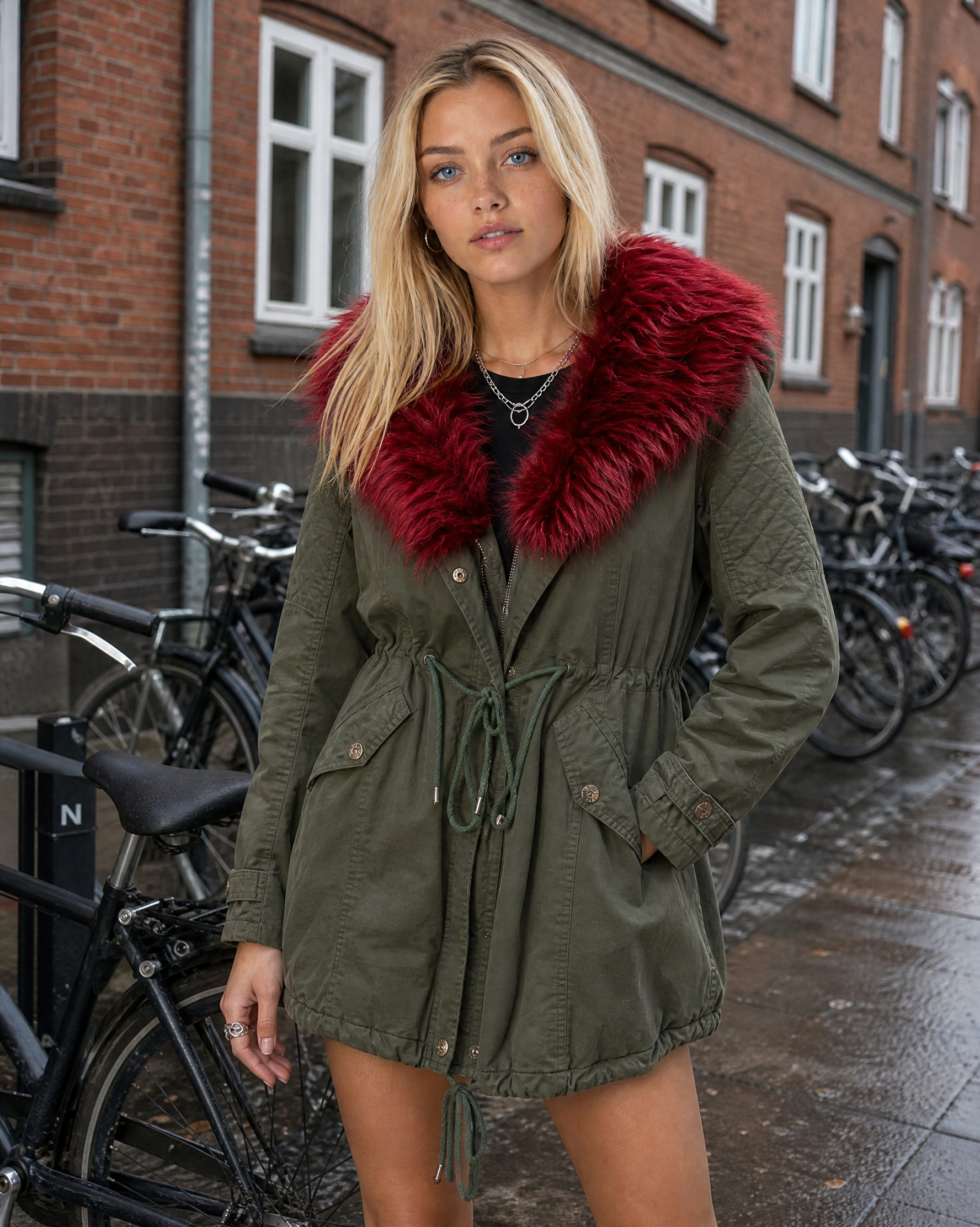
Shoot the moment inspiration hits
Browsing a store, a lookbook, a supplier page or a moodboard? Click any image and it's in your shoot - no saving, no downloading, no switching tabs. Nothing else on the page is read.
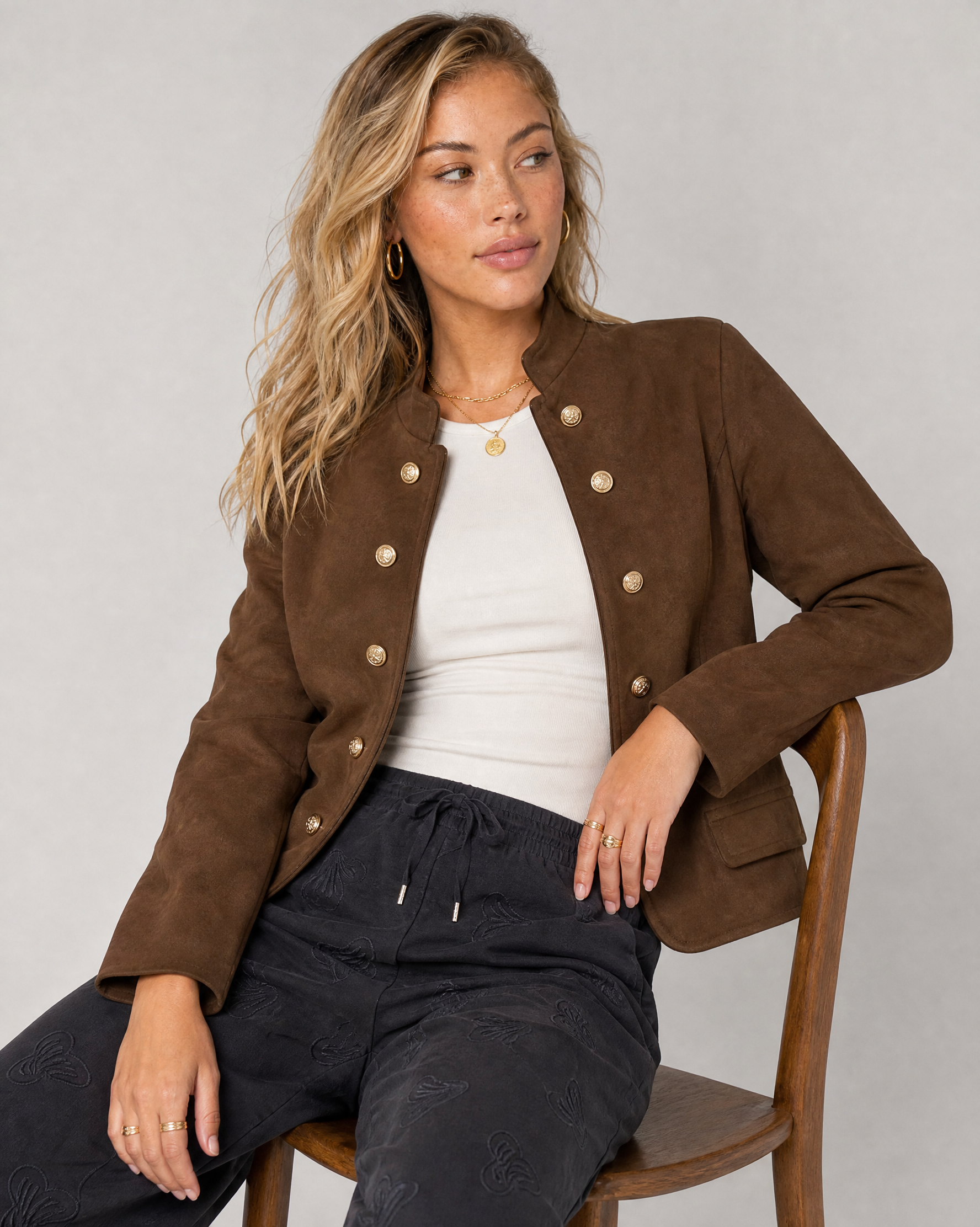
Use it as a model or a product
Tag each pick as the model or a product - up to 8 references per shoot. Or drop in your own uploads and saved Studio models and products.
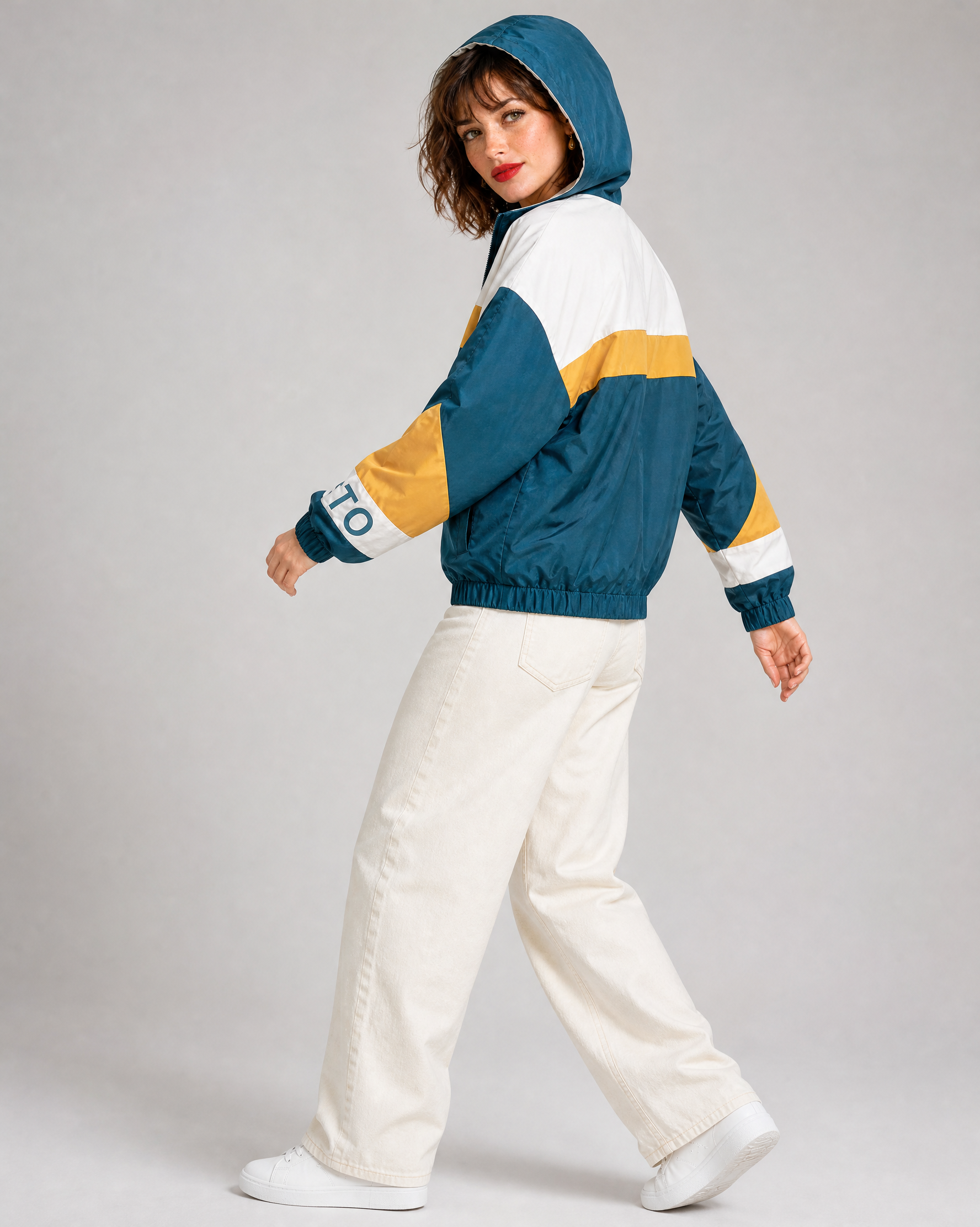
Shoot stills or video from the side panel
Choose an agent, aspect ratio and scene, @-mention your references in the direction, and generate - results land right in the panel, next to the page you're on.
Animate any image in one click
Pick an image and choose Animate - Flashlook turns it into a short clip on our best video agent, with art direction handled for you.
Animate any product page
Both clips started as ordinary store photos on asos.com. One click on Animate each - no prompt, no setup, no upload.
 Product page
 Product page
Good to know
Which plans include the extension?
Every plan, including Free. Shoots use your normal Flashlook credits, and the panel shows the price before you generate.
What does the extension read from the pages I visit?
Nothing until you start the picker. Then it only highlights images, and the one image you click is uploaded to your Flashlook account to use as a reference.
Where do my results go?
They show up in the side panel as they finish, and you can open any of them full size. Shoots with your saved models also appear in your Studio gallery.
Does it work on my phone, or in other browsers?
It's a desktop extension: Chrome on Android and iPhone doesn't support extensions. On a computer it works in Google Chrome 116 or newer, and in other Chromium browsers that install from the Chrome Web Store and support the side panel.
Your next shoot is already on your screen
Add Flashlook to Chrome, and the next thing that inspires you becomes a shoot - right away.
Add to Chrome - it's free