

AI studio fashion photography
A clean studio shot - seamless backdrop, soft even light, the model front and centre - is the workhorse of every product page. AI gives you that studio on demand, in any backdrop colour.
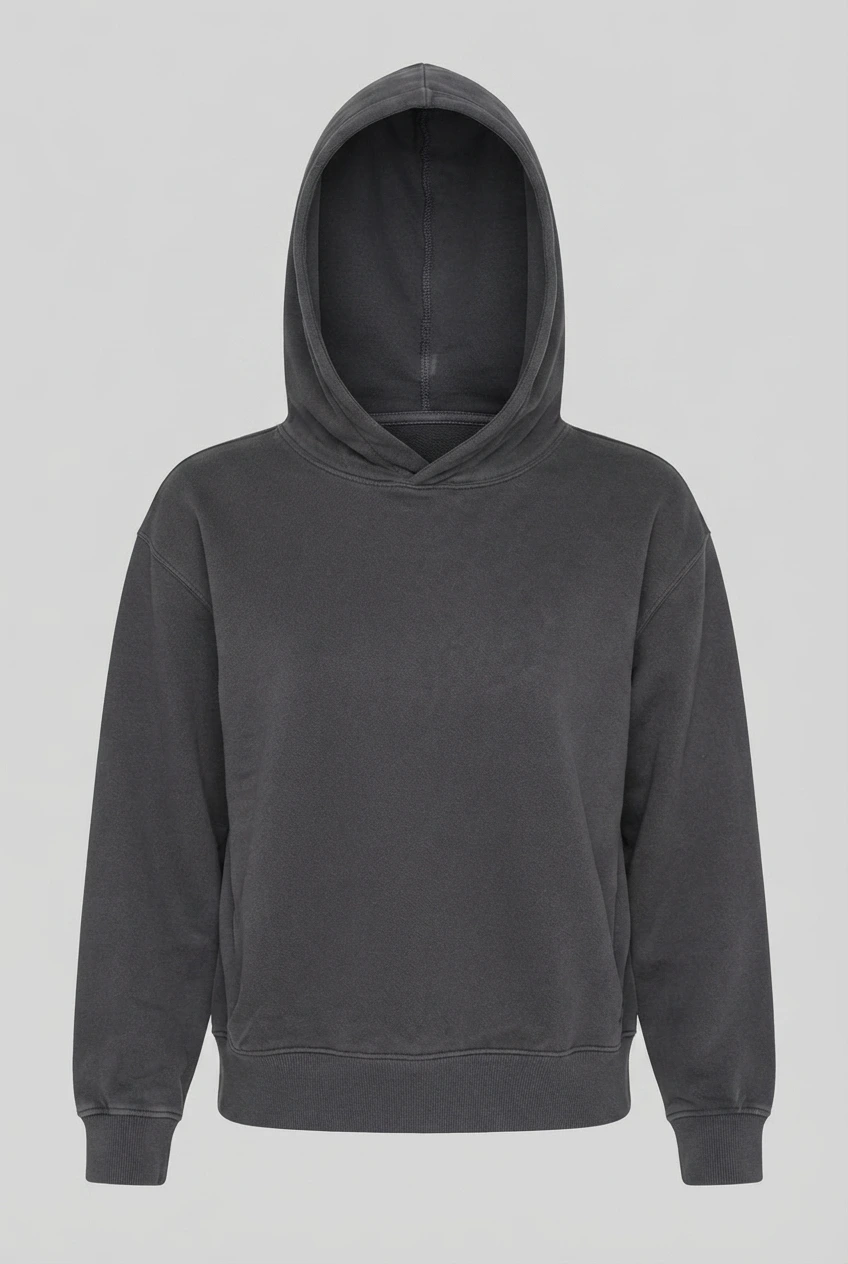
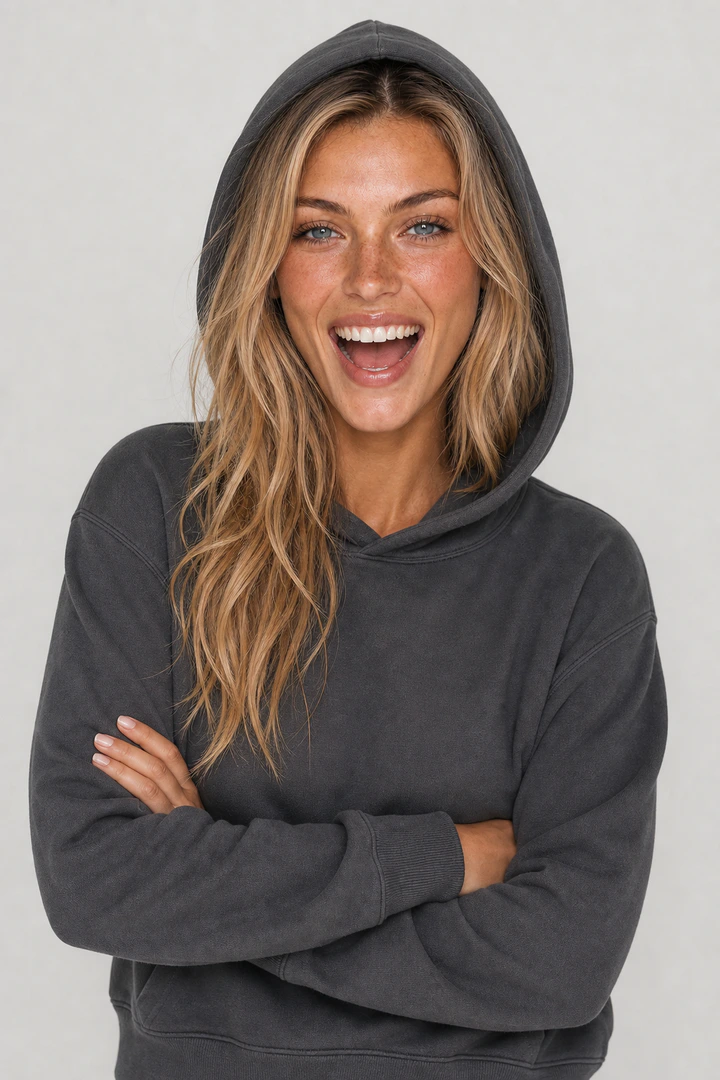
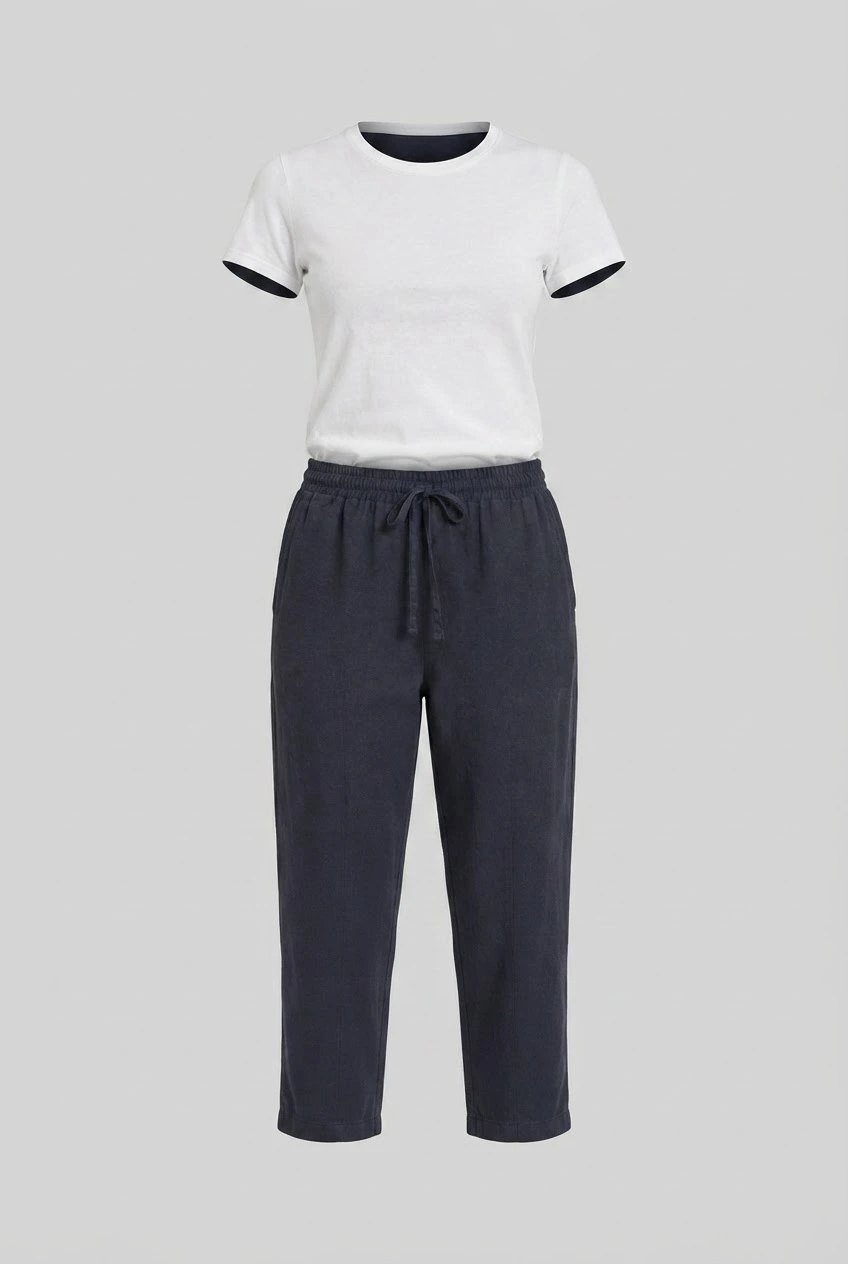
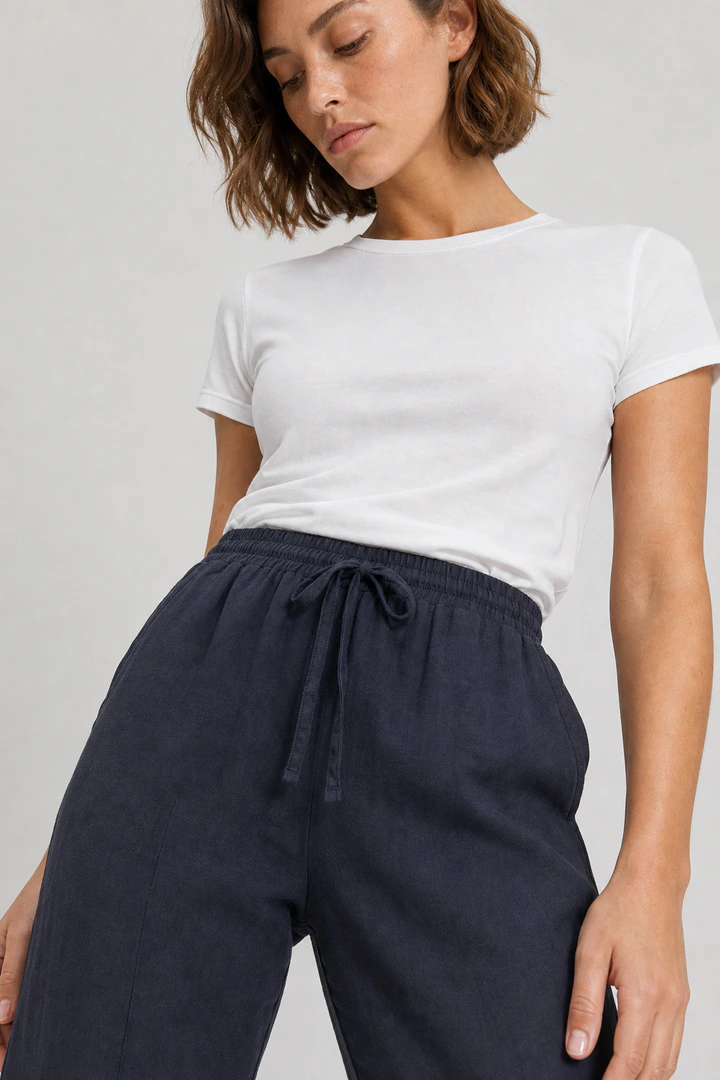
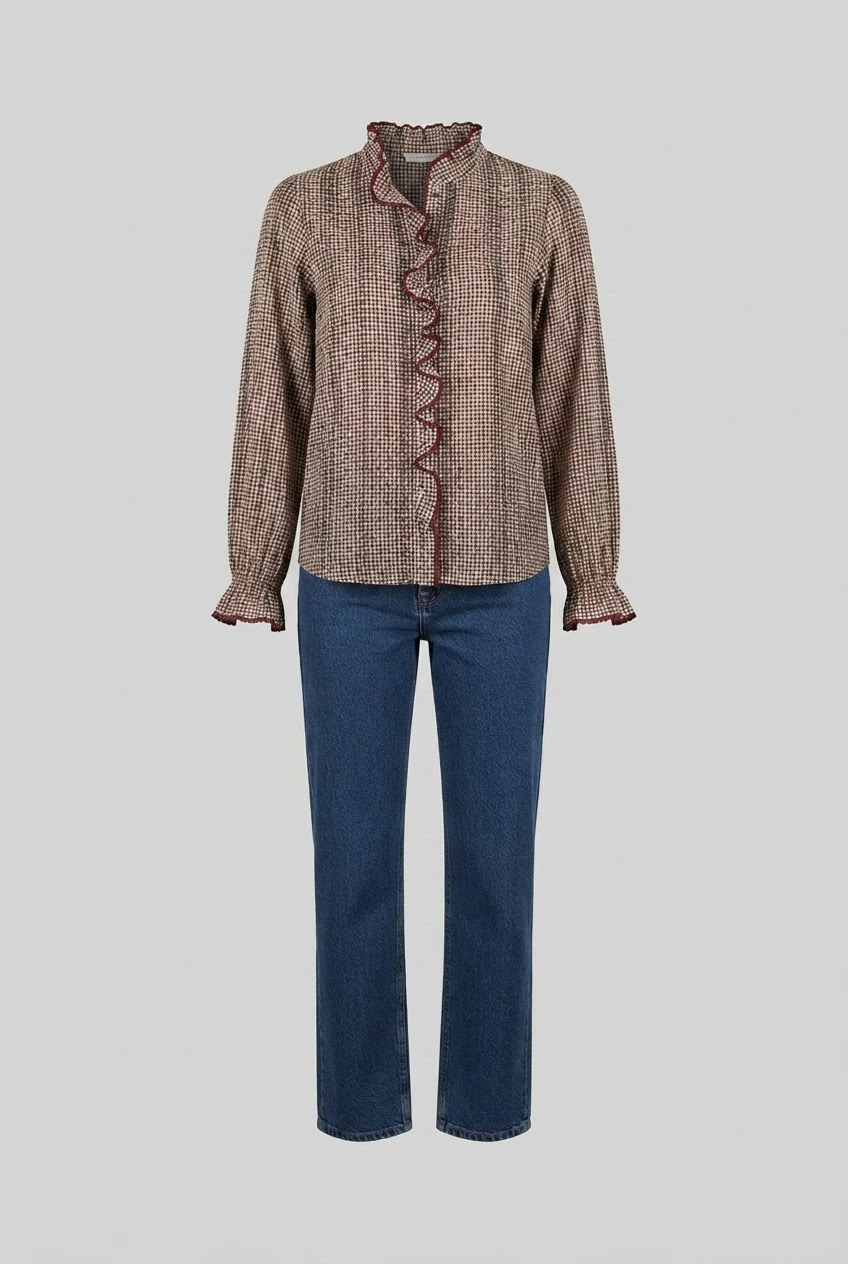
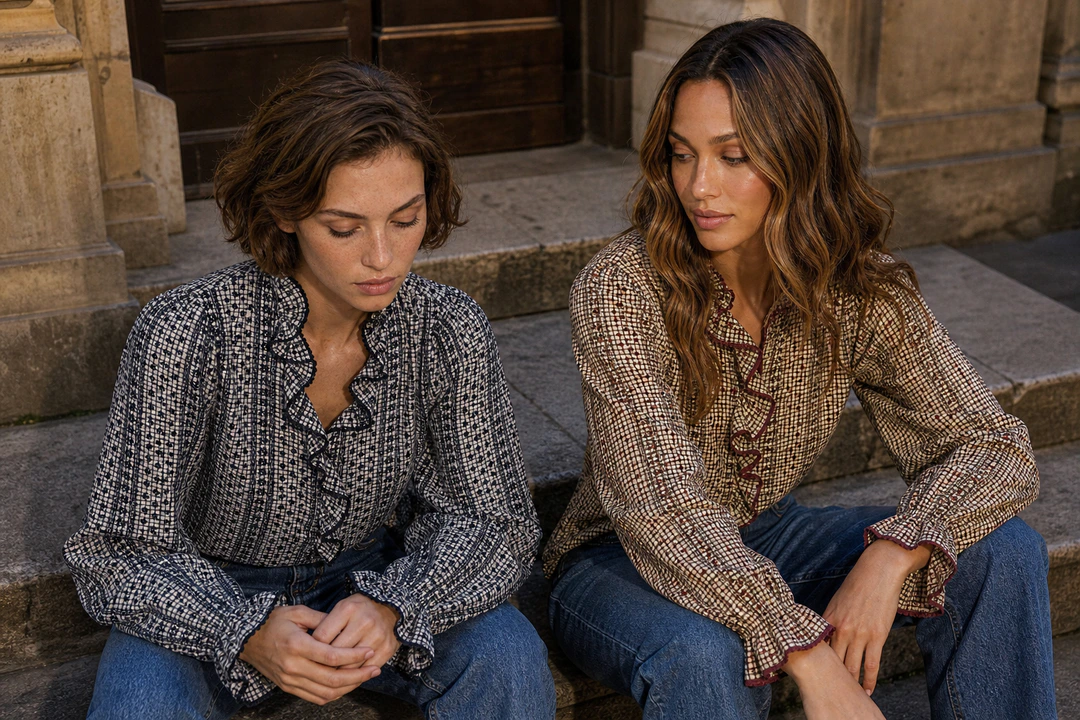
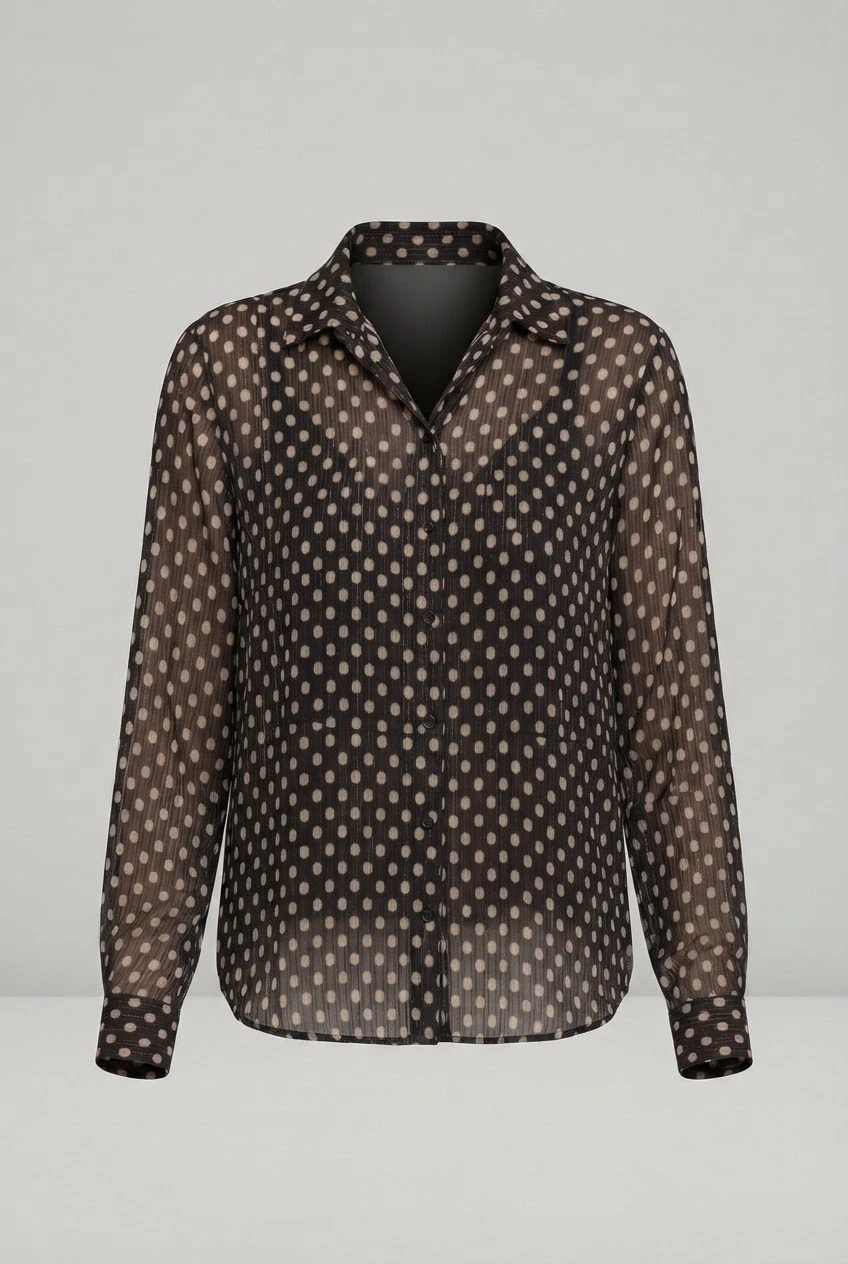
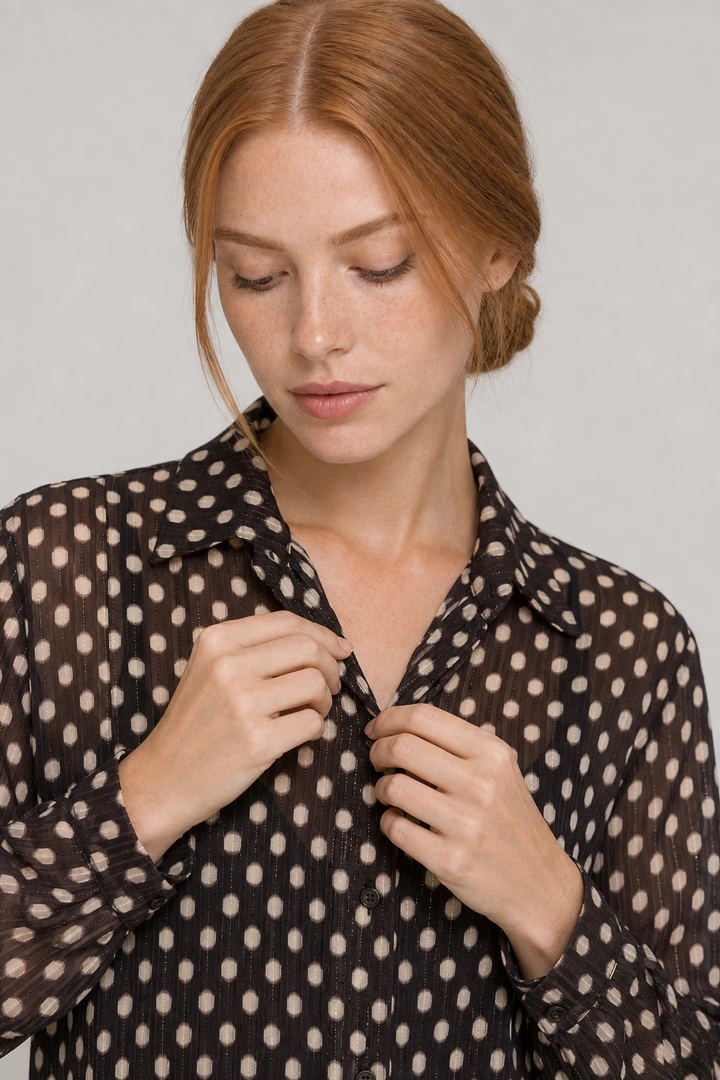
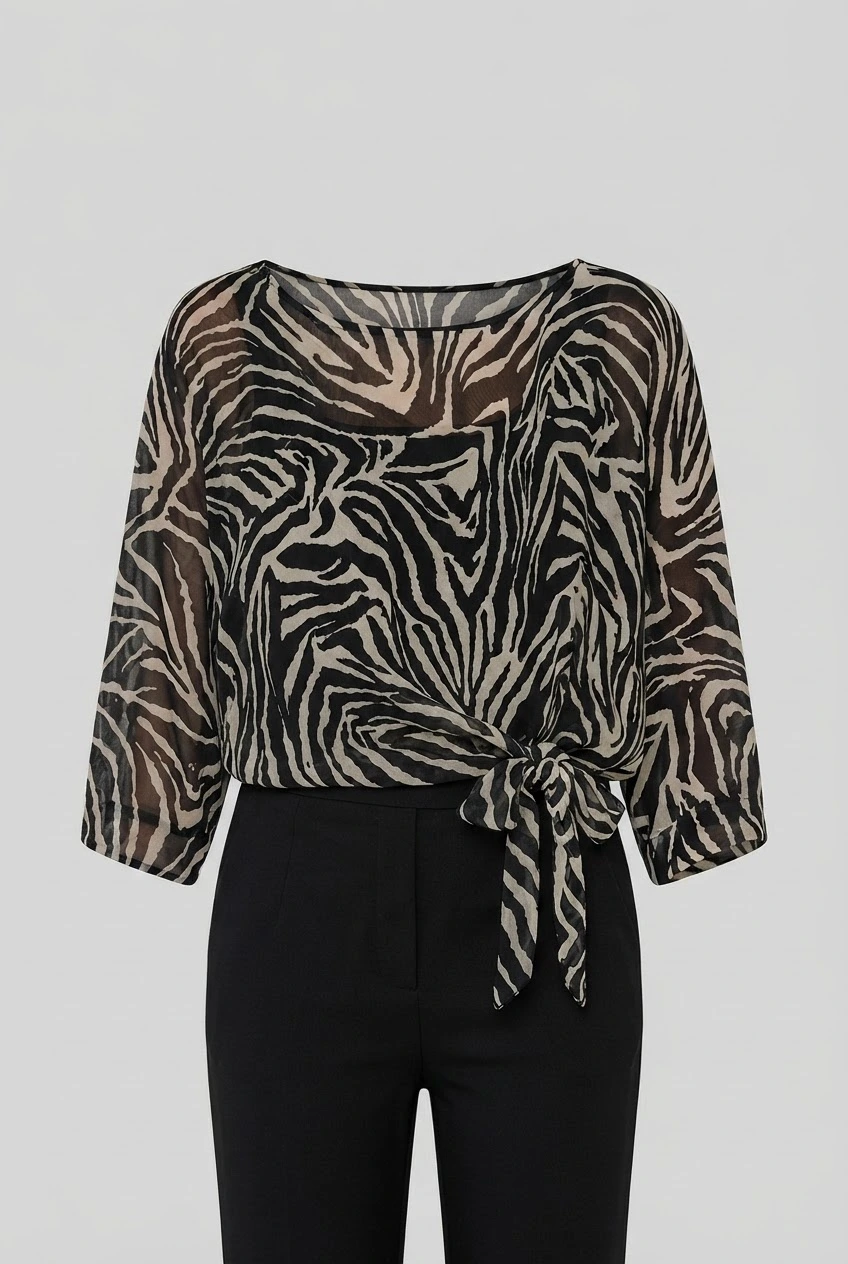
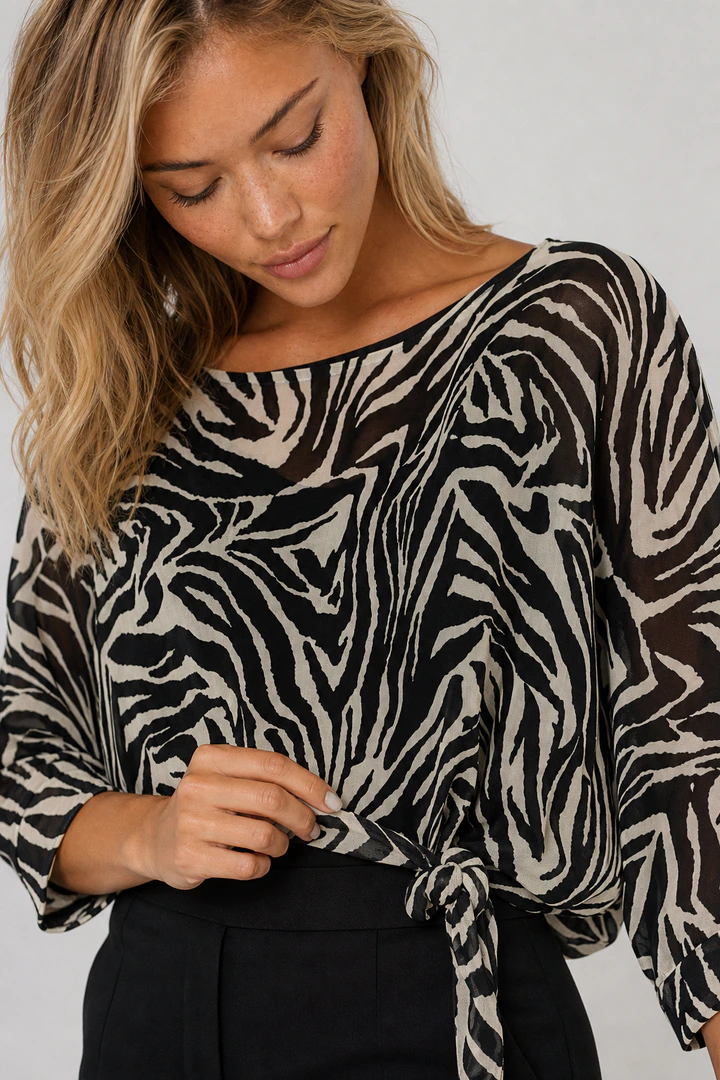
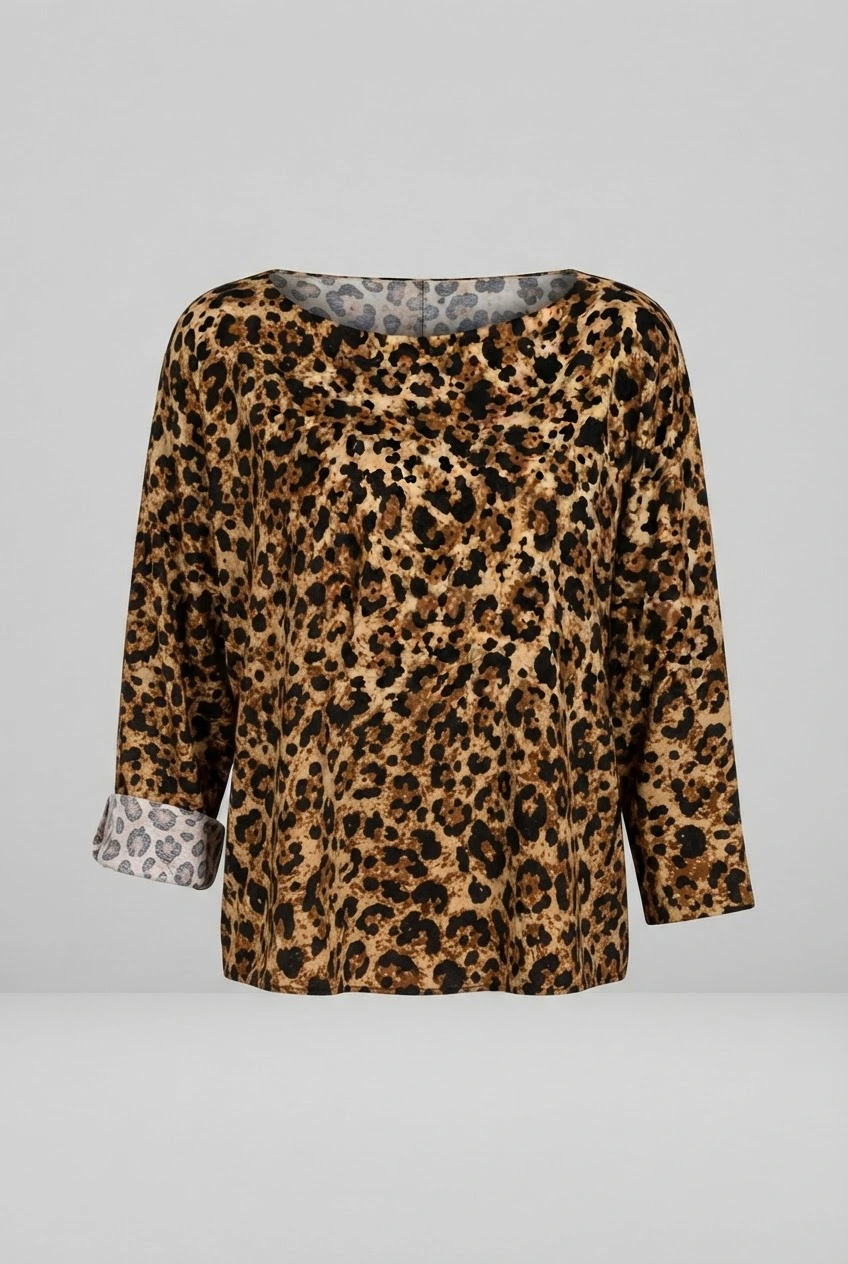
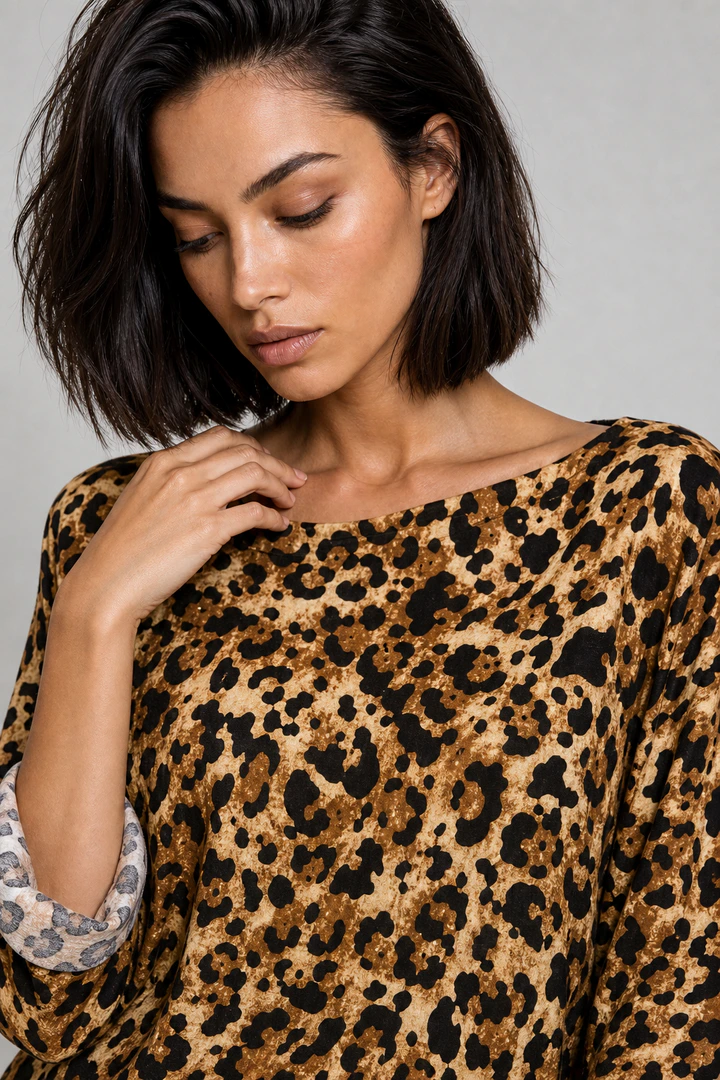
Left: the product photo. Right: the Flashlook on-model image.
Studio looks on demand
Any backdrop
White, light grey, warm beige or a brand colour - change it per collection.
Even, flattering light
Soft studio lighting that shows true colour and fabric texture.
PDP framing
Full body, three-quarter and detail crops at the ratios your store uses.
Made with Flashlook
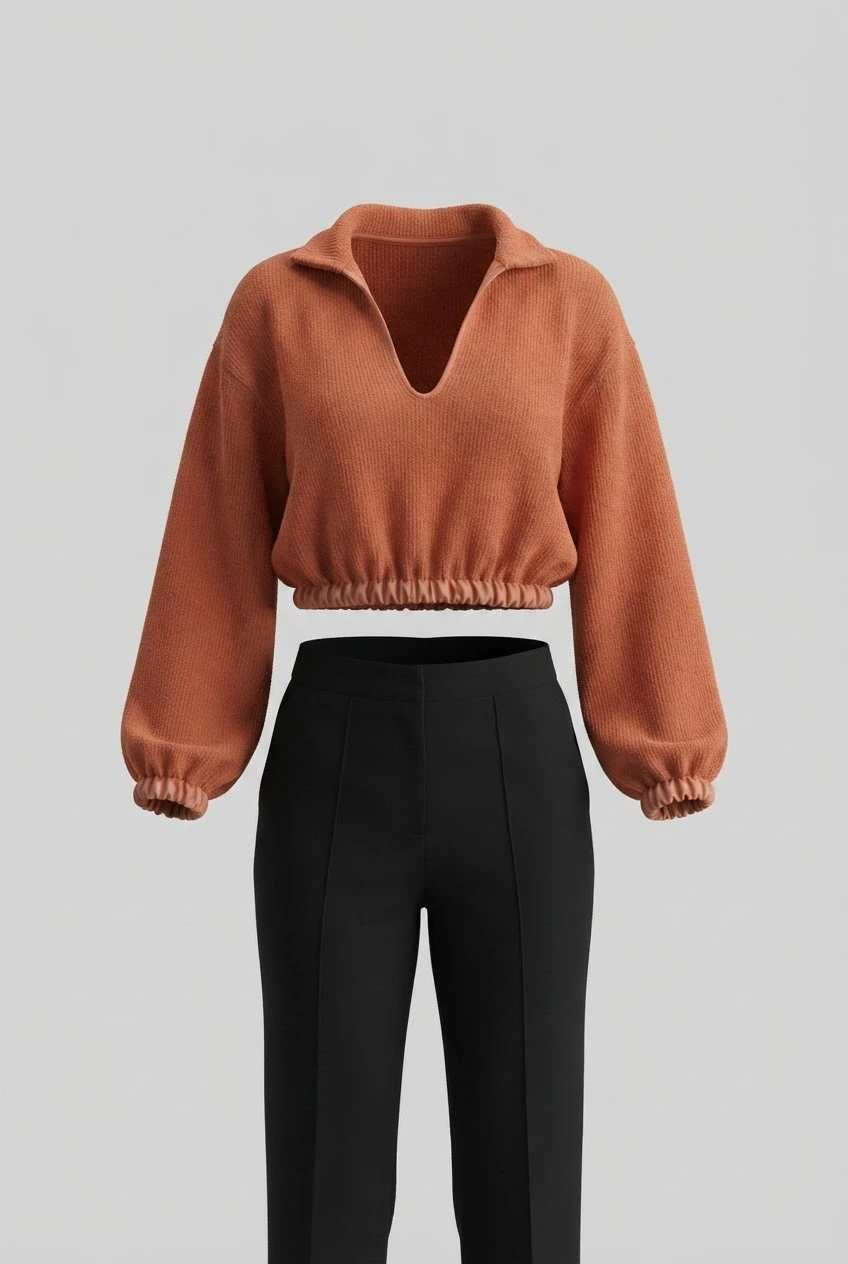
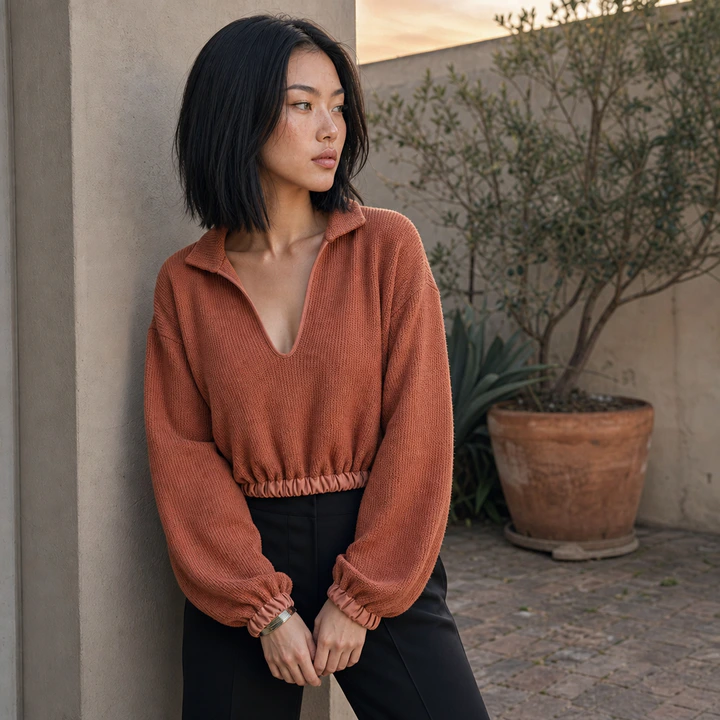
Pairs show the product photo a brand uploaded and the on-model image made from it.
Questions, answered
Can I get a pure white background for Amazon?
Can I get a pure white background for Amazon?
Yes - shoot on a white seamless backdrop; see our Amazon image requirements page for the main-image rules.
Which backdrop colours can I use?
Which backdrop colours can I use?
White, light grey, beige or any brand colour. Pick one per collection so the grid on your category pages looks uniform.
Can I match my existing studio photos?
Can I match my existing studio photos?
Yes - choose the closest backdrop, framing and model, and reuse those settings for every new product.
What photo of the product do I need?
What photo of the product do I need?
A clean, evenly lit photo of the whole product on a plain background: flat-lay, ghost mannequin, hanger shot or a supplier image. Higher resolution keeps prints and logos sharper.
Can I use the images commercially?
Can I use the images commercially?
Images made on paid plans come with a commercial license and no watermark - use them on product pages, marketplaces, ads and social. Free-credit images are watermarked.
Studio vs. Location: Mastering Fashion Photography with AI
Choosing between a clean studio backdrop and a dynamic location is crucial for fashion photography. Learn how AI platforms like Flashlook help you decide for PDPs, lookbooks, and campaigns.
Read →Flashlook vs AIORA Studio: Choosing Your AI Fashion Photography Partner
When it comes to AI fashion photography for product catalogs, both Flashlook and AIORA Studio offer compelling solutions. This comparison delves into their strengths, ideal use cases, and key features to help you decide which platform aligns best with your brand's needs.
Read →Rose Sutton's Vibrant Copper-Red Hair and Freckled Ivory Skin for Studio E-Commerce
Featuring vibrant copper-red hair and a natural dusting of freckles, Rose Sutton brings a striking, high-contrast look to Flashlook's digital fashion model lineup.
Read →
Stop comparing. Cast your first model.
Free credits on signup, no card. Same face on every SKU from the first shoot.