

AI model photos for bags and handbags
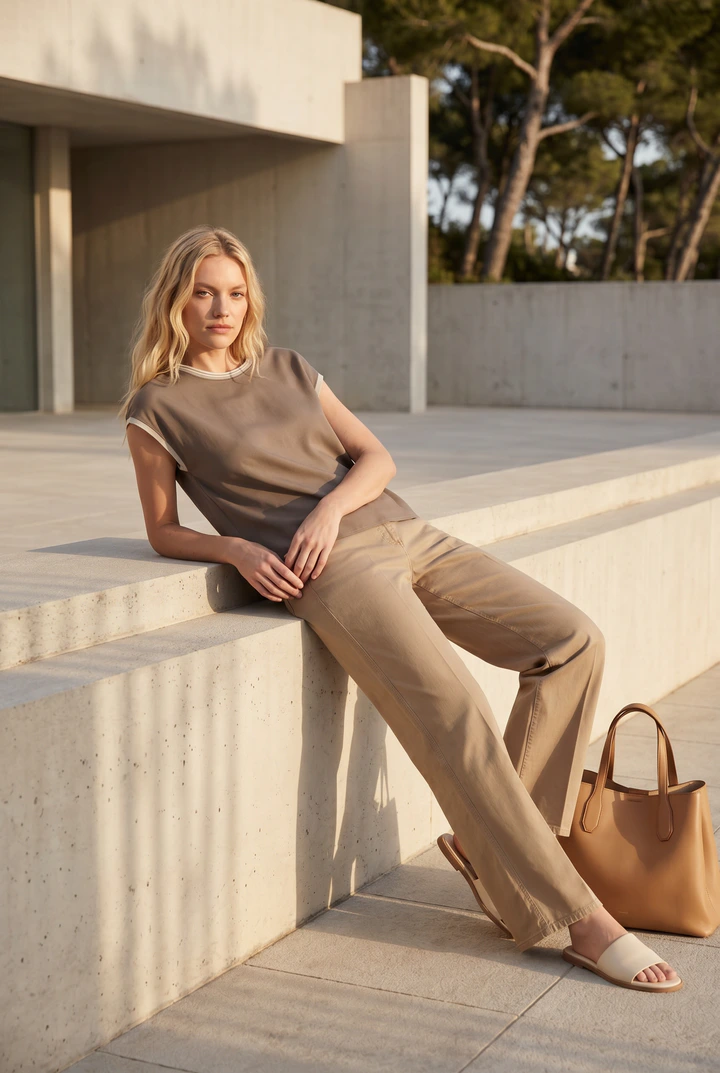
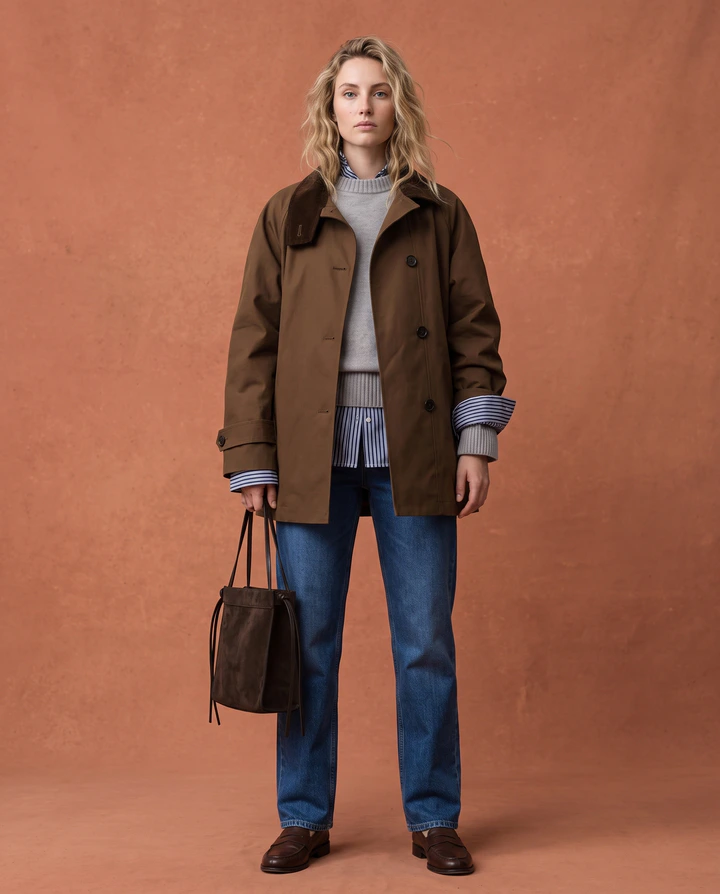
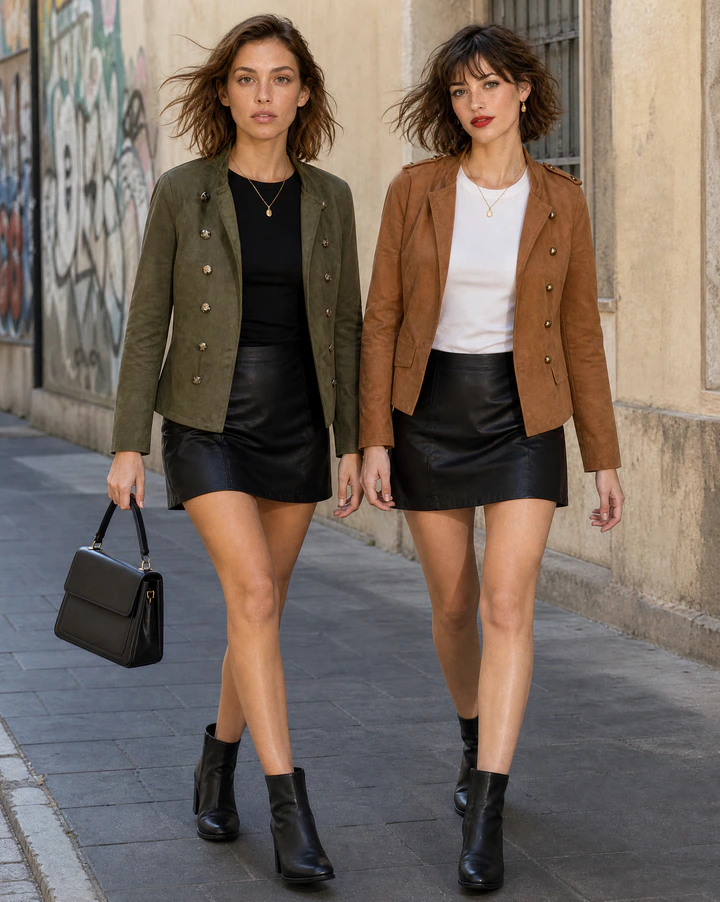
A bag on a white background shows its shape; a bag on a shoulder shows its size, its strap drop and the outfits it goes with. Flashlook styles your bags on a consistent AI model, carried, worn or set beside them, in the scenes your brand lives in.
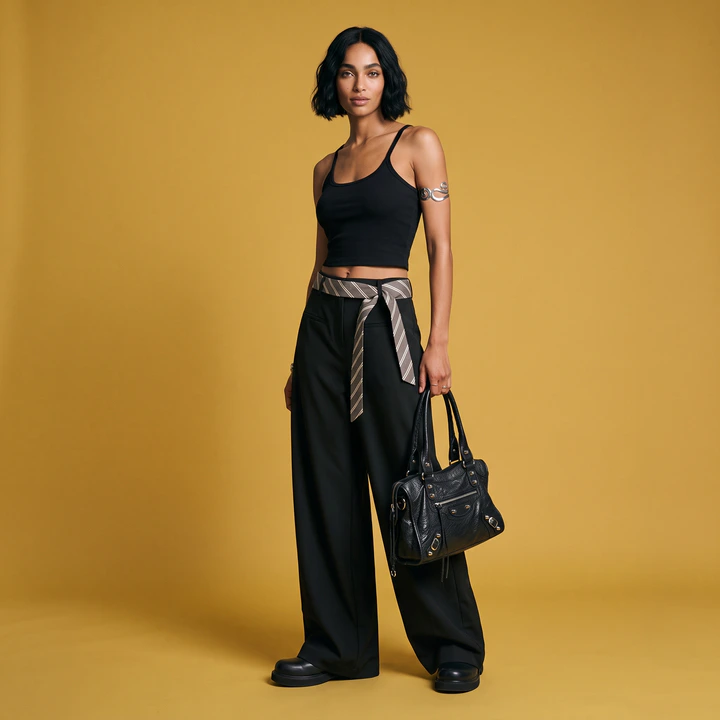
Shot with Flashlook on a locked AI model.
Real bags shoots
On-model images made with Flashlook - no studio, no model booking.
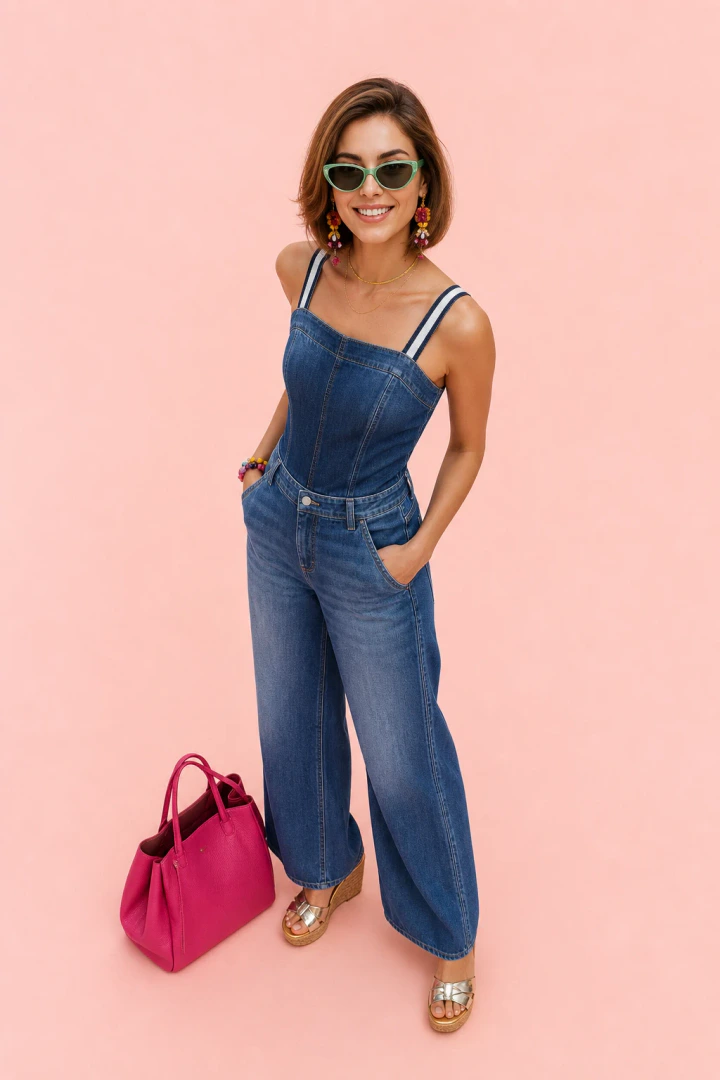
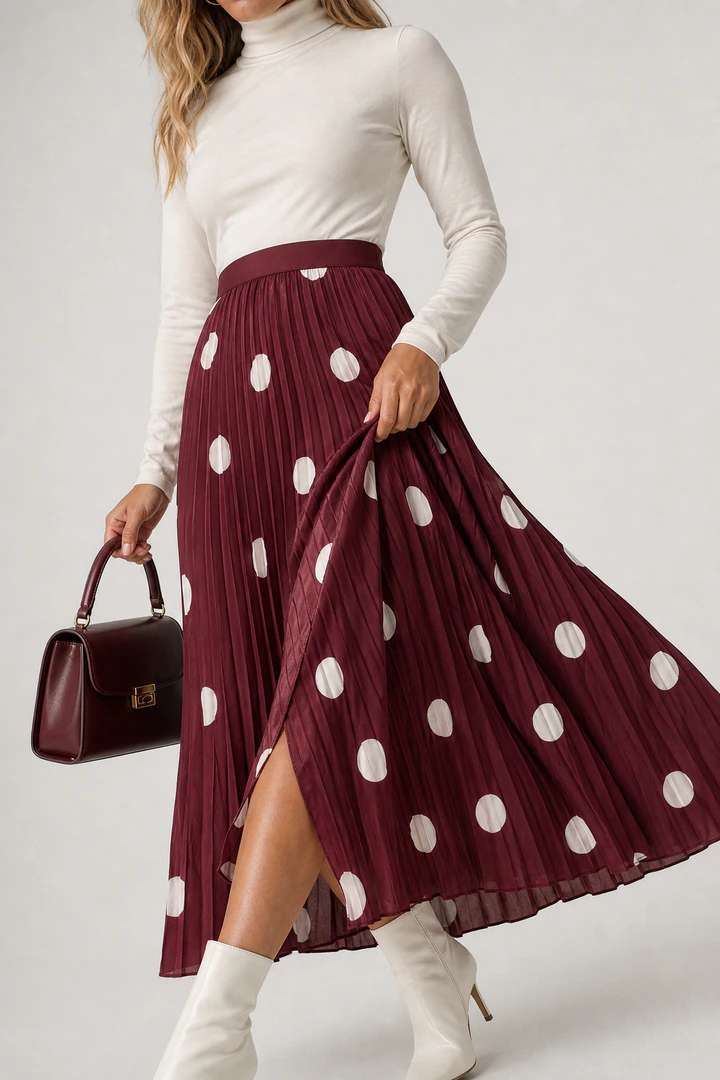
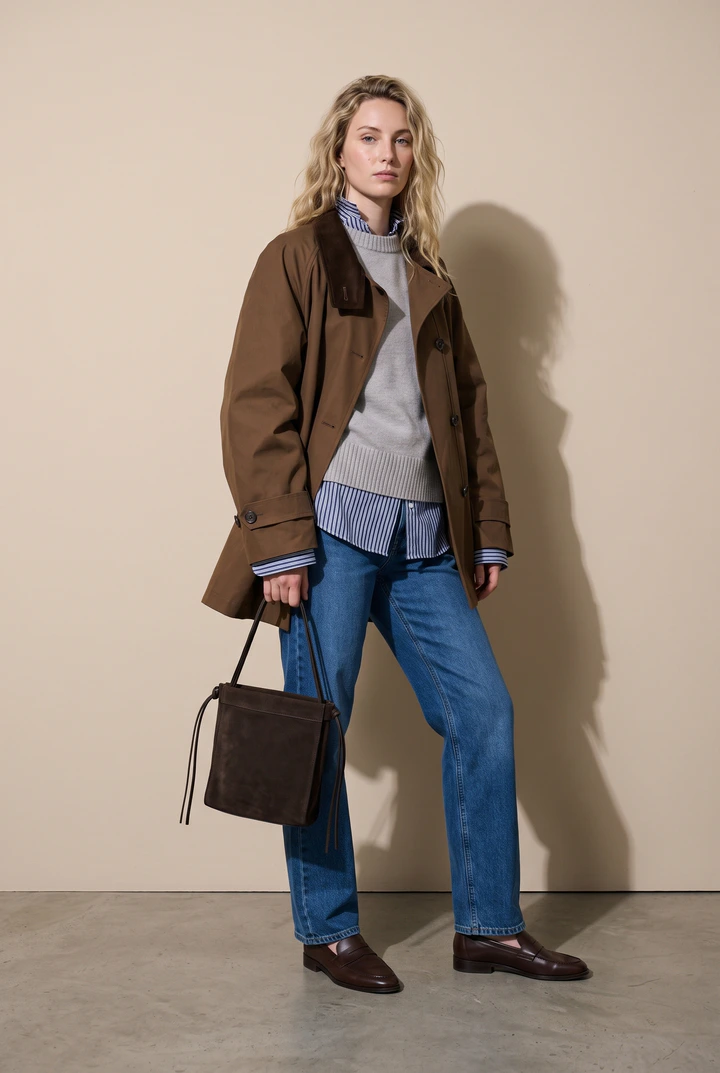
What bags photos need to get right
Size is the first question
Will it fit a laptop? Is it a mini bag? Showing the bag against a body answers it in one glance, which a packshot alone can't.
How it's carried
Shoulder, crossbody, top handle, in hand - strap drop and carry style change how a bag reads. Shoot the carries that matter for each style.
Styled, not floating
Bags sell as part of an outfit. Flashlook's wardrobe dresses the model in complementary pieces so the bag is the hero of a complete look.
A bags product page, shot in one session
Pick a model once and keep it for the whole range. Every image below comes from the same product photo.
Open Studio- Packshot, front and three-quarter
- Carried on the shoulder or crossbody, full length
- In hand, waist-up
- Detail crop on hardware and leather
- Street or lifestyle scene for social
Bags, answered
Can the model hold the bag instead of wearing it?
Can the model hold the bag instead of wearing it?
Yes. Pick a pose and framing that suit the carry - in hand, on the shoulder or set down beside the model.
Can I shoot the bag with my own clothing?
Can I shoot the bag with my own clothing?
Yes. Add your clothing as extra products and the model wears them with the bag, or let the wardrobe choose neutral pieces.
Can I push the images to Shopify?
Can I push the images to Shopify?
Yes. With the Flashlook Shopify app, finished looks go straight to the product's media gallery.
Ghost Mannequin vs. On-Model: Elevating Apparel Photography with AI
Choosing between ghost mannequin and on-model photography has long been a critical decision for fashion brands. Now, AI offers a powerful hybrid solution that merges the best of both worlds.
Read →From iPhone to On-Model Catalog: A Step-by-Step Flashlook Guide
Discover how to transform simple iPhone product photos into professional, on-model catalog stills using Flashlook's AI platform. Learn best practices for phone photography and seamless integration into your e-commerce workflow.
Read →Virtual Try-On vs. AI On-Model Photography: Understanding the Core Differences for Fashion Brands
Dive into the critical distinction between virtual try-on features and AI on-model photography. Learn which technology drives conversion for your fashion catalog and where to invest first for maximum ROI.
Read →
Your bags, on-model, today.
Upload the product photos you already have. 600 free credits, no card.