

On-model product photography with AI
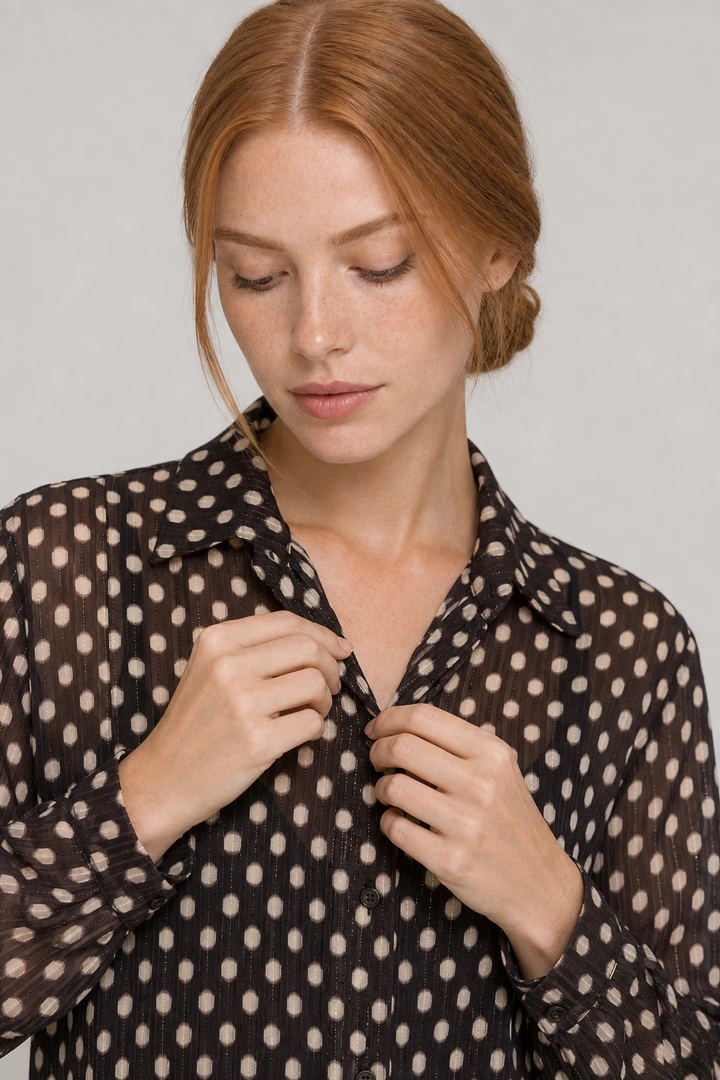
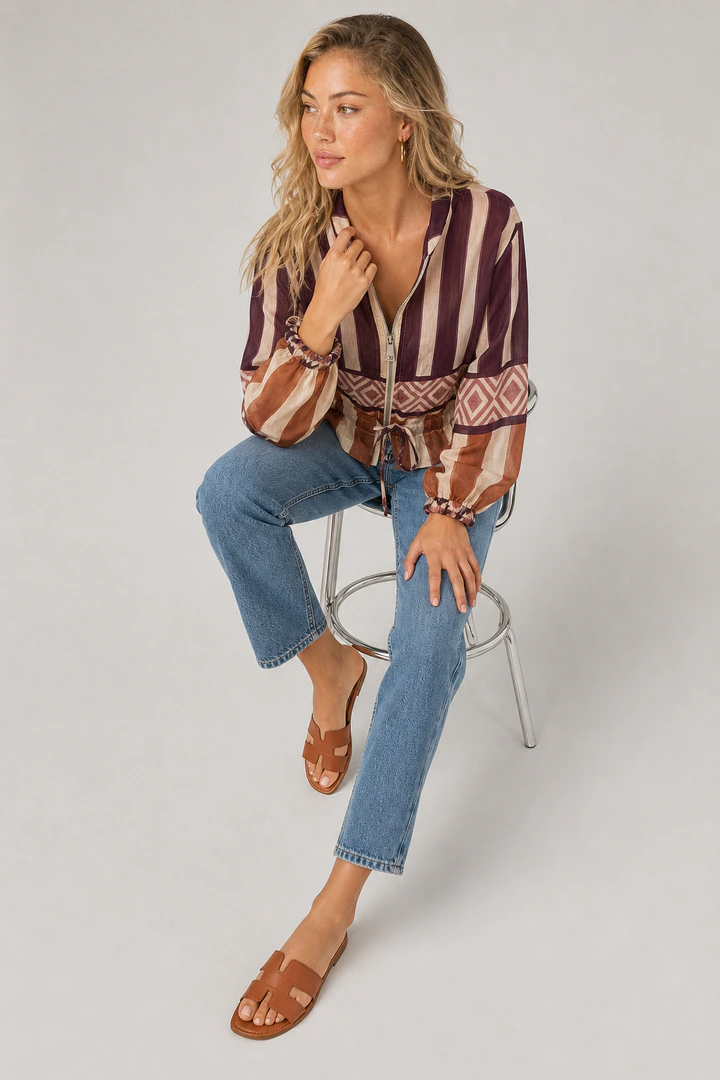
On-model photos show what flat-lays can't: how a garment fits, drapes and moves on a body. With AI, the product photo you already have becomes the on-model image.
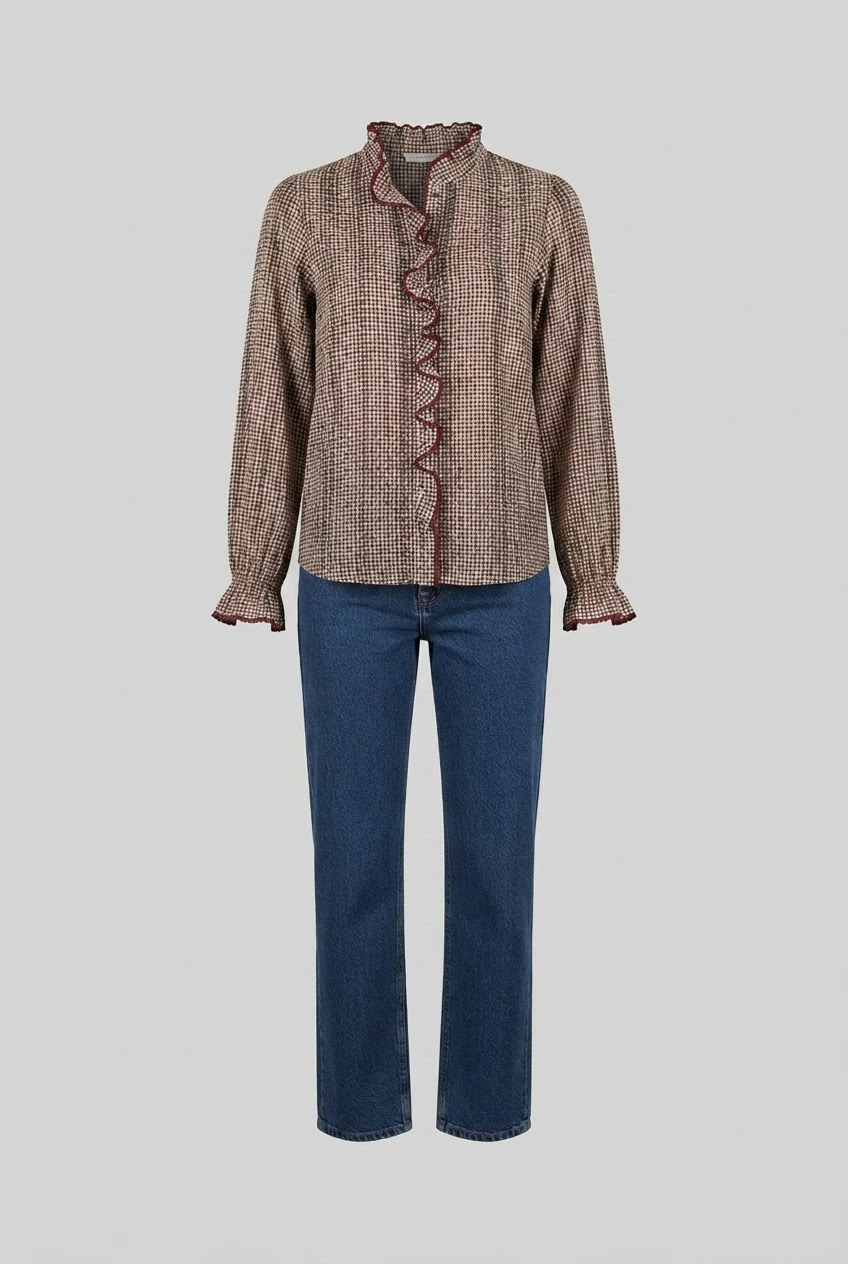
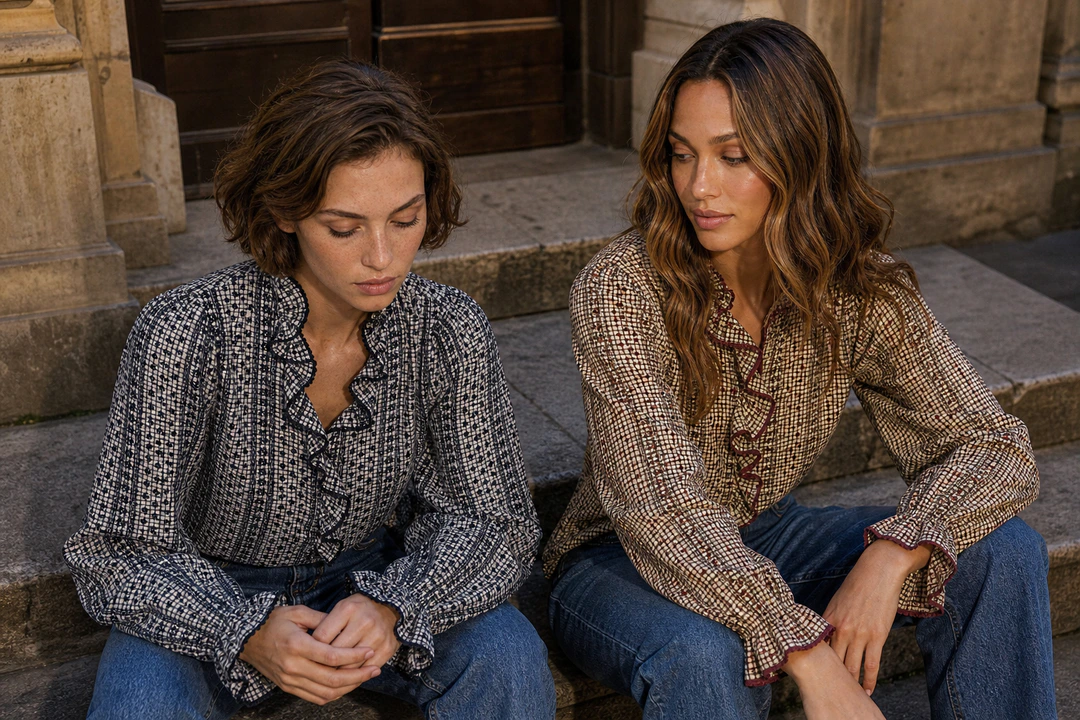
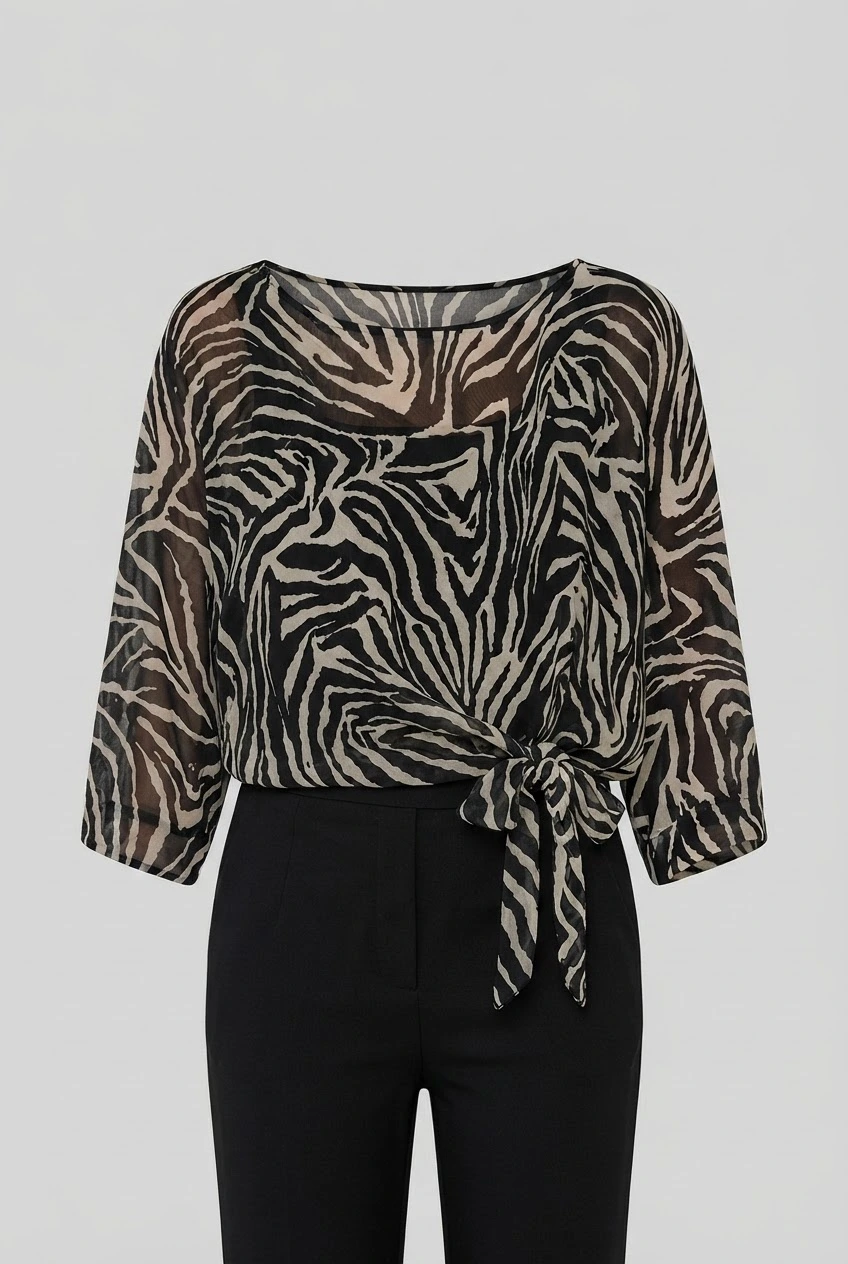
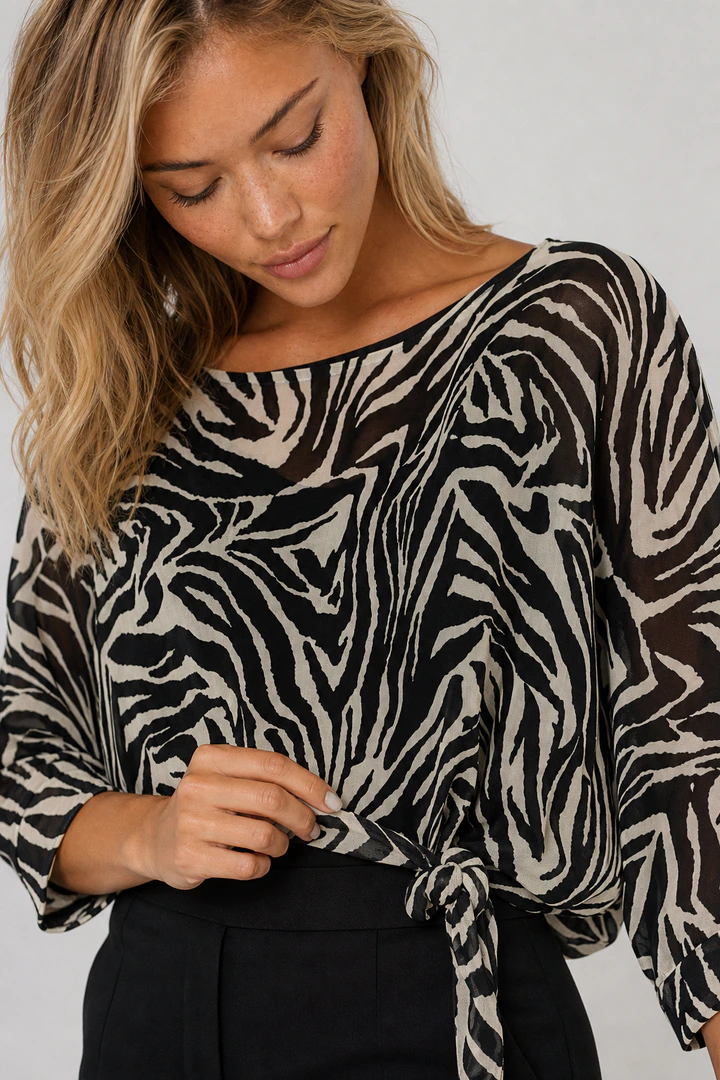
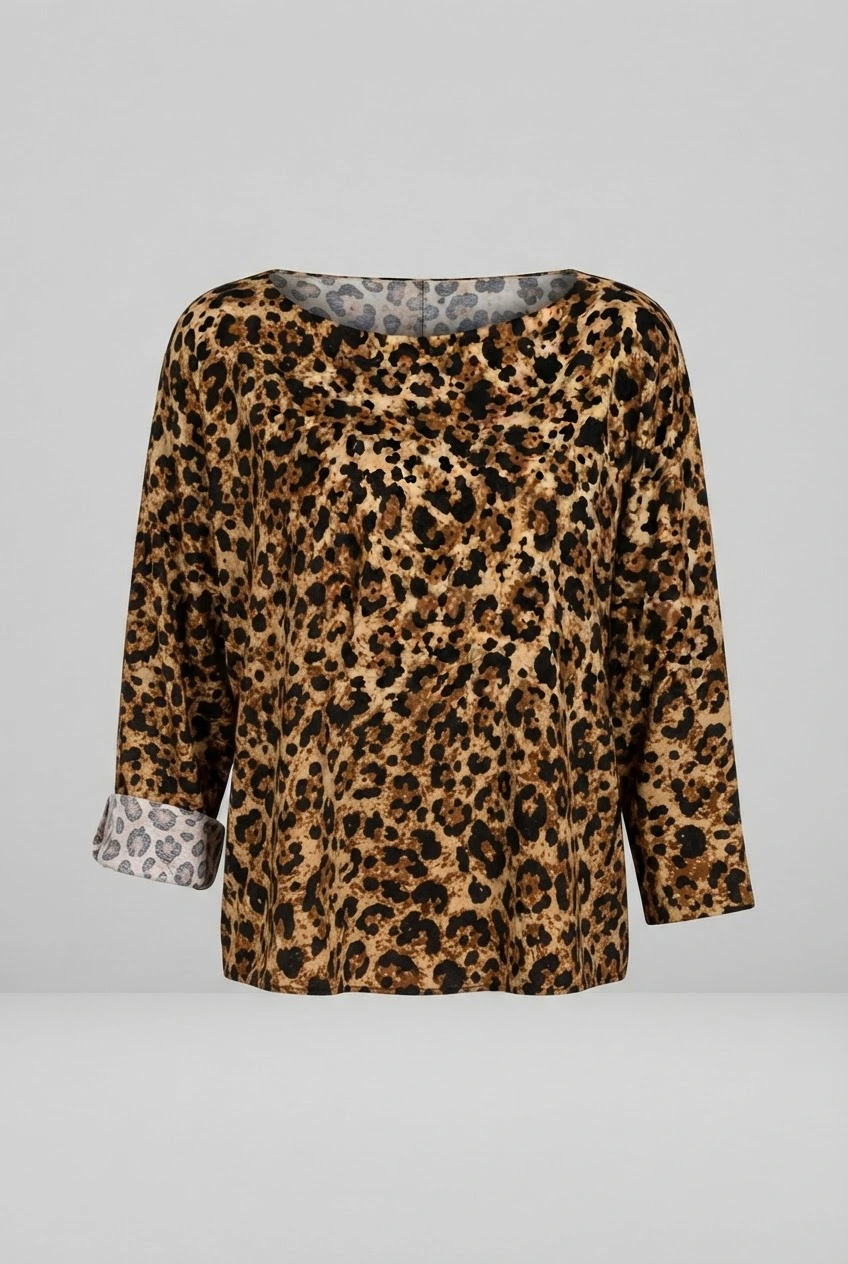
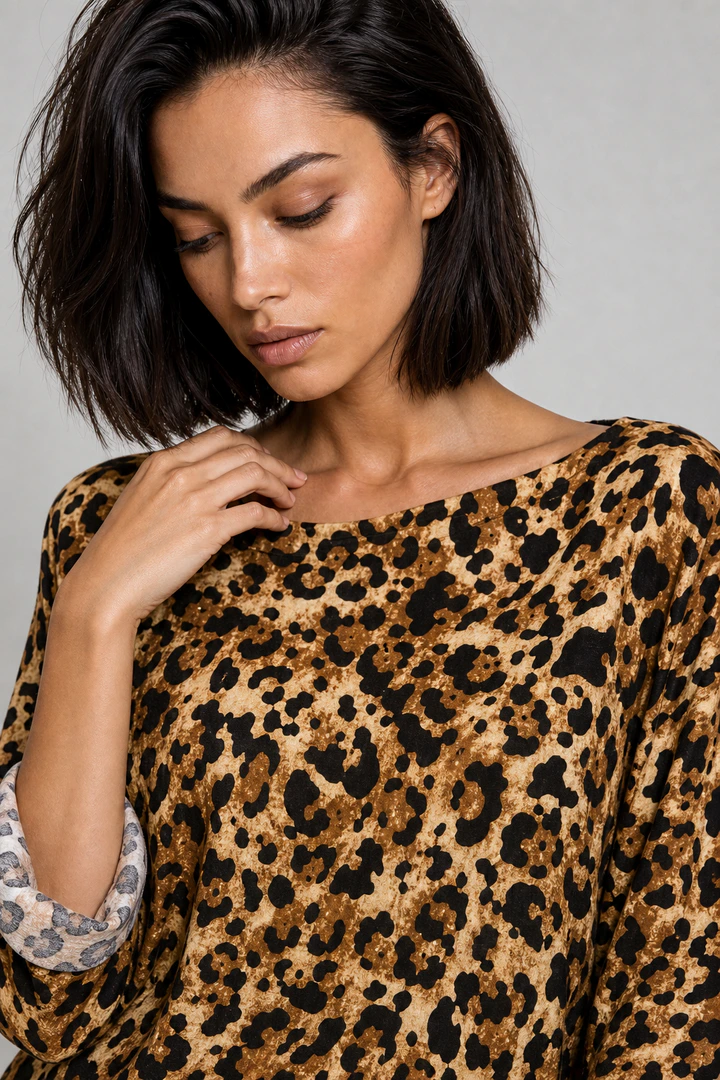
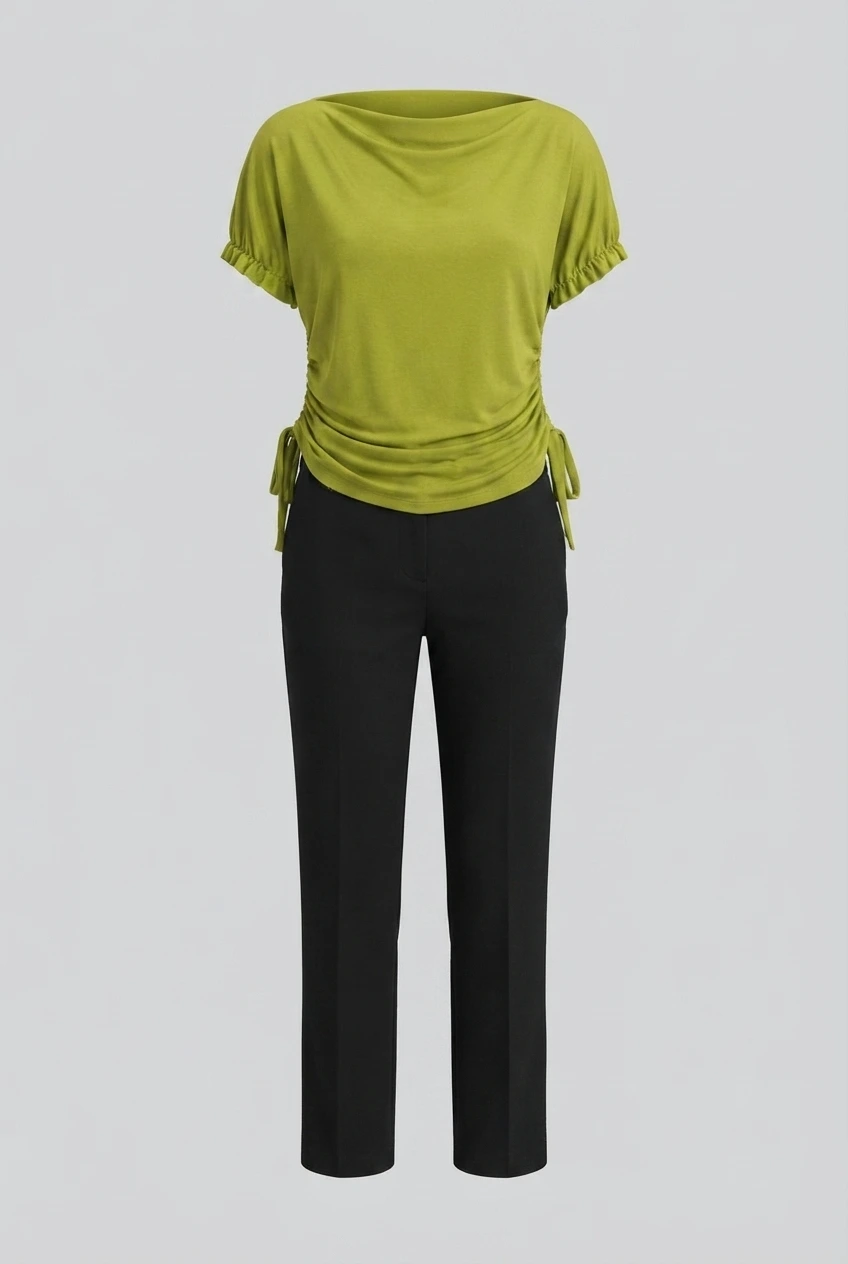
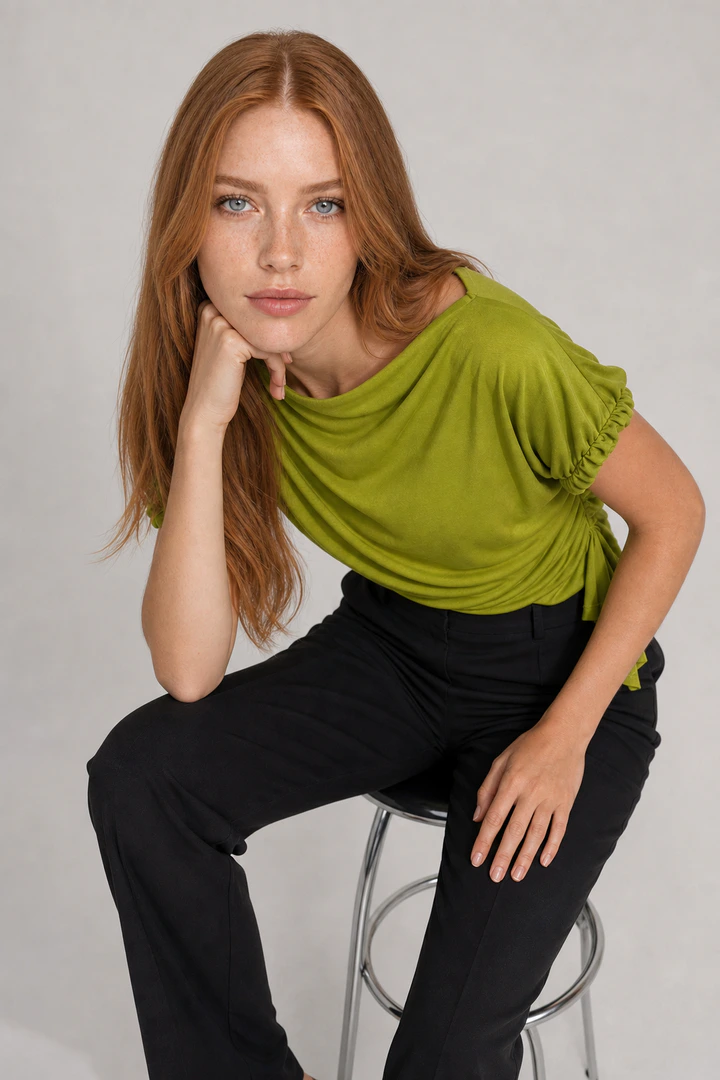
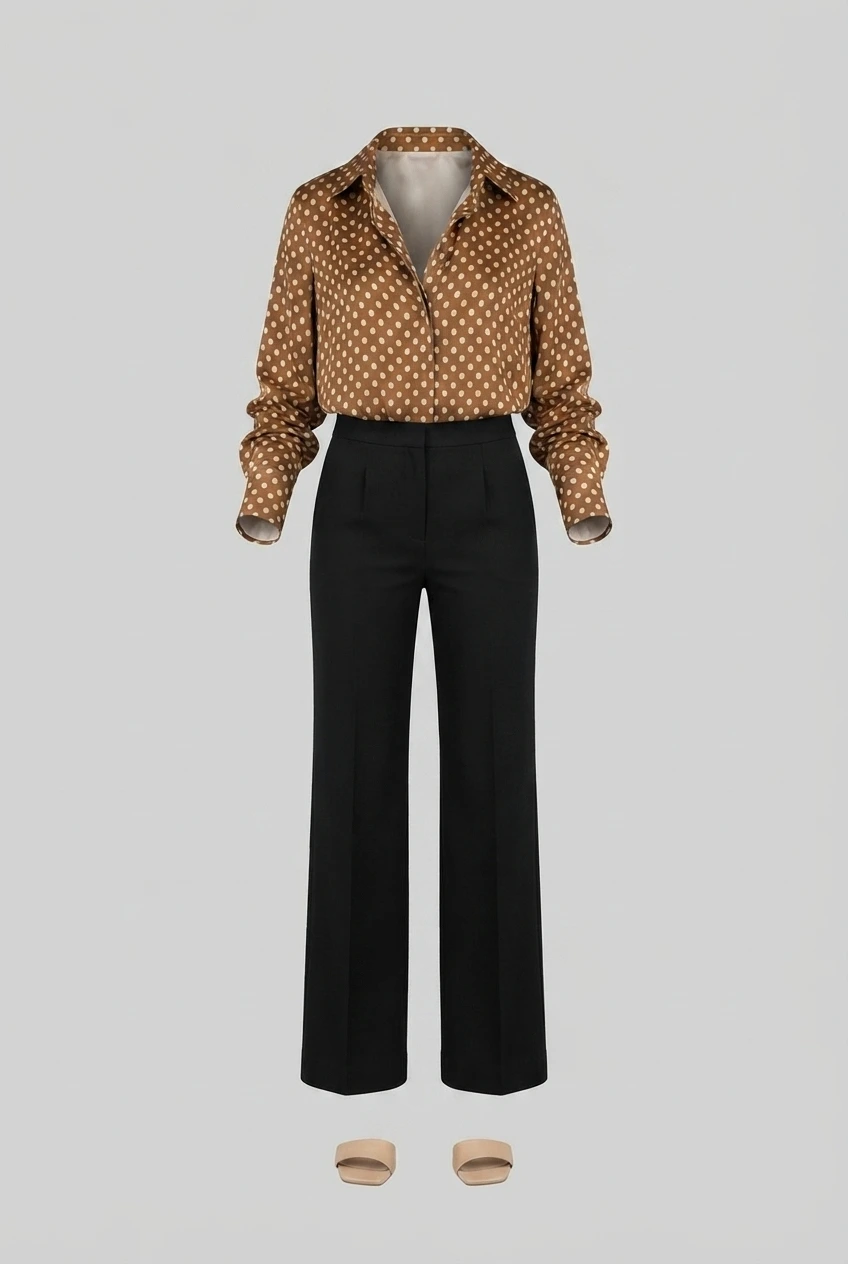
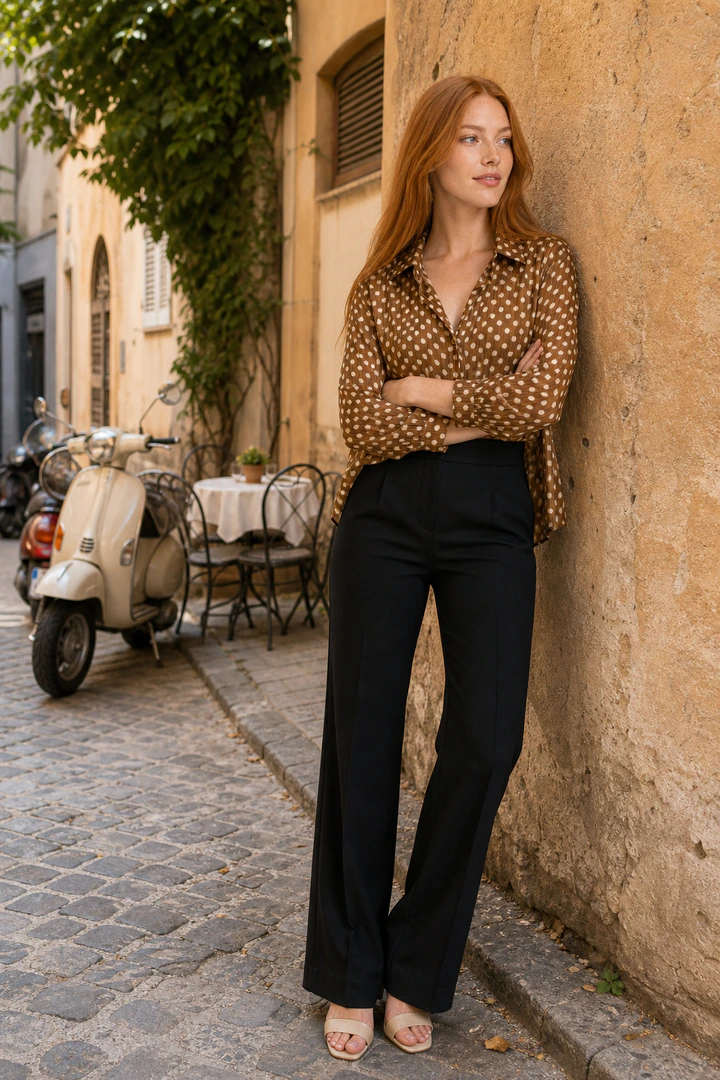
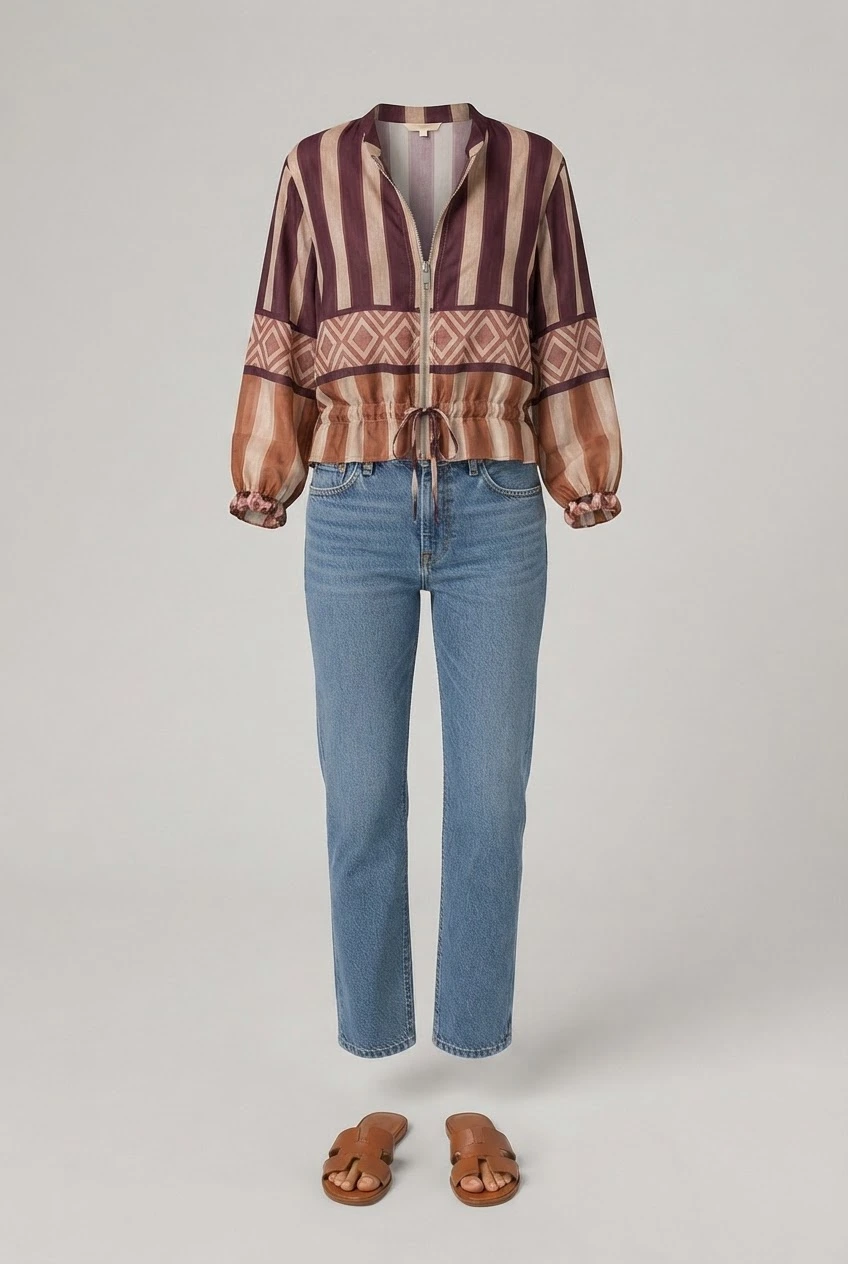
Left: the product photo. Right: the Flashlook on-model image.
From flat-lay to on-model
Start from what you have
Flat-lay, ghost mannequin, hanger shot or a supplier image.
Fit and drape
Choose framing that shows the fit - full body for trousers and dresses, three-quarter for tops.
Every variant
Shoot each colourway on the same model so the product page stays consistent.
Made with Flashlook
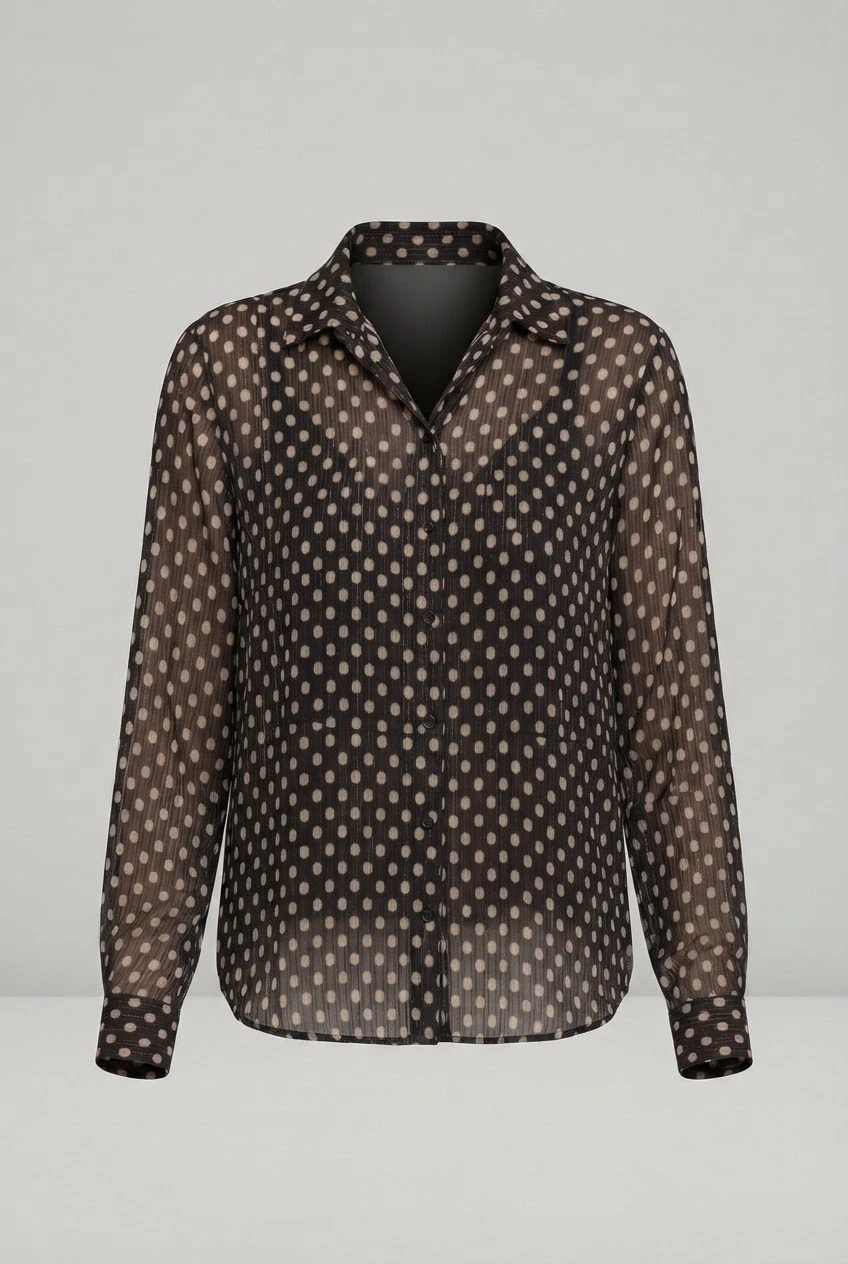
Pairs show the product photo a brand uploaded and the on-model image made from it.
Questions, answered
What's the best input photo?
What's the best input photo?
A clean, evenly lit photo of the whole garment on a plain background. Ghost-mannequin shots work especially well.
Can I shoot every colourway?
Can I shoot every colourway?
Yes - shoot each colourway's product photo on the same model and framing, so variants on the product page match.
Does it work with Shopify?
Does it work with Shopify?
Yes. The Flashlook Shopify app syncs your catalog, so you can shoot a product and push the new images straight back to its product media.
Can I use the images commercially?
Can I use the images commercially?
Images made on paid plans come with a commercial license and no watermark - use them on product pages, marketplaces, ads and social. Free-credit images are watermarked.
How much does it cost?
How much does it cost?
Plans start at $19/month for 1,600 credits, and a standard on-model image costs about 80 credits (fast agents about 40). New accounts get 600 free credits with no card, so you can test on your own products first.
Ghost Mannequin vs. On-Model: Elevating Apparel Photography with AI
Choosing between ghost mannequin and on-model photography has long been a critical decision for fashion brands. Now, AI offers a powerful hybrid solution that merges the best of both worlds.
Read →Flat Lay vs. On-Model: The Evolving Role of Product Photography in Ecommerce
In the competitive world of fashion ecommerce, product photography is paramount. But as brands scale, the choice between a crisp flat lay vs on-model product photo becomes a strategic decision, impacting everything from customer perception to production costs. This article explores how modern fashion brands are navigating this challenge, leveraging AI to bridge the gap and maximize their visual assets.
Read →Virtual Try-On vs. AI On-Model Photography: Understanding the Core Differences for Fashion Brands
Dive into the critical distinction between virtual try-on features and AI on-model photography. Learn which technology drives conversion for your fashion catalog and where to invest first for maximum ROI.
Read →
Stop comparing. Cast your first model.
Free credits on signup, no card. Same face on every SKU from the first shoot.