

AI model photos for hats and caps
A cap on a table hides the two things buyers care about: how it sits on a head and how it looks with an outfit. Flashlook takes your product photo and puts it on a consistent AI model, styled with the rest of the look.
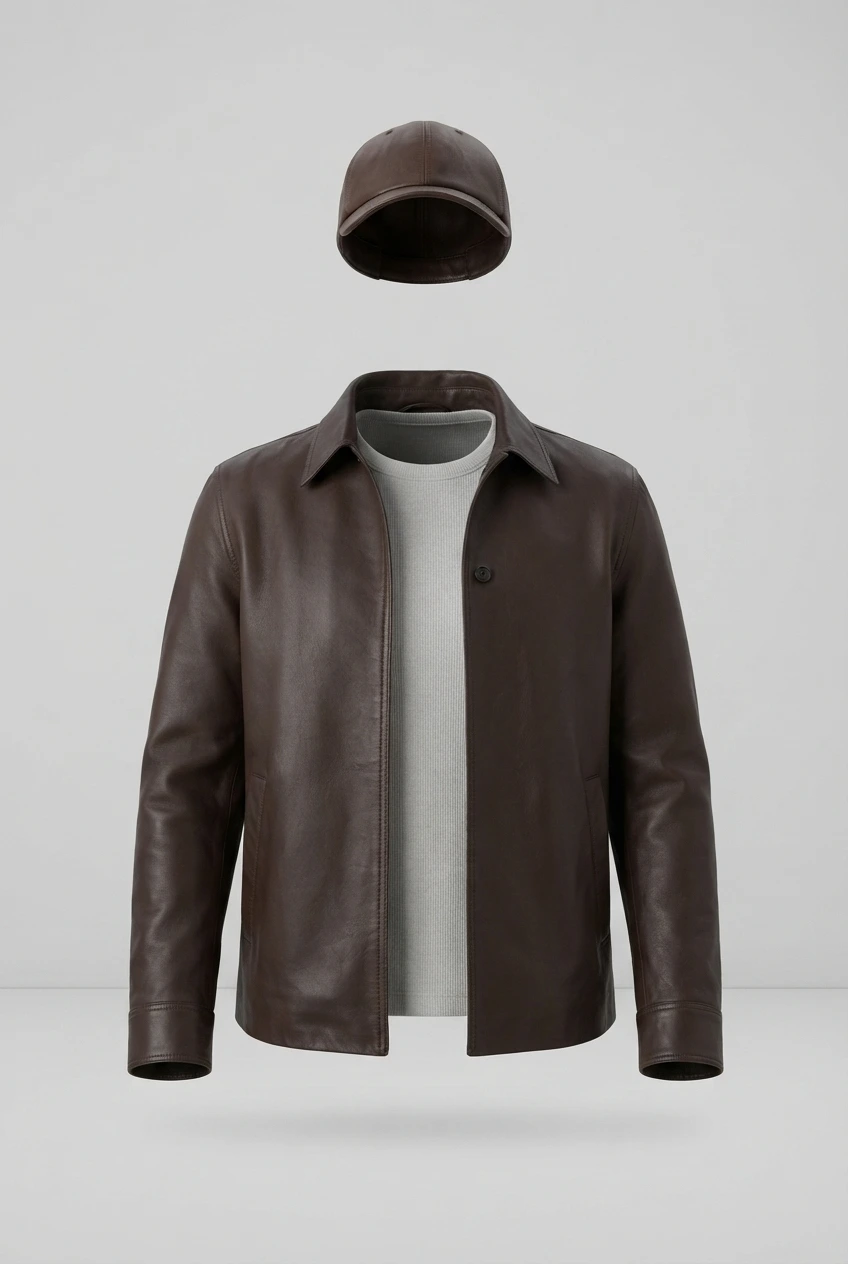
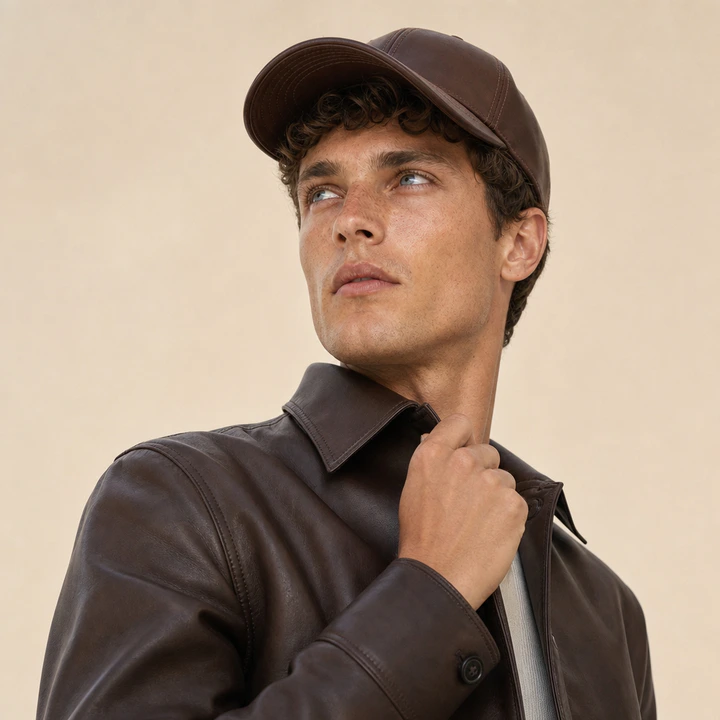
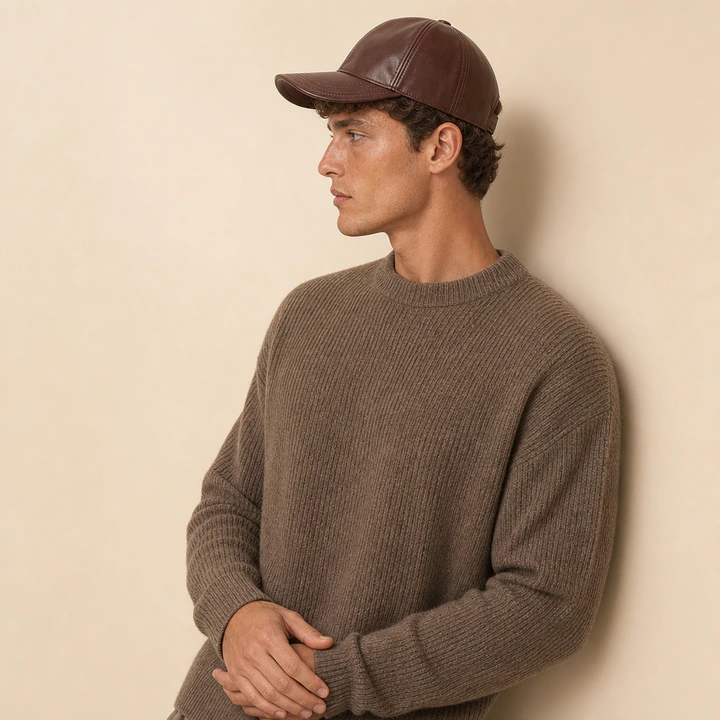
Left: the product photo we were given. Right: the Flashlook still.
Real hats & caps shoots
Pairs show the product photo a brand uploaded and the image Flashlook made from it. No studio, no model booking.
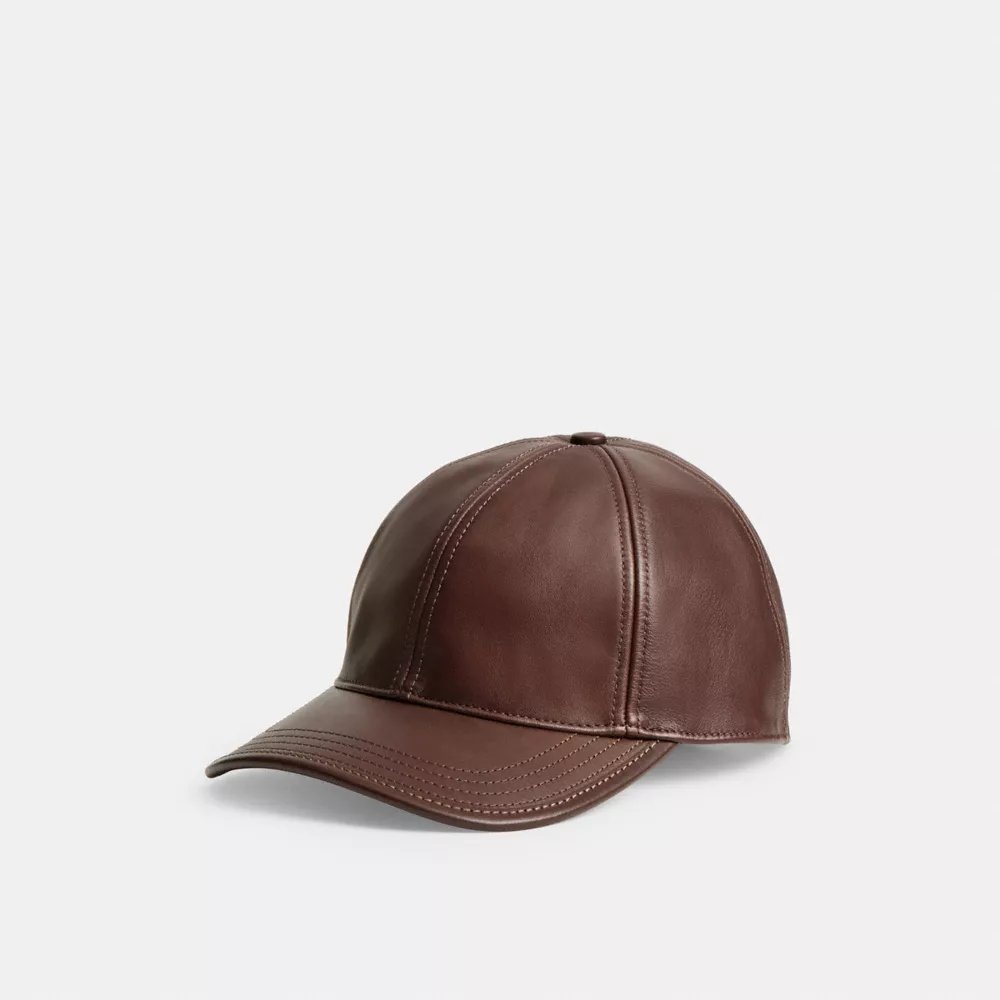
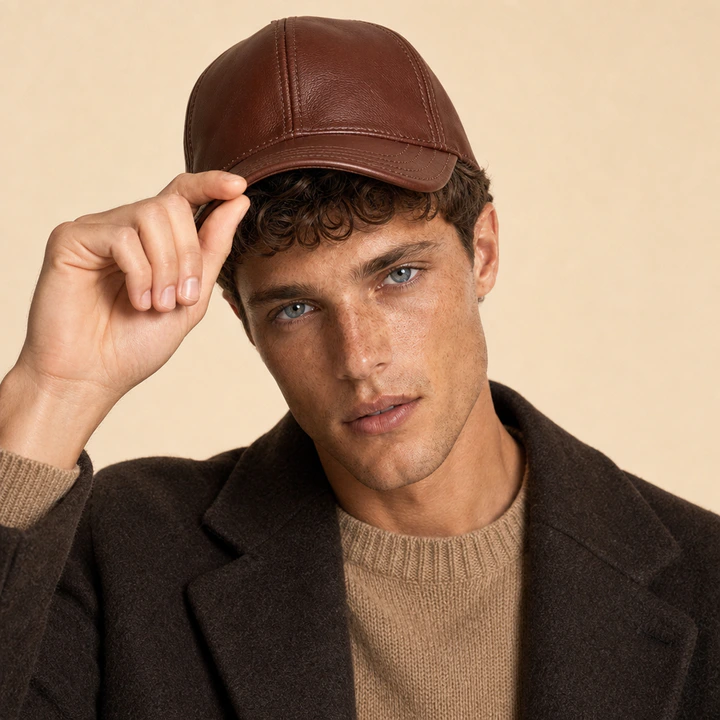
What hats & caps photos need to get right
Fit on the head
Crown height and brim shape only make sense worn. On a model, shoppers see how deep the cap sits and how the brim frames the face.
Headwear completes a look
Caps and hats are often bought to finish an outfit. Shoot them with complementary pieces, or with your own clothing as extra products.
Same model, every colourway
Headwear ranges come in many colours. A locked AI model wears each one, so the grid compares the hats, not the people.
A hats & caps product page, shot in one session
Pick a model once and keep it for the whole range. Every image below comes from the same product photo.
Open Studio- Packshot, front and side
- Head-and-shoulders, front
- Three-quarter or profile for brim shape
- Full outfit look
- Outdoor or street scene
Hats & Caps, answered
Can I shoot a cap from a simple product photo?
Can I shoot a cap from a simple product photo?
Yes - the cap example on this page started as a plain product photo on a grey background.
Can the cap be part of a full outfit?
Can the cap be part of a full outfit?
Yes. Add clothing as extra products, as in the leather-jacket example, or let the wardrobe style the rest of the look.
What does it cost to try?
What does it cost to try?
New accounts get 600 free credits, with no card required.
Ghost Mannequin vs. On-Model: Elevating Apparel Photography with AI
Choosing between ghost mannequin and on-model photography has long been a critical decision for fashion brands. Now, AI offers a powerful hybrid solution that merges the best of both worlds.
Read →From iPhone to On-Model Catalog: A Step-by-Step Flashlook Guide
Discover how to transform simple iPhone product photos into professional, on-model catalog stills using Flashlook's AI platform. Learn best practices for phone photography and seamless integration into your e-commerce workflow.
Read →Virtual Try-On vs. AI On-Model Photography: Understanding the Core Differences for Fashion Brands
Dive into the critical distinction between virtual try-on features and AI on-model photography. Learn which technology drives conversion for your fashion catalog and where to invest first for maximum ROI.
Read →
Your hats & caps, on-model, today.
Upload the product photos you already have. 600 free credits, no card.