 FLASHLOOK.AI
Flashlook Guides
Step-by-step guides to every Flashlook feature - from your first shoot to presets, video, models and the API.
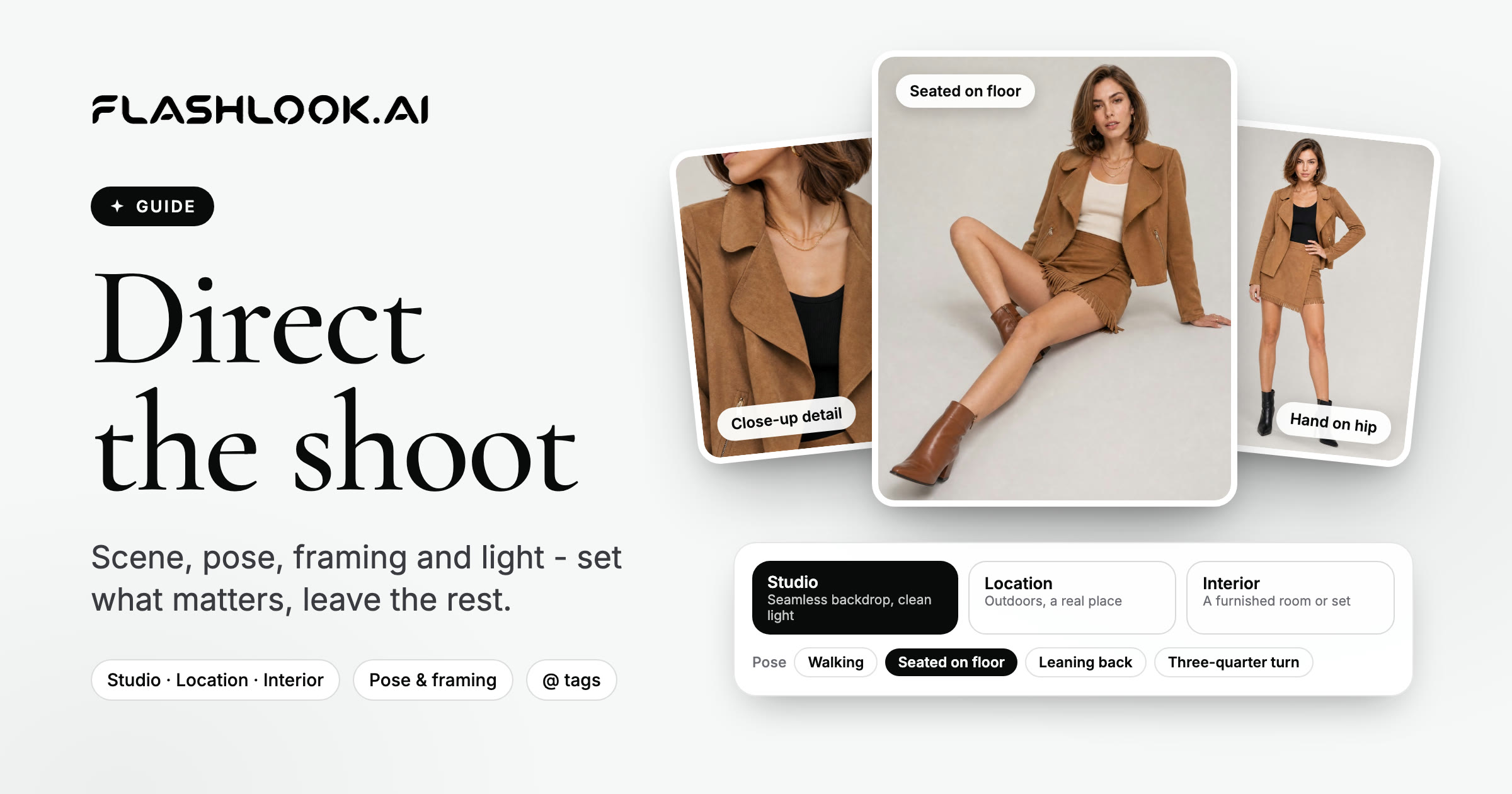
Mastering Your AI Fashion Shoot: A Director's Guide to Flashlook Atelier
Take full creative control of your AI fashion photography with Flashlook Atelier. Learn how to direct every element, from model pose and scene to framing and mood, ensuring your vision comes to life.
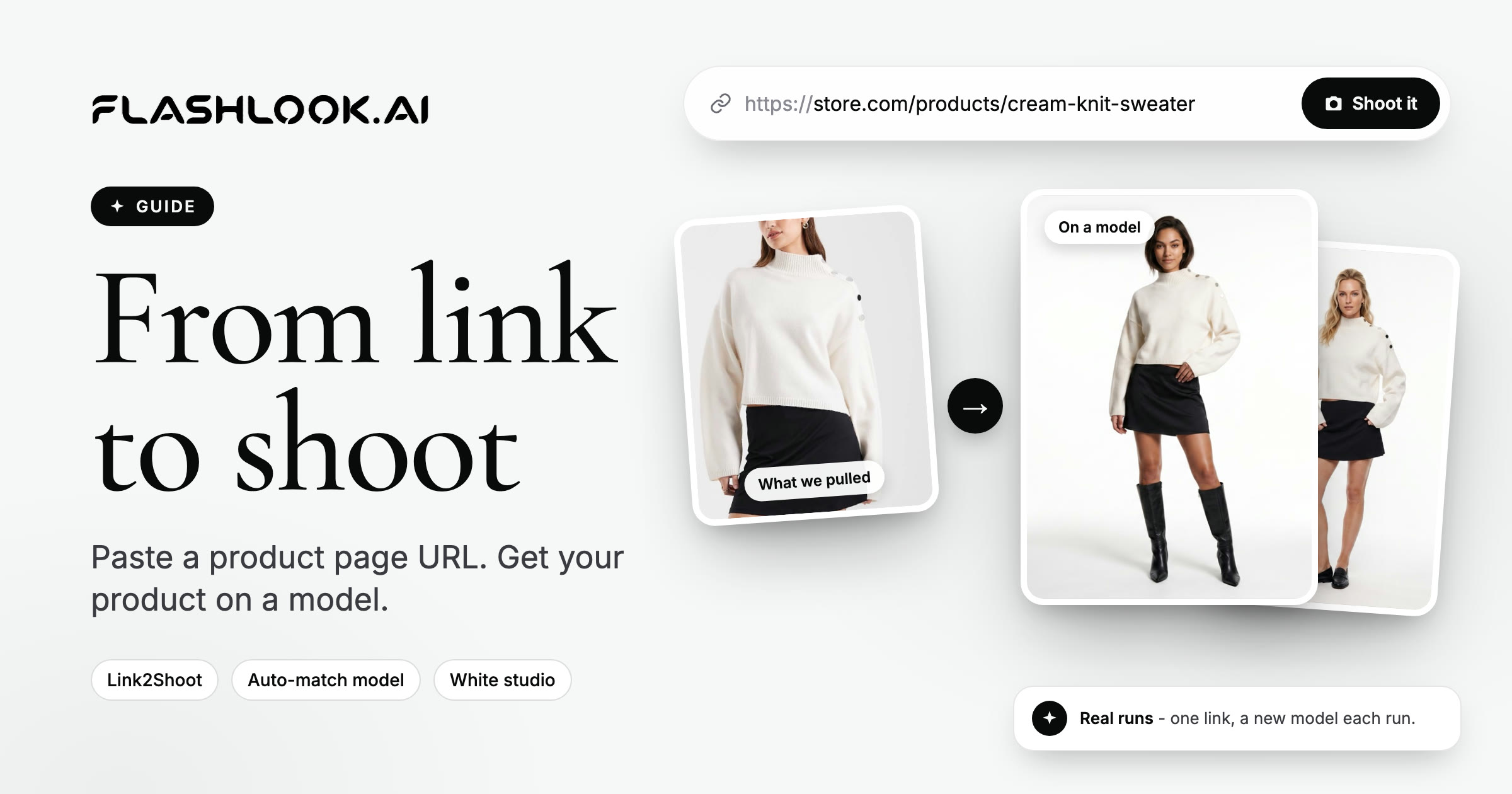
Mastering Link2Shoot: Your Guide to On-Model Photos from a Product URL
Transform any online product page into stunning on-model fashion photography with Flashlook's Link2Shoot. This guide walks you through the simple steps to generate professional catalog images directly from a URL.
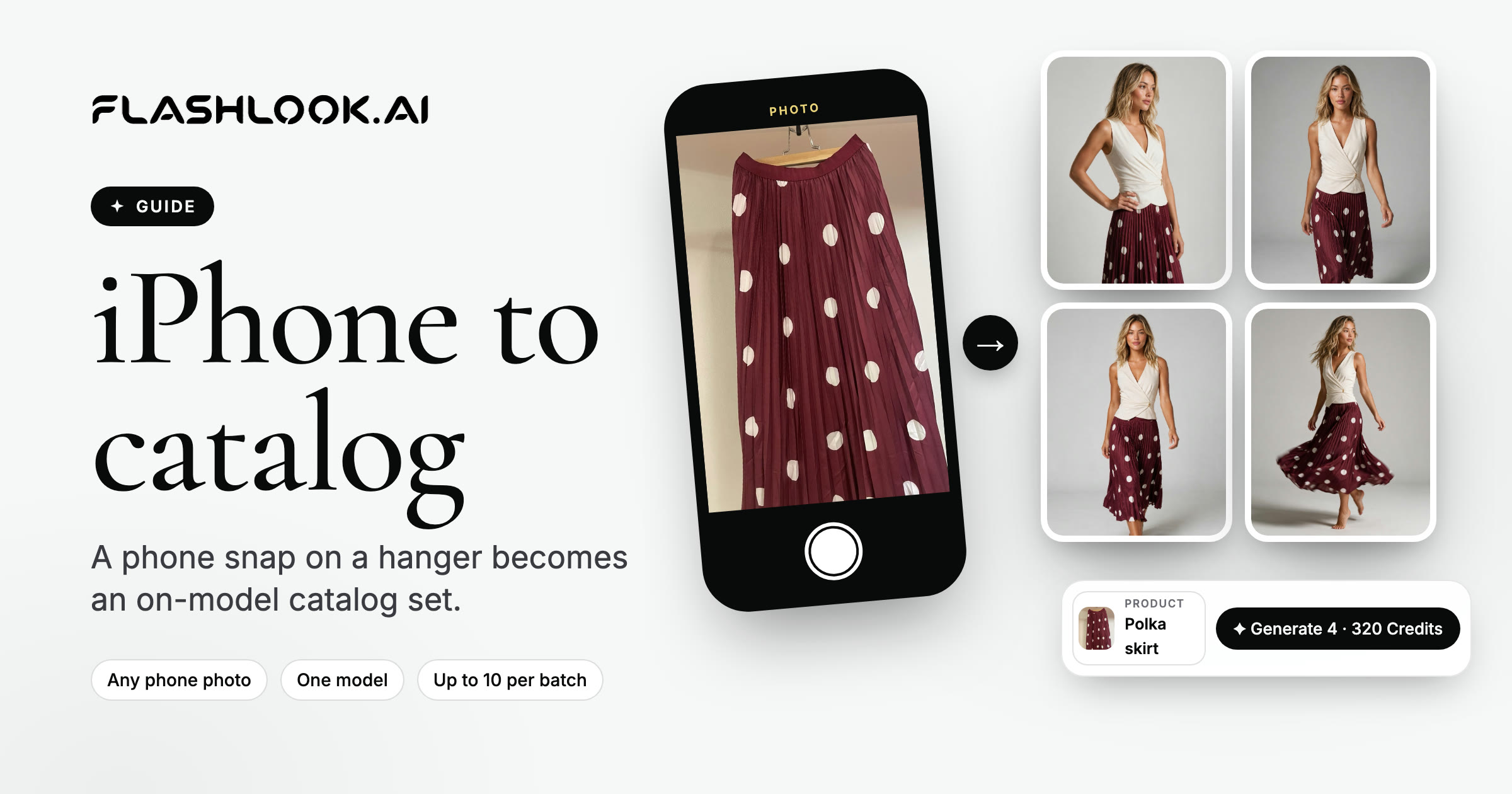
From iPhone to On-Model Catalog: A Step-by-Step Flashlook Guide
Discover how to transform simple iPhone product photos into professional, on-model catalog stills using Flashlook's AI platform. Learn best practices for phone photography and seamless integration into your e-commerce workflow.
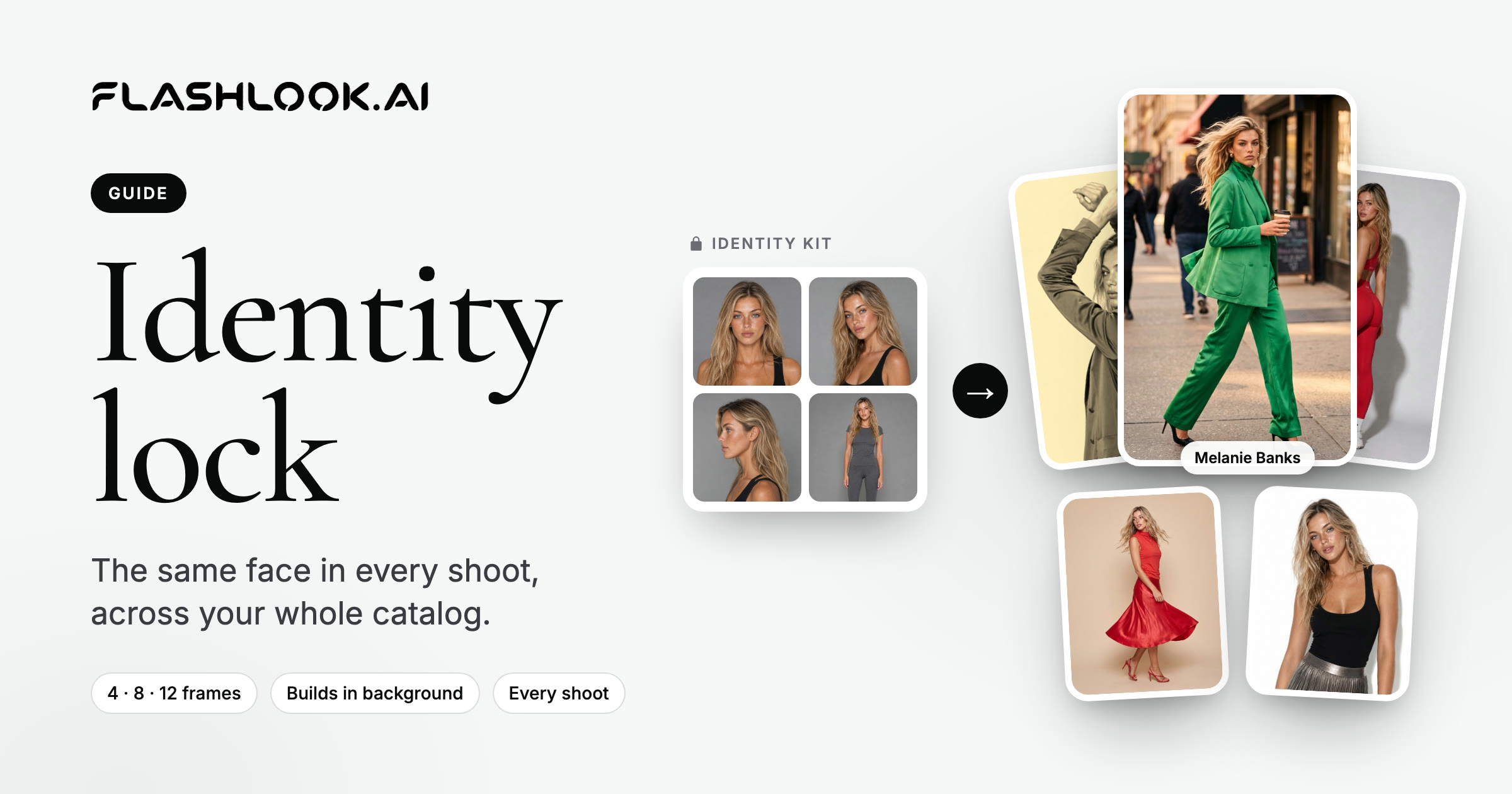
Mastering AI Model Identity Lock for Catalog Consistency
Achieve unparalleled catalog consistency in your fashion photography with Flashlook's AI Model Identity Lock feature. Learn how to maintain the same virtual model across all your product shoots, ensuring brand cohesion and a seamless customer experience.
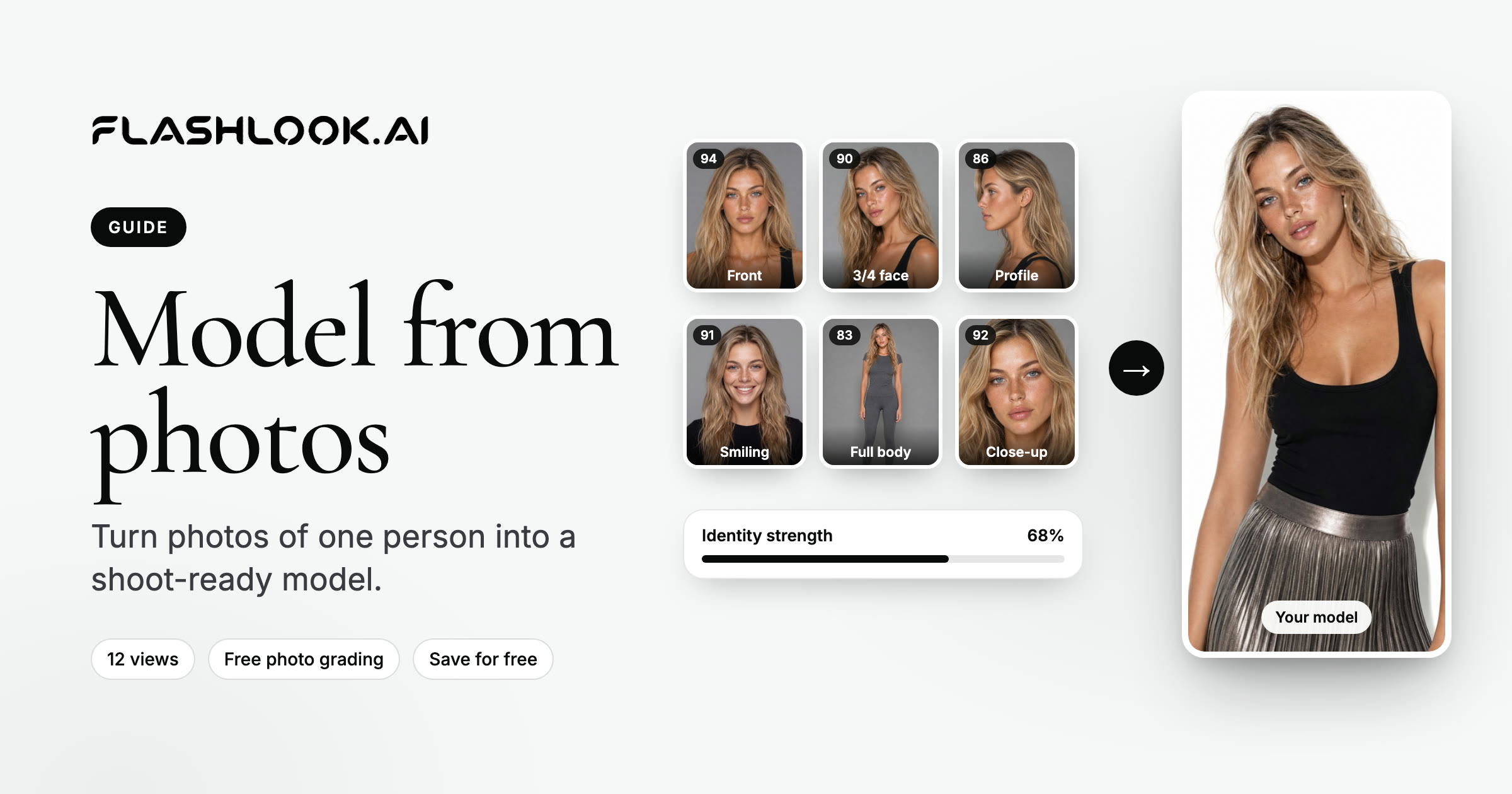
From Photos to Pixels: Crafting Your AI Model on Flashlook
Transform your own photos into a versatile AI fashion model with Flashlook. This guide details the process of uploading identity photos, ensuring quality, and creating a consistent virtual model for your fashion photography needs.
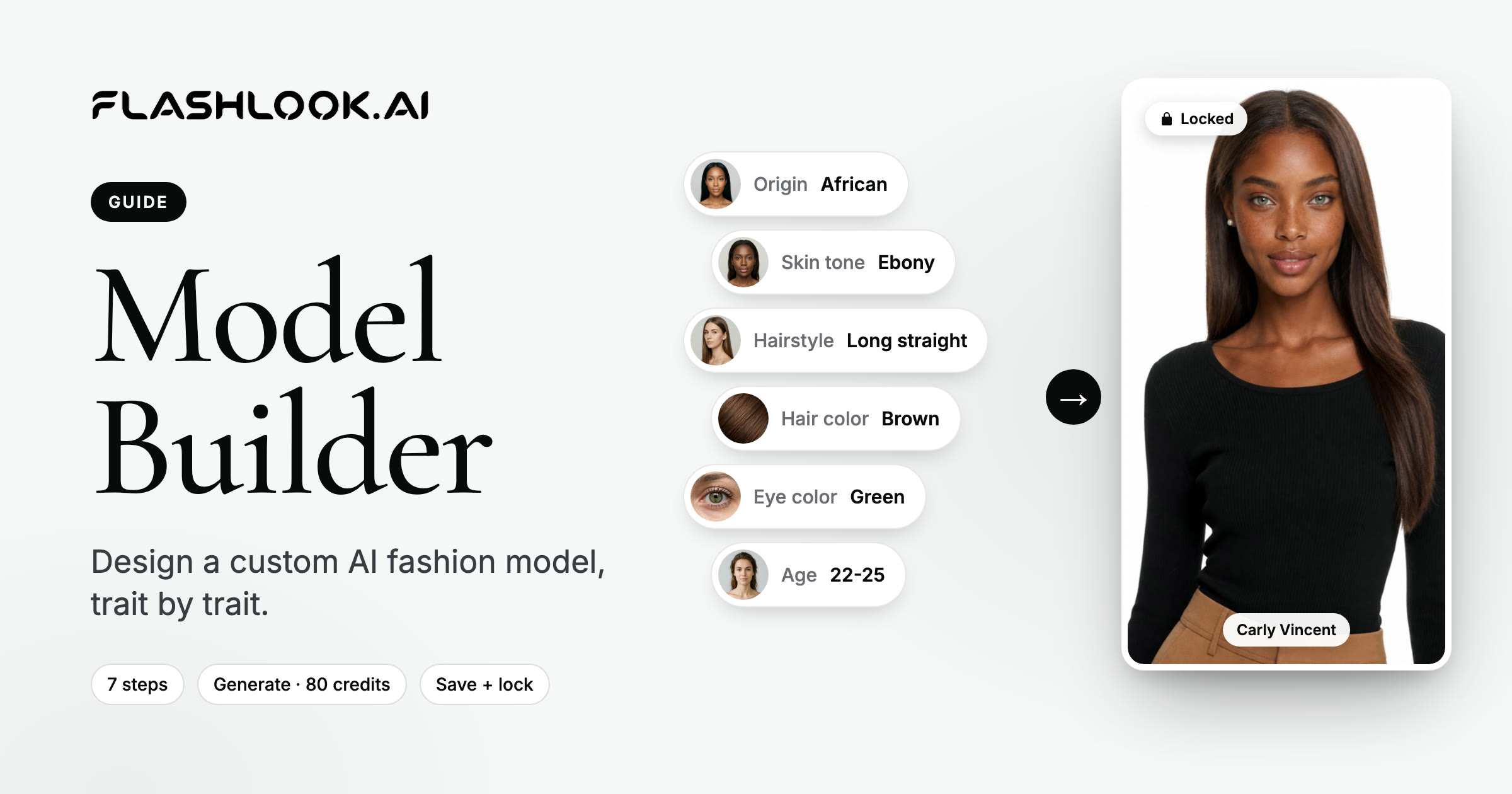
Mastering the AI Model Builder: Crafting Your Custom Virtual Fashion Model
Dive into Flashlook's AI Model Builder and learn how to create your own unique, persistent virtual fashion models from scratch. Customize every detail from skin tone to body type, preview in real-time, and save your creations for future fashion shoots.
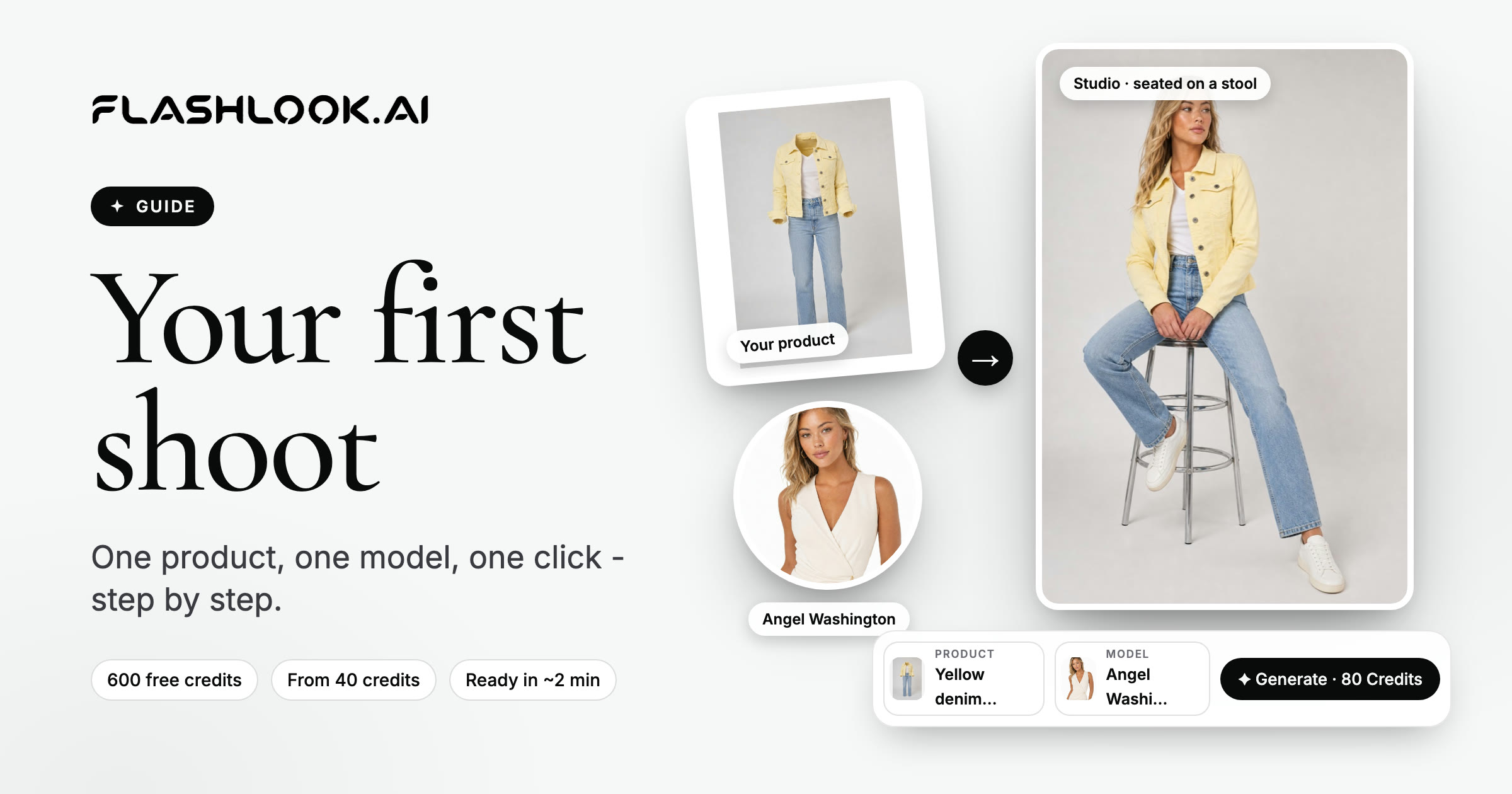
Your First AI Fashion Model Product Shoot: A Step-by-Step Guide
Ready to transform your product photography? This guide walks you through using Flashlook's AI models to create stunning on-model stills for your catalog, from selecting a model to generating your first image.
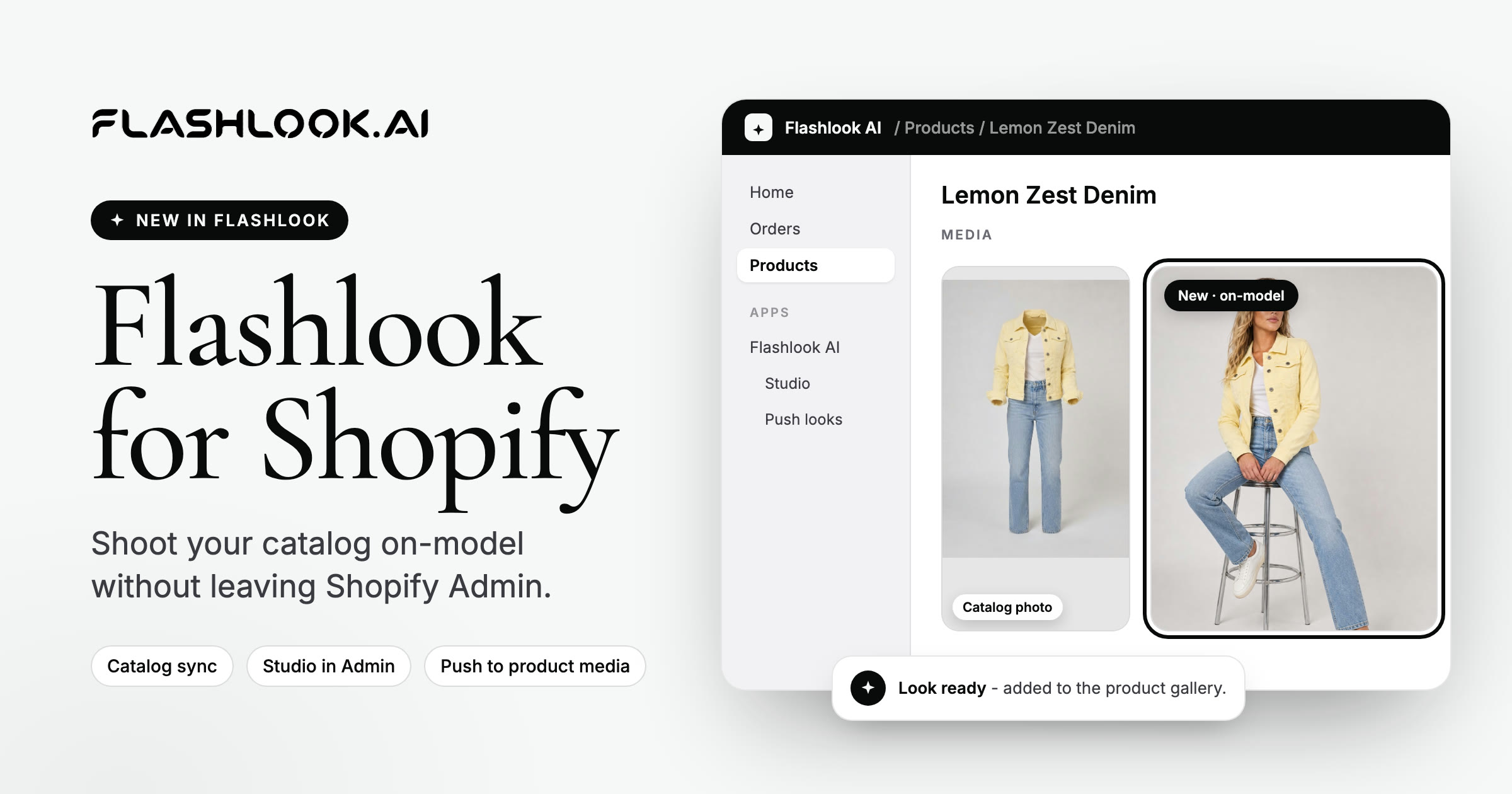
Flashlook AI is live on the Shopify App Store
Install Flashlook AI from the Shopify App Store. Sync your catalog, shoot on-model stills and video, and push looks back to product media.
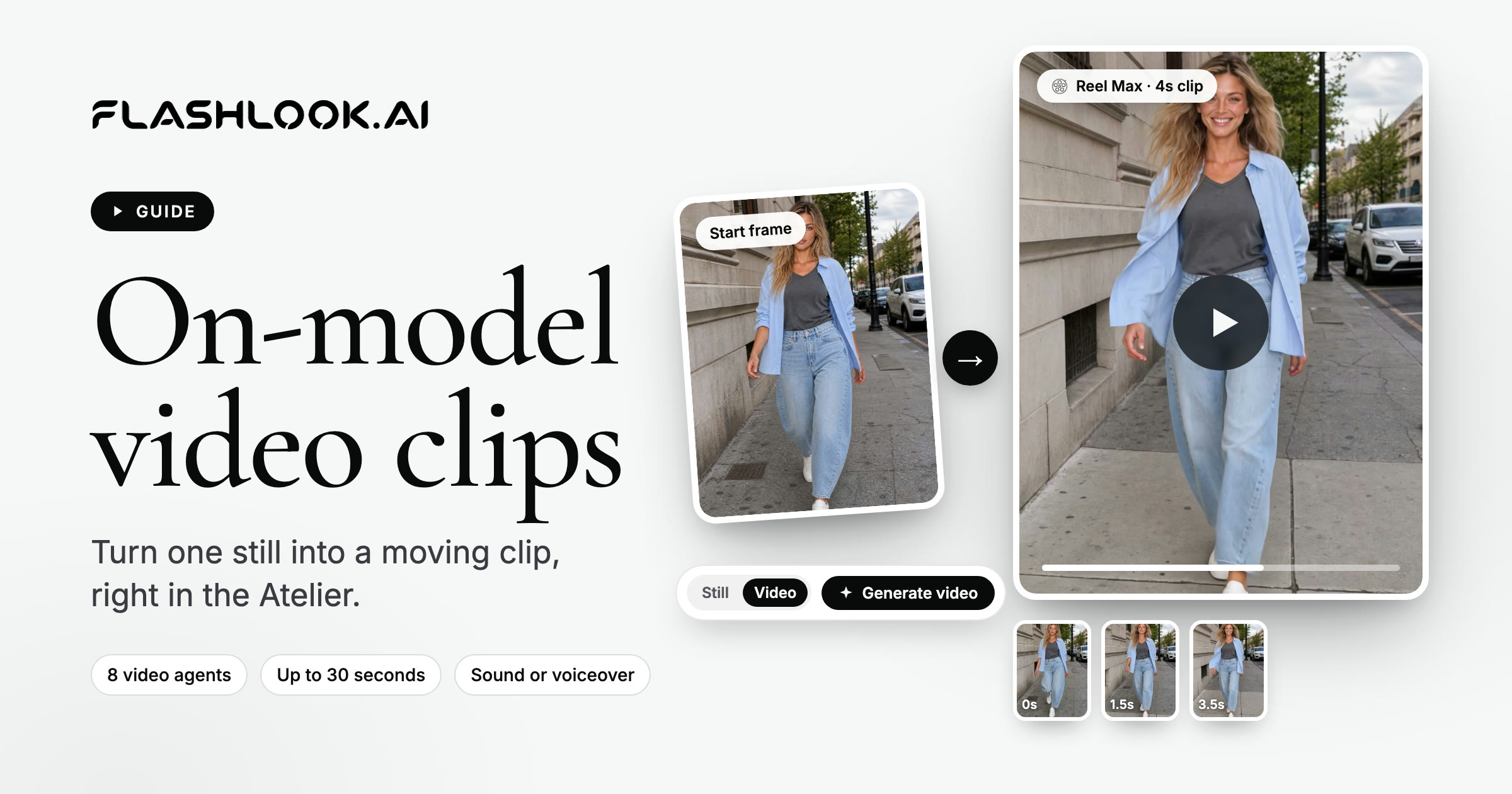
Creating Engaging AI On-Model Video Clips for Fashion
Discover how to leverage AI to produce dynamic on-model video clips for your fashion products, perfect for PDPs, social media ads, and digital lookbooks.
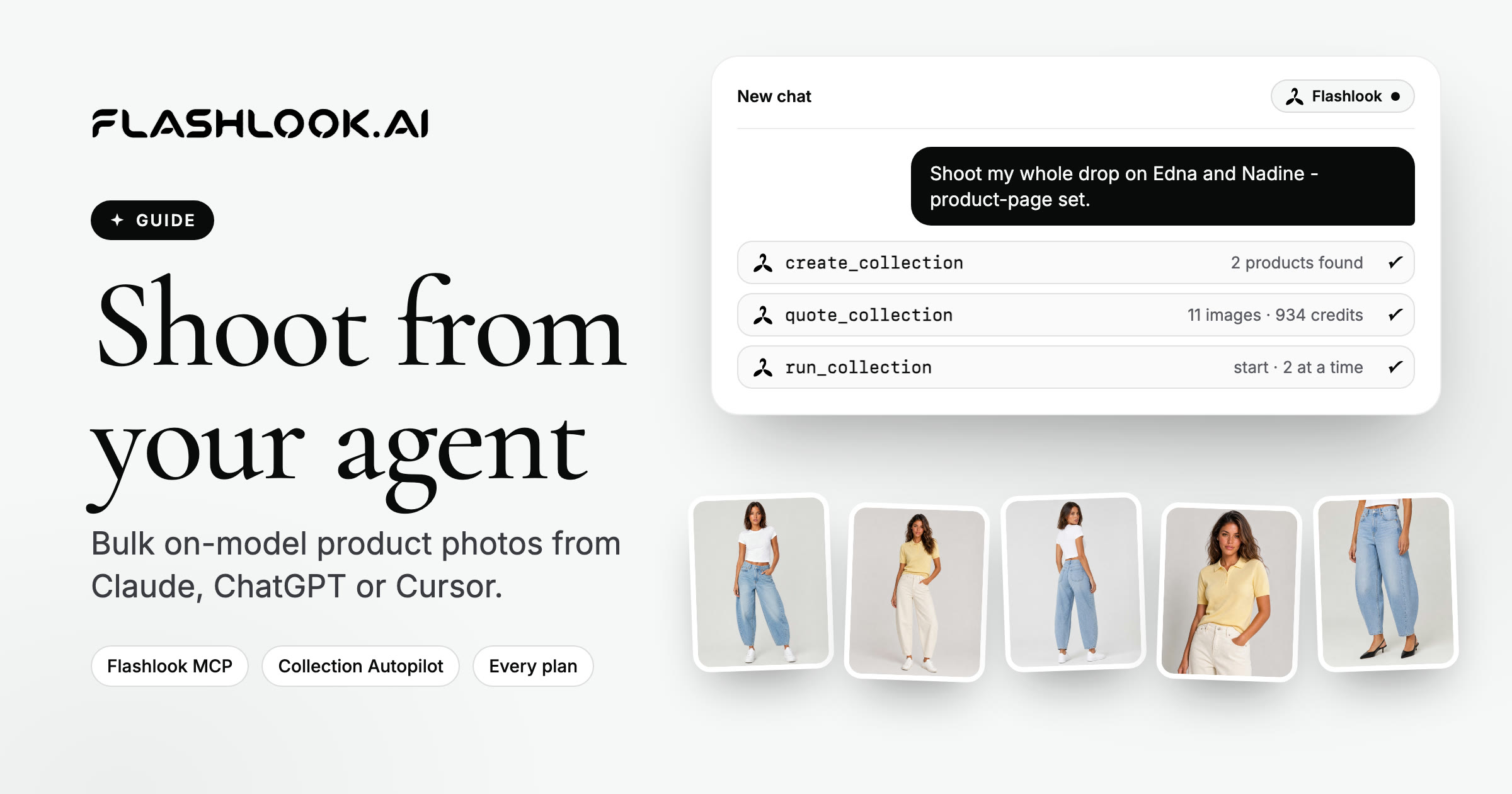
How to Bulk Generate AI Product Photography with Flashlook MCP
Automate your entire photoshoot pipeline with Flashlook MCP: connect Cursor or Claude at flashlook.ai/mcp, then bulk-generate on-model product photography and short video for catalog production.