 FLASHLOOK.AI
Home / Blog / Guides - New features
Flashlook Guides - New features
Step-by-step guides to every Flashlook feature - from your first shoot to presets, video, models and the API.
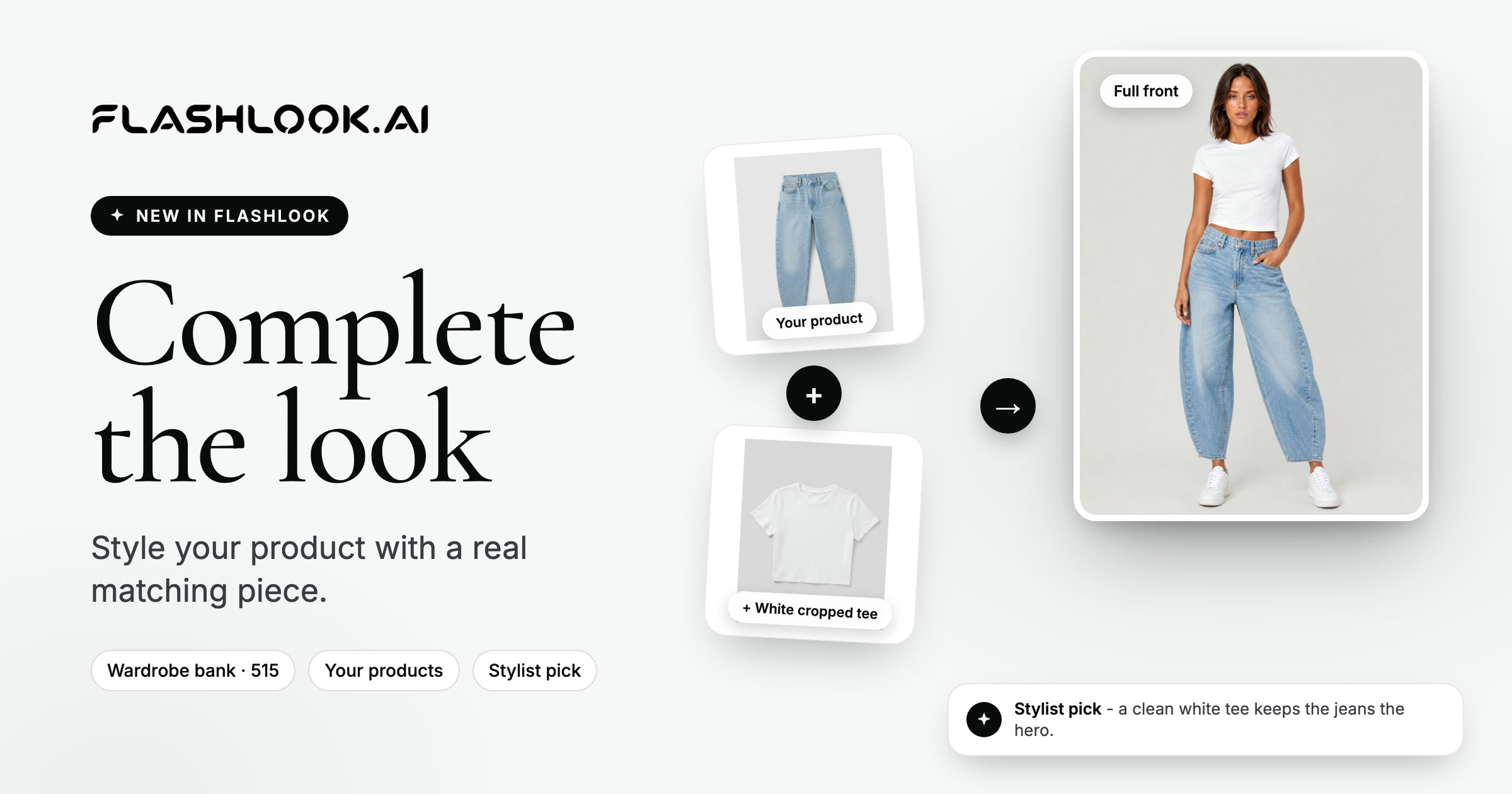
Complete the look: style your product with a real matching piece
Shooting a top or a bottom? Add a matching piece from our 515-item wardrobe bank or your own products - pick it yourself, or let the stylist pick for 5 credits.
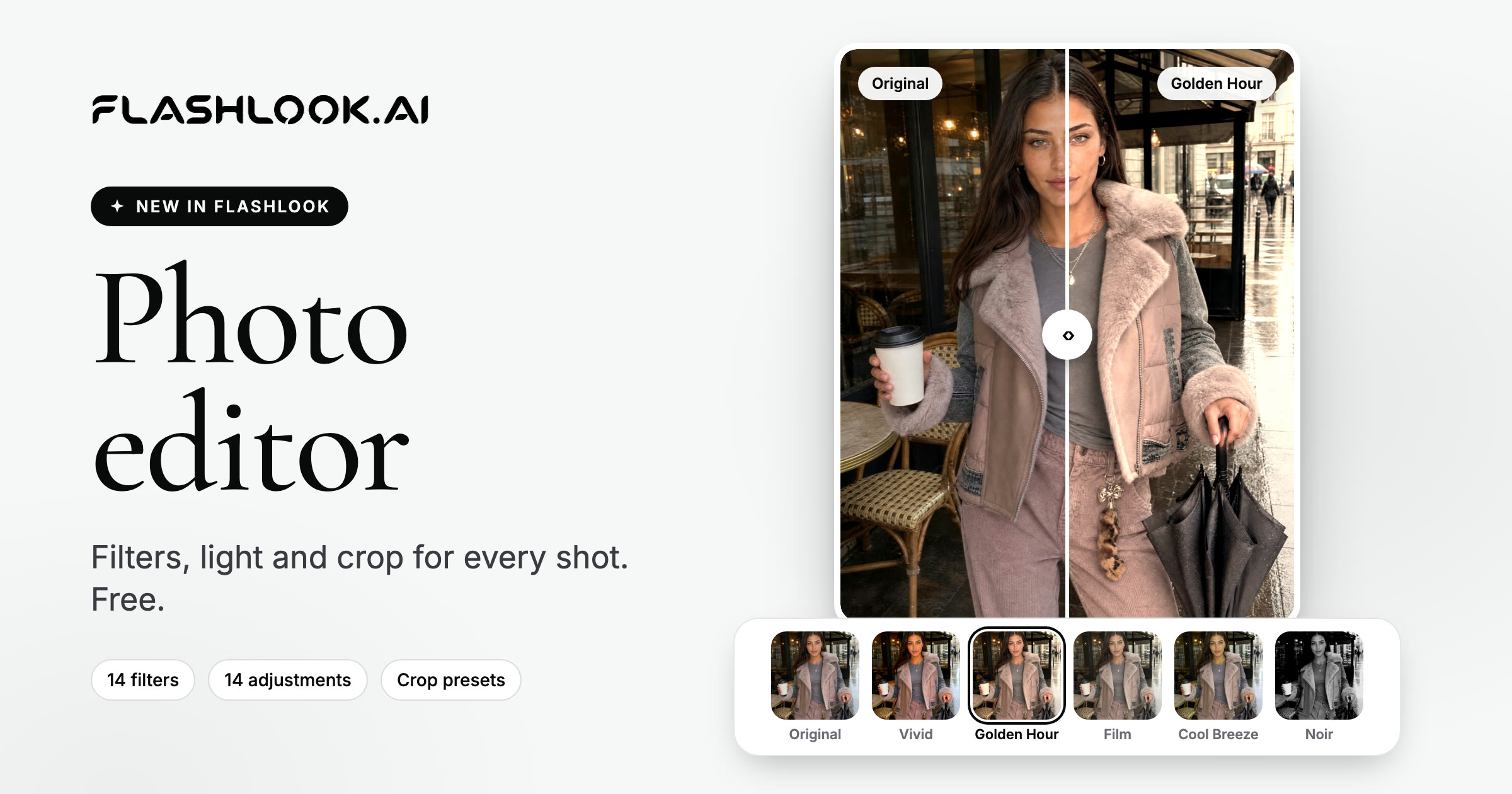
New in your gallery: filters, light and crop with the Flashlook photo editor
14 filters, 14 adjustments and crop presets for every placement - right in your gallery, free. Here's what's new and how to edit your first shot.
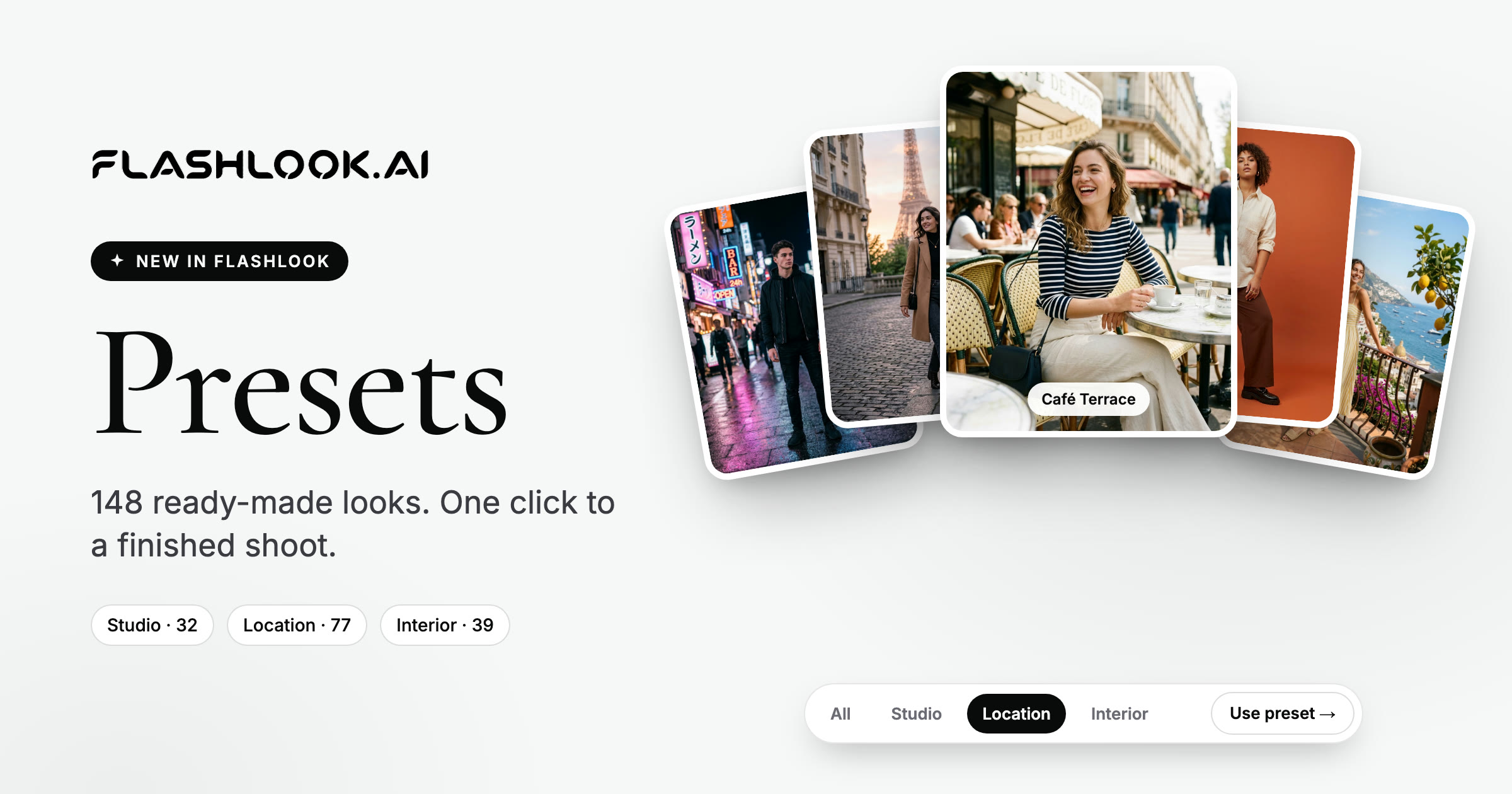
148 ready-made looks: meet the Flashlook presets library
Studios, real locations and furnished interiors - pick a finished look and put it on your next shoot in one click. Here's what's in the library and how to use it.
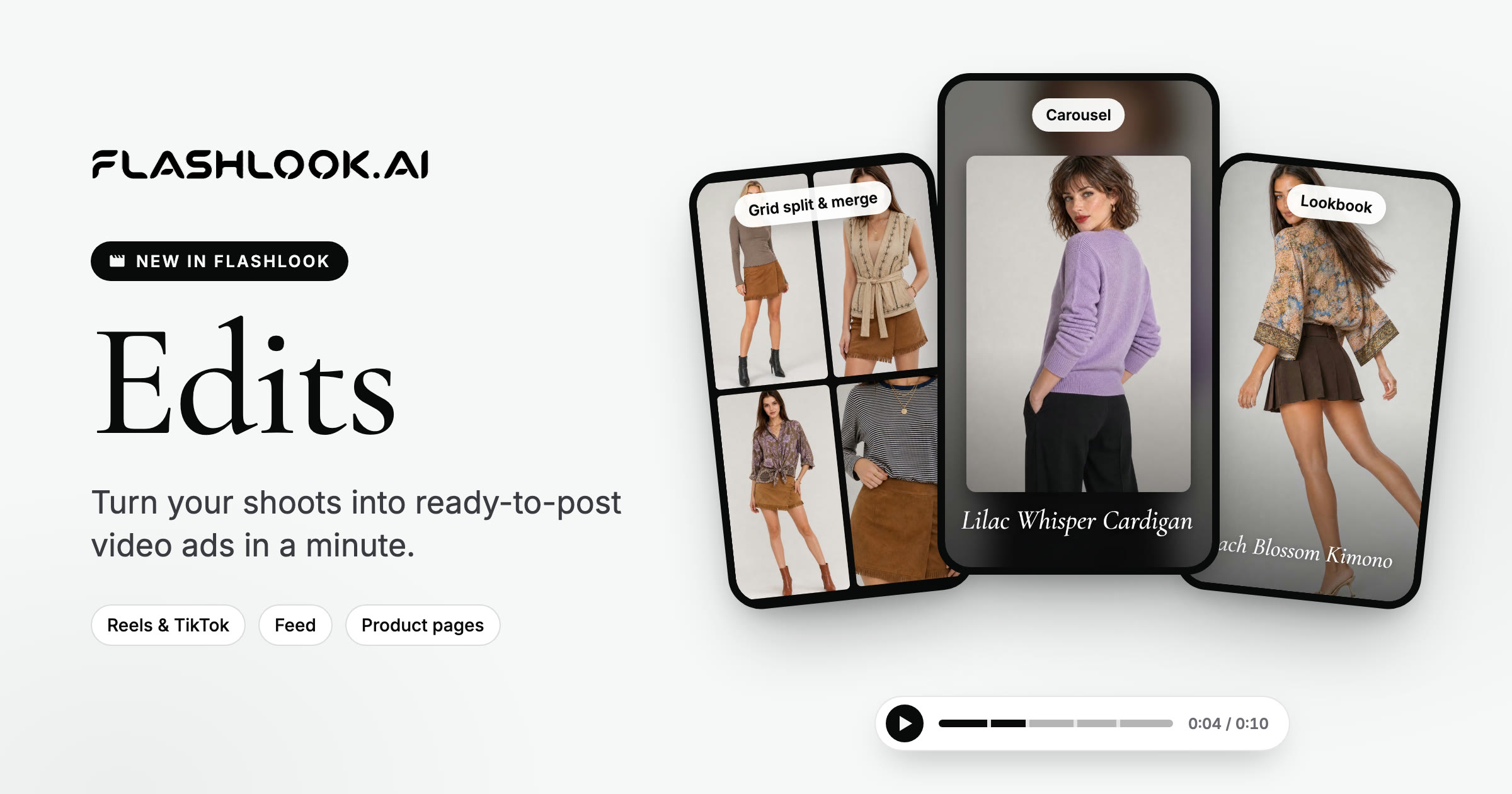
Introducing Edits: turn your shoots into video ads in a minute
Pick your shots, pick a template, export a ready-to-post video ad for Reels, TikTok, feeds or product pages. Here's what's new and a step-by-step guide to making your first edit.
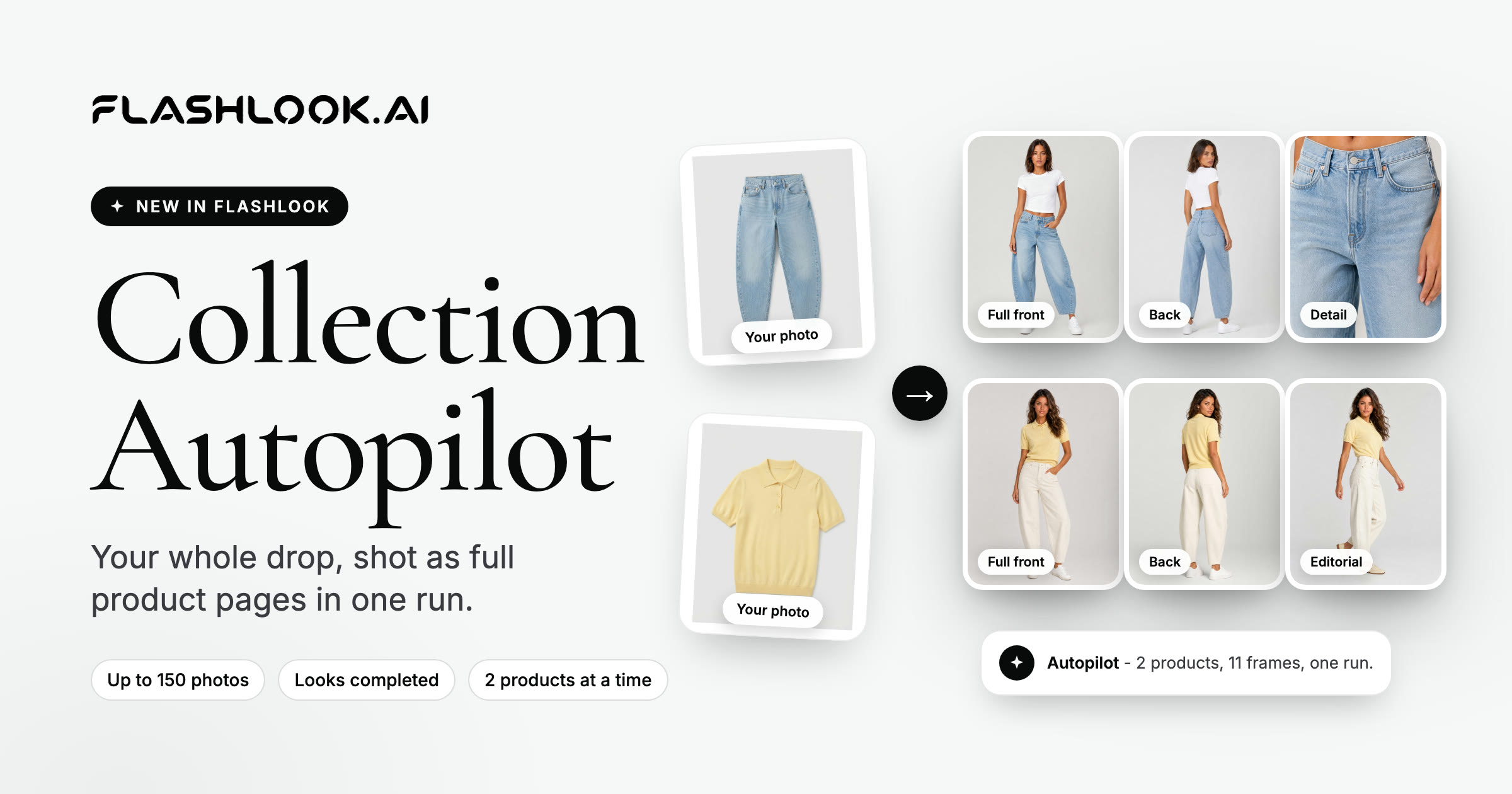
Introducing Collection Autopilot: shoot your whole drop in one run
Upload your collection photos and Autopilot finds the products and colorways, styles every look, casts your models and shoots a full product page - two products at a time.
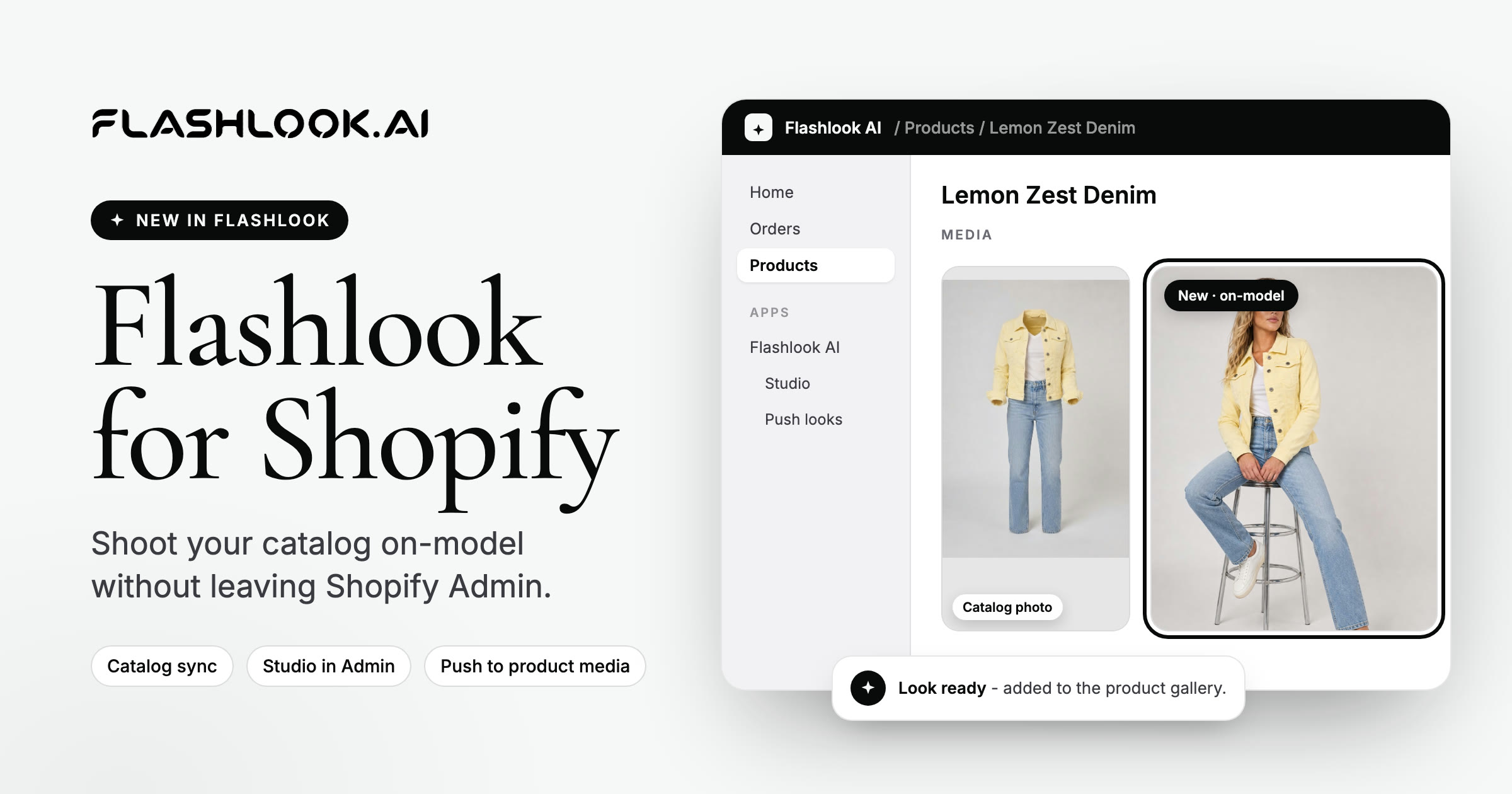
Flashlook AI is live on the Shopify App Store
Install Flashlook AI from the Shopify App Store. Sync your catalog, shoot on-model stills and video, and push looks back to product media.