 FLASHLOOK.AI
Mastering Your Peak Season Catalog: Why Q4 Prep Starts Now
The holiday shopping season, often referred to as Q4, is a make-or-break period for fashion ecommerce brands. But the secret to a successful peak season catalog isn't last-minute rushes; it's meticulous planning that begins months in advance. Discover how to avoid common pitfalls and leverage AI for efficient, high-quality imagery.
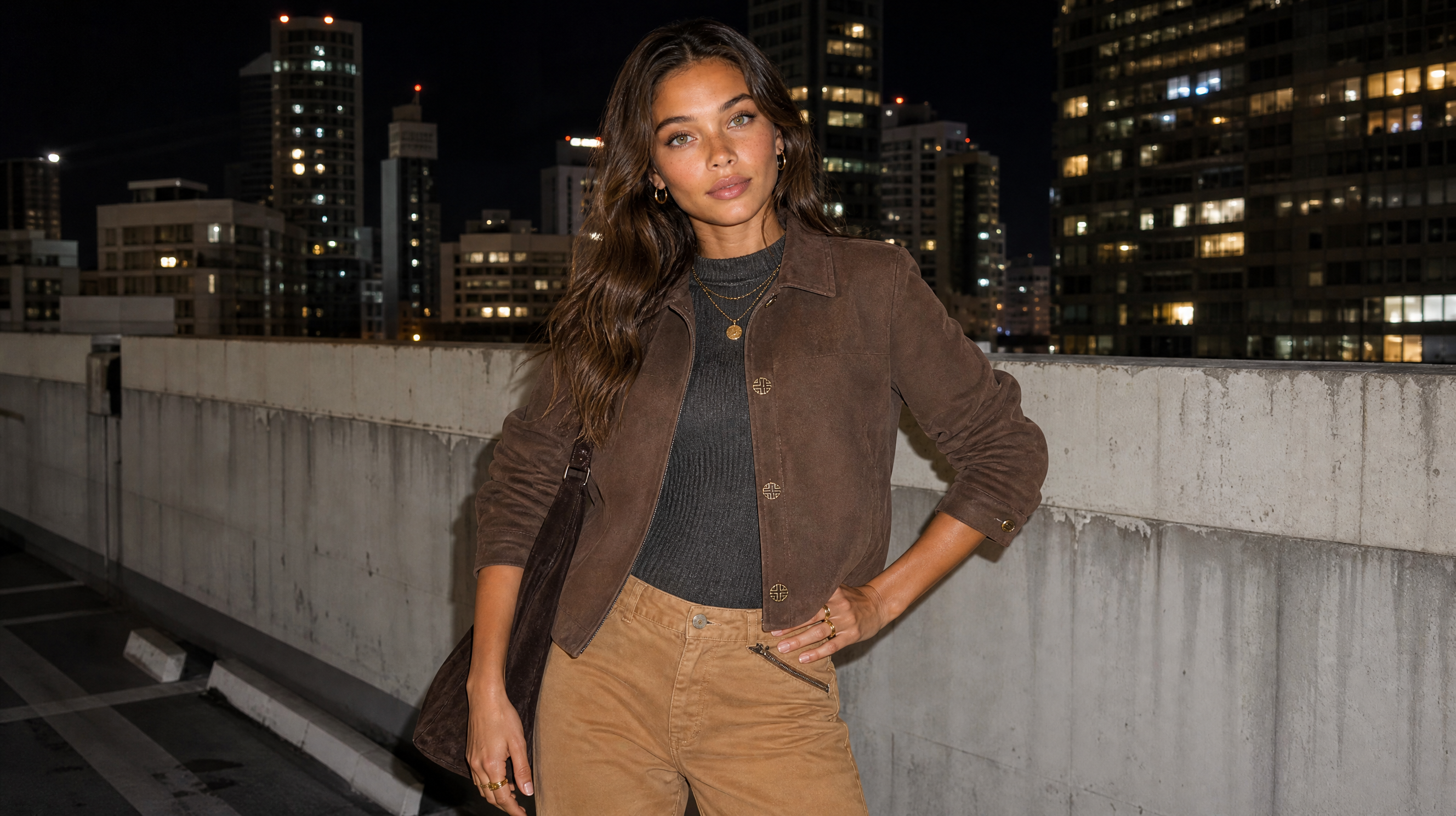
The holiday shopping season, often referred to as Q4, is a make-or-break period for fashion ecommerce brands. But the secret to a successful peak season catalog isn't last-minute rushes; it's meticulous planning that begins months in advance. While many brands eye October as "prep month," the reality is that by then, you're already behind. The true starting gun for peak season catalog photography and overall Q4 readiness fires in August.
Why August is the New October for Q4 Readiness
Most brands fall into the trap of scheduling their holiday imagery forward from today's date, thinking, "we'll do the holiday shoot in October." This approach critically overlooks the upstream deadlines of ad platforms, marketplaces, and email calendars, all of which demand finished assets weeks before the actual sale events. Historically, November and December sales account for roughly 19% of total US retail sales, with a significant portion of shoppers beginning their holiday browsing and buying before November.
Starting your Q4 ecommerce imagery production in August offers substantial advantages:
- Lower Ad Costs: Brands that launch creative testing in August benefit from less competitive ad auctions, leading to up to 23% lower CPMs on platforms like Meta. This allows algorithms to learn and optimize before peak season CPM spikes.
- Ample Testing Time: Creative testing requires 3-4 weeks of real spend data to yield statistically meaningful results. Starting in August ensures you identify winning creative variants before Black Friday week.
- Capacity & Lead Times: Agency capacity fills up, and supplier lead times extend as Q4 approaches. Early planning secures resources and avoids rush fees.
The Critical Role of a Backward-Planned Calendar
Instead of planning forward, successful brands build their holiday catalog prep calendar backward from Cyber Monday. This means identifying your go-live dates for various channels (marketplaces, ad platforms, email campaigns) and then subtracting the necessary lead times for retouching, revisions, and platform approvals.
Here's a simplified backward timeline to consider:
- 14 Weeks Out (Mid-August): Final shot list locked. Merchandising selects hero SKUs, and inventory commitments are made.
- 10 Weeks Out (Early September): Source photography captured. This leaves a buffer for reshoots without incurring rush fees.
- 7 Weeks Out (Late September): Retouching and variants complete. This feeds all downstream channels simultaneously.
- 5 Weeks Out (Early October): Marketplace listings updated. Amazon and Walmart image reviews can take days.
- 3 Weeks Out (Mid-October): Ad creative uploaded and in learning phase. Essential for algorithms to gather conversion data before peak CPMs.
- 2 Weeks Out (Late October): Email and lifecycle assets built. Q4 sends are scheduled and quality-assured in advance.
- 1 Week Out (Early November): Emergency swap buffer. Crucial for handling sellouts or rejected images.

Locking Assets: The Foundation of Efficient Production
One of the most common reasons for Q4 production delays isn't slow shooting, but a lack of asset finality. "Locking" an asset means the product, angle, and specifications are finalized, allowing retouching to begin without interruption. If assets are reopened midway through, the same images get partially re-edited multiple times, turning a two-day job into a two-week ordeal.
The lock date should be determined by the earliest point customers might see the images, not just your campaign announcement date. With shoppers browsing in October, working backward from Black Friday alone is often too late. A practical approach: take your intended go-live date, subtract your production partner's turnaround window, and then add a buffer for at least one revision round. For high-volume Q4, this means multiple batches, each requiring careful sequencing.
Briefing Your Production Partner: Clarity is King
Vague specifications and scattered feedback are silent killers of Q4 timelines. Before a single image is touched, a comprehensive brief must define:
- Style Standards: Color, lighting, crop, shadow, and skin-finish standards.
- Workflow Allocation: Which tasks can be handled by faster AI-assisted first passes versus those requiring a senior retoucher's attention.
- Centralized Feedback: A single system of record for feedback (e.g., a DAM comment thread or shared proofing tool) to prevent conflicting notes from different departments.
Most revision cycles stem from briefing gaps, not a lack of talent. These gaps become exponentially problematic when dealing with hundreds or thousands of SKUs, where every small unresolved detail multiplies across the catalog. A well-defined brief, established well before the asset lock date, empowers your production partner to plan capacity and execute efficiently.

Overcoming Q4 Production Bottlenecks with AI
Even with meticulous planning, fashion peak season production faces unique pressures: backlog, consistency drift, and team burnout. Traditional photography and retouching workflows, designed for routine volume, often buckle under the sheer scale and speed required for Q4.
This is where AI-powered solutions like Flashlook offer a transformative advantage. Instead of a second, costly photoshoot for seasonal variants, AI product photography inverts the constraint. Your existing catalog captures become source material, allowing for:
- Seasonal Restaging: The same product photo can be placed into a festive environment, composed into a bundle, or color-graded to a warmer palette without reshooting.
- Channel-Specific Variants: Generate multiple aspect ratios and crops from a single capture, ensuring compliance with diverse platform requirements (e.g., Amazon's pure white background for main images vs. Meta's negative space for ads).
- Gift-Context Shots: Easily create images of products staged as presents, addressing the Q4 shopper's question: "Will this arrive looking like a gift?"
- Bundle Compositions: Create hero images for bundles, showcasing every component, rather than relying on text lists or reused single-product photos.
Flashlook's approach combines the speed and consistency of AI with a crucial human QC layer. While AI excels at generating consistent first-pass edits across vast SKU counts, human oversight ensures nuances like fabric texture, reflections, and skin tones remain perfectly on-brand. This hybrid model prevents the "drift" in consistency that can occur under pressure, ensuring your entire catalog maintains a cohesive holiday look.
By leveraging AI, brands can refresh their entire gifting catalog, not just bestsellers, at a fraction of the cost and time of traditional methods. This means generating 6-8 channel variants per SKU in days, not weeks, and at up to 85% less cost than a second shoot.
The Five Holiday Shots That Drive Conversion
Effective Q4 ecommerce imagery isn't just about adding snowflakes; it's about answering the holiday shopper's unique questions. Focus on these five types of shots:
- The Gift-Context Shot: Product staged as a present (wrapped, ribboned, or beside a gift bag). This reframes the product as a solution to "what do I get them?"
- The Scale-and-Recipient Shot: In-hand or in-use imagery that helps buyers visualize the item for the intended recipient. Gift buyers can't try it on, so scale ambiguity is a conversion killer.
- The Bundle or Set Shot: If you sell bundles, create a dedicated hero image showing every component. Q4 average order value often comes from bundles.
- The Seasonal-Palette Lifestyle Shot: The same product in a warmer, festive environment. Your evergreen white-background hero stays, but the lifestyle slot rotates to seasonal styling.
- The Negative-Space Ad Crop: A version with deliberate empty space for promotional text, sized for paid social. This avoids cramped ad creative.
Flashlook's Atelier allows brands to generate these critical variants efficiently, ensuring every product is presented optimally for the holiday season.
Channel Specifications: One Product, Many Crops
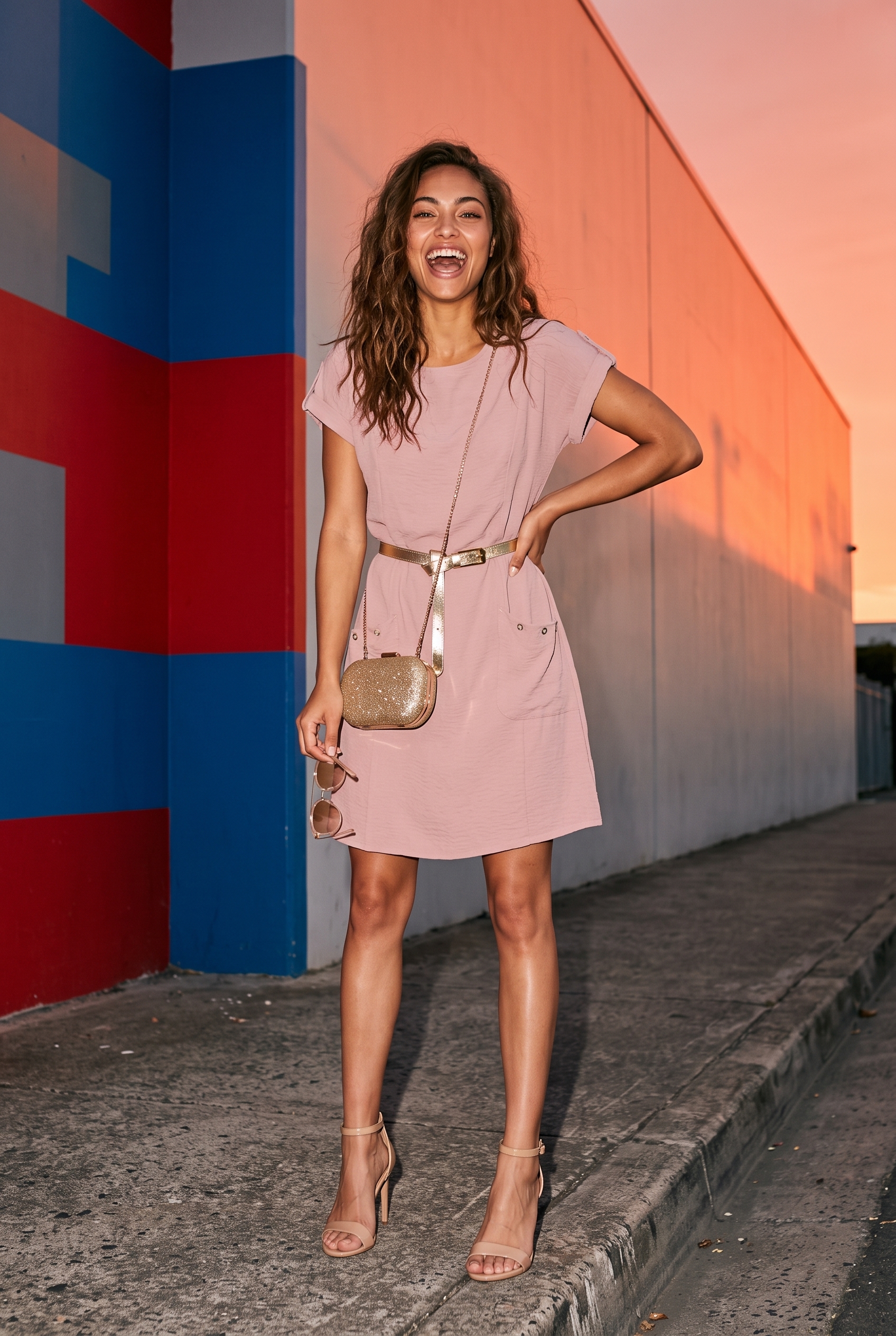
A common oversight is failing to plan for diverse channel specifications. An image perfect for your Shopify PDP will be letterboxed on Meta, cropped badly on Pinterest, or rejected by Amazon. Plan aspect ratios upfront so one composition session produces every necessary variant.
For example, Amazon's main image requires a pure white background with no props or overlays, even during the holidays. Holiday styling should be reserved for secondary images or A+ content. Meanwhile, Meta and TikTok stories demand a 9:16 aspect ratio with the product in the middle third, safe from UI elements. Pinterest thrives on 2:3 vertical gifting scenes.
Flashlook streamlines this process, allowing you to generate a full set of on-brand seasonal and channel variants from a single clean product capture, preserving the product itself rather than regenerating it. Learn more about how this works on our How It Works page.
Build a Rollback Plan Before Peak Week
Every Q4 has an image emergency: a bestseller sells out, a bundle changes, or a marketplace flags an image. Brands that handle these well aren't faster editors; they prepared for reversibility.
Before peak week, ensure you have:
- Versioned Assets: Keep evergreen heroes as distinct files, never overwritten by holiday variants. Reverting should be a simple swap.
- A Dated De-Holiday Task: Schedule the December 26 revert now. A gift-wrapped hero in February signals a neglected store.
- No-Overlay Fallback: For every promo image, have a version without promotional text or overlays, in case discounts or claims need to change.
By embracing early planning, leveraging AI for efficient content generation, and understanding the unique demands of peak season catalog photography, fashion brands can navigate Q4 successfully, turning potential bottlenecks into opportunities for growth and conversion.
FAQ
When should I start preparing my Q4 holiday catalog imagery?
You should start preparing your Q4 holiday catalog imagery in August, not October. This allows ample time for creative testing, lower ad costs, and securing production capacity before the peak season rush and increased competition.
What are the key benefits of starting Q4 creative production early?
Starting early leads to significantly lower ad costs (up to 23% lower CPMs on Meta), sufficient time for creative testing to identify winning variants, and the ability to secure agency and production partner capacity before it fills up, avoiding rush fees and delays.
How can AI help with peak season catalog photography?
AI tools like Flashlook can transform existing product captures into seasonal variants, create gift-context shots, compose bundles, and generate channel-specific crops without needing a second photoshoot. This saves significant time and cost, allowing brands to refresh their entire catalog efficiently.
What are the most important types of holiday shots for conversion?
Focus on the gift-context shot (product as a present), the scale-and-recipient shot (in-use imagery), the bundle or set shot (showing all components), the seasonal-palette lifestyle shot (warmer environment), and the negative-space ad crop (for promotional text).
Why is a 'rollback plan' important for Q4 imagery?
A rollback plan ensures you can quickly adapt to emergencies like bestsellers selling out, bundle changes, or marketplace rejections. This includes having versioned assets, a scheduled 'de-holiday' task for post-season, and no-overlay fallbacks for promotional images.
What is 'locking assets' and why is it crucial for Q4 production?
Locking assets means finalizing product, angle, and specifications before retouching begins. This prevents costly re-edits and ensures your production partner can plan capacity effectively, avoiding delays caused by mid-batch changes.
Consistent AI fashion models for catalog and UGC. Open Studio · Browse AI Fashion models